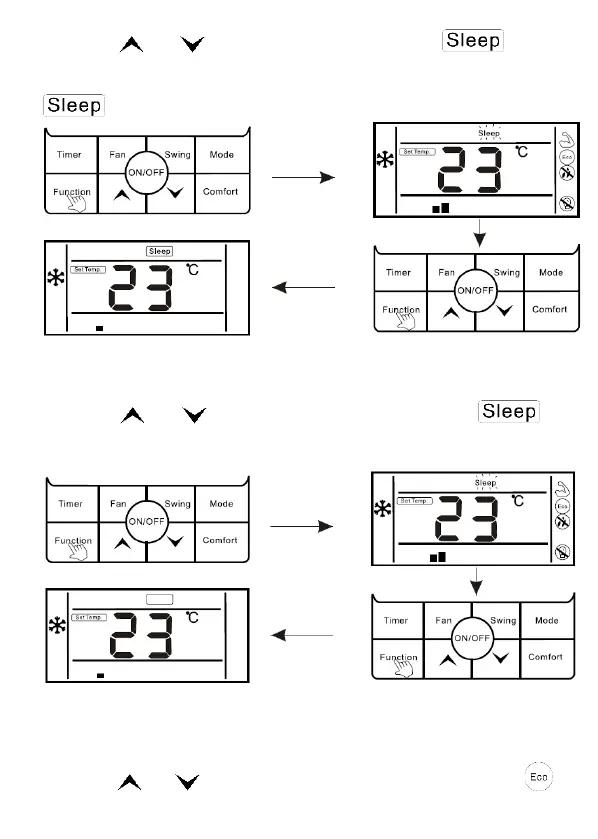
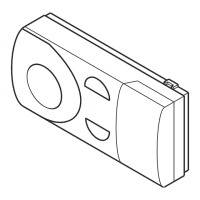
2. Press " " or " " button to switch to sleep function, “ " icon is
flashing at this moment.
3. Press" Function" button to open sleep function, at this moment, icon “
” is lighting.
Cancel "sleep" function:
1. When sleep function is opened, press "Function" button to enter the interface
of function selection.
2. Press " " or " ” button to switch to sleep function, icon is
flashing.
3. Press "Function" button again to cancel sleep function.
The setting of "ECO" function
Enter ECO function:
1. Press "Function" button to enter the interface of function selection.
2. Press “ " or " ” button lo switch lo ECO function, at this moment, “ ”
icon is flashing.



 To Next Page