Setting Up the Touchscreen and Cables
SETTING UP THE PREPSTATION CART
M00205 v1.1 Page 4
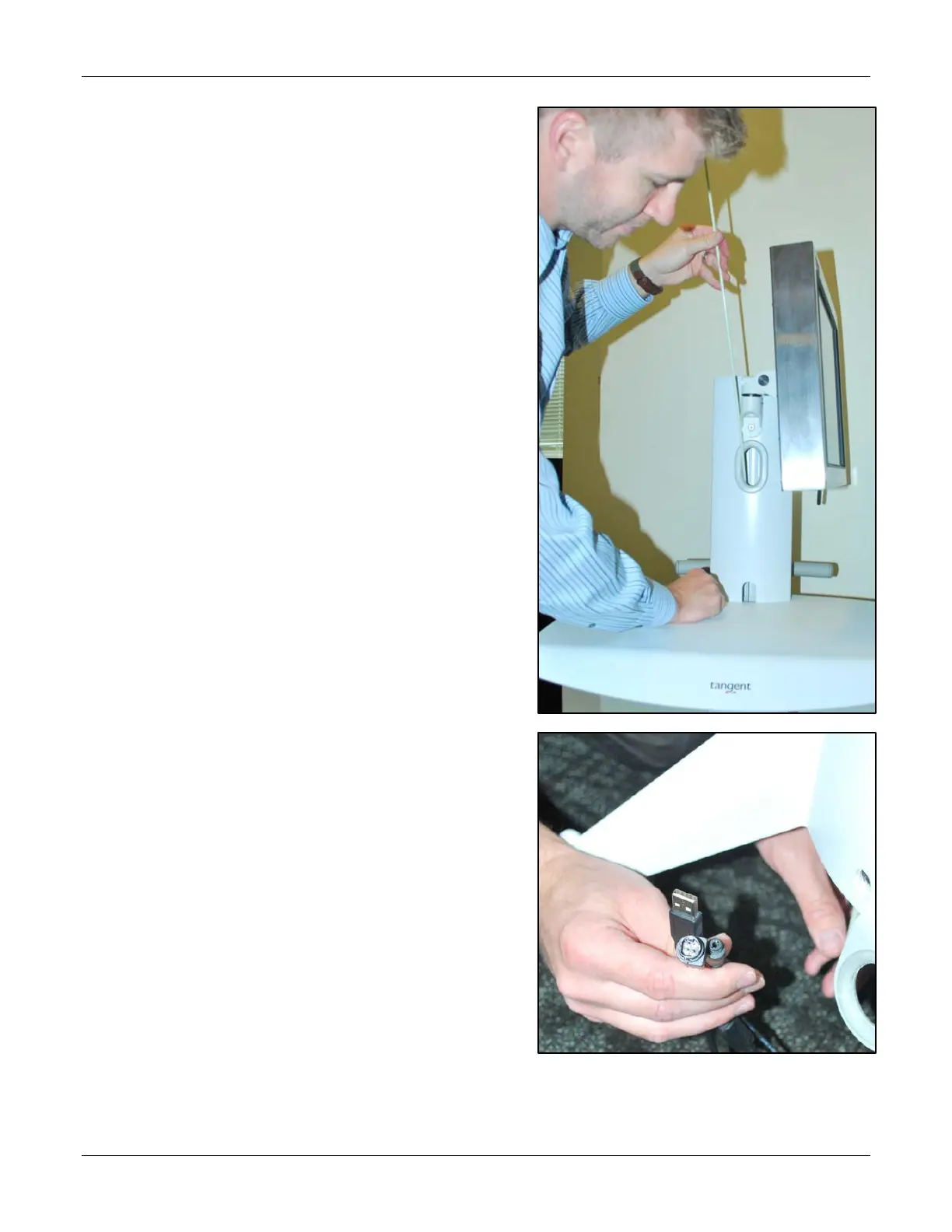
5. Insert the cable guide in the
top of the tower until it pokes
out the bottom.
6. Snag the cords with the cable
guide.
Tip! Pull all cords together at
one time. Pulling the cords
individually is more difficult.



 To Next Page