The status of the following features appears:
Installed Modules: 1, 2, 3, …(etc)
Port Select Code is .........................$BT
Attention Character is ...................;
Disconnect Time Guard is .............Disabled
Port ID Echo is ...............................Disabled
Unit ID is .........................................DS71-MD2 (or DS71)
DCD Logon/Logoff is ……………..Disabled (DS71 only)
NOTE: The entries in parentheses are added to help clarify what
you may see in the menu. These parentheses do not appear on your
screen.
Local Modem Setup: (* DS71-MD2 only)
Rings to Auto-Answer ............. 2 (*)
Modem to Modem Xon/Xoff FlowControl..Disabled (*)
Modem Connectivity is .........…. 60 minutes (*)
Escape Character is ..............…. 43 + (*)
Login Setup:
Header is .................................. Enabled
Password is .............................. Disabled
Menu is .................................... Enabled
Auto Connect Port is .............. Module 2, Port 1
Auto Connect is ....................... Disabled
Strike Any Key to Continue
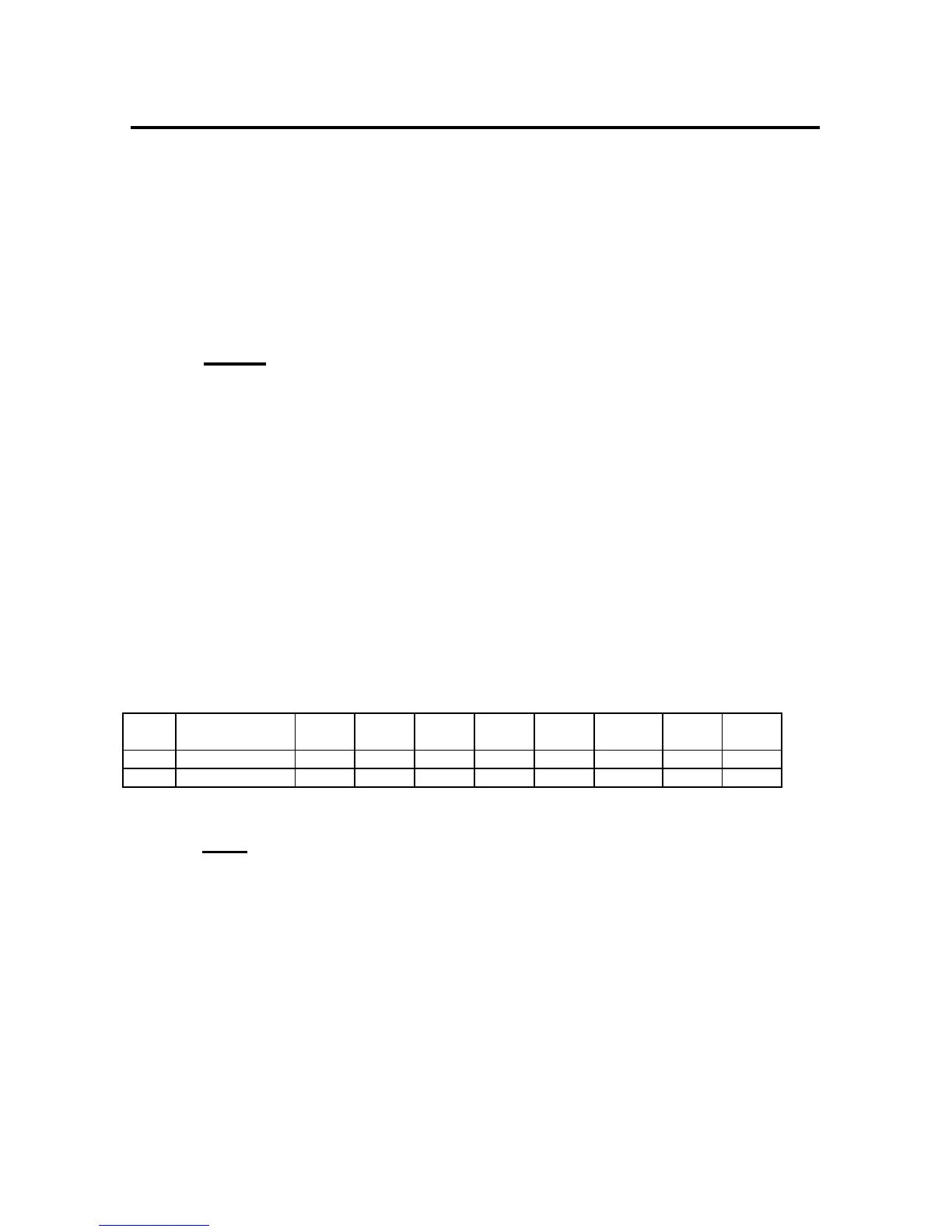
Port Device
Name
Baud
Rate
Word
Size
Stop
Bits
Parity Xon/
Xmit
Xoff/
Recv
Line
DTR
Drive
RTS
1 Host EIA-232 9600 8 1 None Off Off High High
2 Host Modem 57.6k 8 1 None Off Off High High
Strike any Key to Continue
Note: On the DS71 module only Port 1 will be displayed since
there is no Host Modem installed.
SERIAL PORT DS-Series host modules translate data
CONFIGURATION for devices using different serial
configurations. See Appendix A,
“SPECIFICATIONS” for available serial
parameters. Default Serial Port
Configurations are 9600 bps, 8 data bits,
1 stop bit, no parity, Xon/Xoff disabled,
RTS high, and DTR low.



 To Next Page