Update of the firmware
bbe BenthoTorch Manual Page 102
Update of the firmware
To update the internal software,the following steps are necessary:
1. Get the Software “BBEFirmwareTool.exe” from bbe service
2. Get the latest firmware version from bbe service
3. Charge the AlgaeTorch resp. BenthoTorch
4. Connect the AlgaeTorch/BenthoTorch to a PC
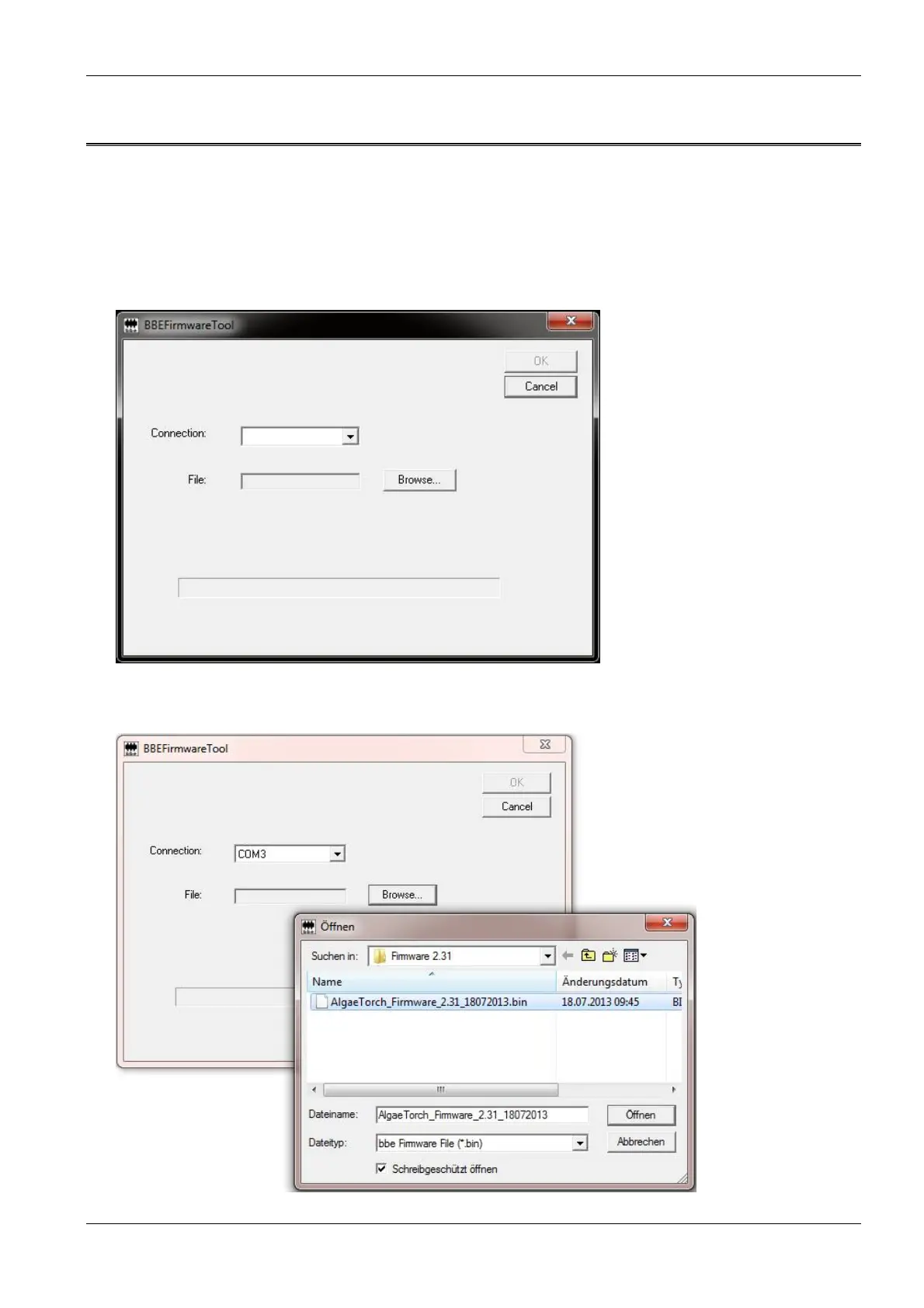
5. Start BBEFirmwareTool.exe:
6. Choose the COMport
7. Select the firmware update file from your PC



 To Next Page