bbe++ Software
bbe BenthoTorch Manual Page 41
General considerations for storing and displaying data and parameters in bbe++
W
HAT IS STORED IN A BBE
++
DATABASE
?
The measuring results and instrument parameters of different bbe instruments are stored. It is possible to
retrieve the corresponding instrument parameters for each single result.
In the so-called “Summary View” the serial numbers of the instruments and the time ranges for all data stored in
this database are shown. This view can be used to select the desired data as well as the corresponding
parameters for display.
The database files are marked with the extension *.bdb (bbe database)
W
HERE IS THE DATABASE STORED
?
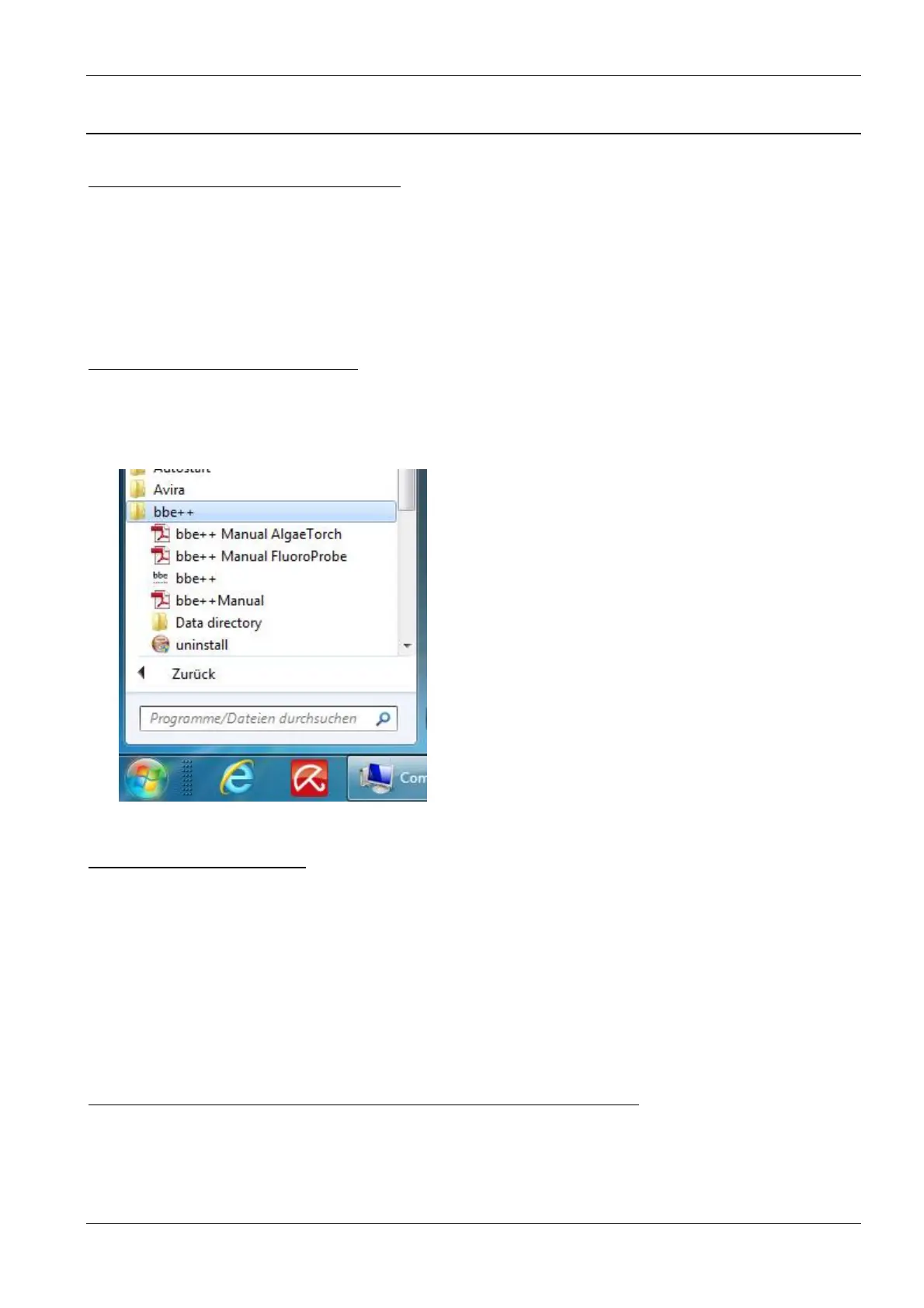
The database of bbe++ is stored in the standard application folder of Windows. The name of the folder depends
on the operation system and the language. For example: C:\ProgramData\bbe++ in the Windows 7 English
version. To access this folder easily, there is a link in the start menu called “Data directory”:
H
OW TO DISPLAY THE DATA
?
In the bbe++ software, different views have been pre-defined for each instrument:
• graphics
• tables
• single dataset
• data export
User-defined views may be added as well.
S
IMULTANEOUS DISPLAY OF DATA OF DIFFERENT TYPES OF INSTRUMENTS
After opening a database file, the data of different instruments of the same type may be displayed
simultaneously. To display the data of another type of instrument from the same database file, this file can be
opened more than once.



 To Next Page