Use of the BenthoTorch
bbe BenthoTorch Manual Page 13
Use of the BenthoTorch
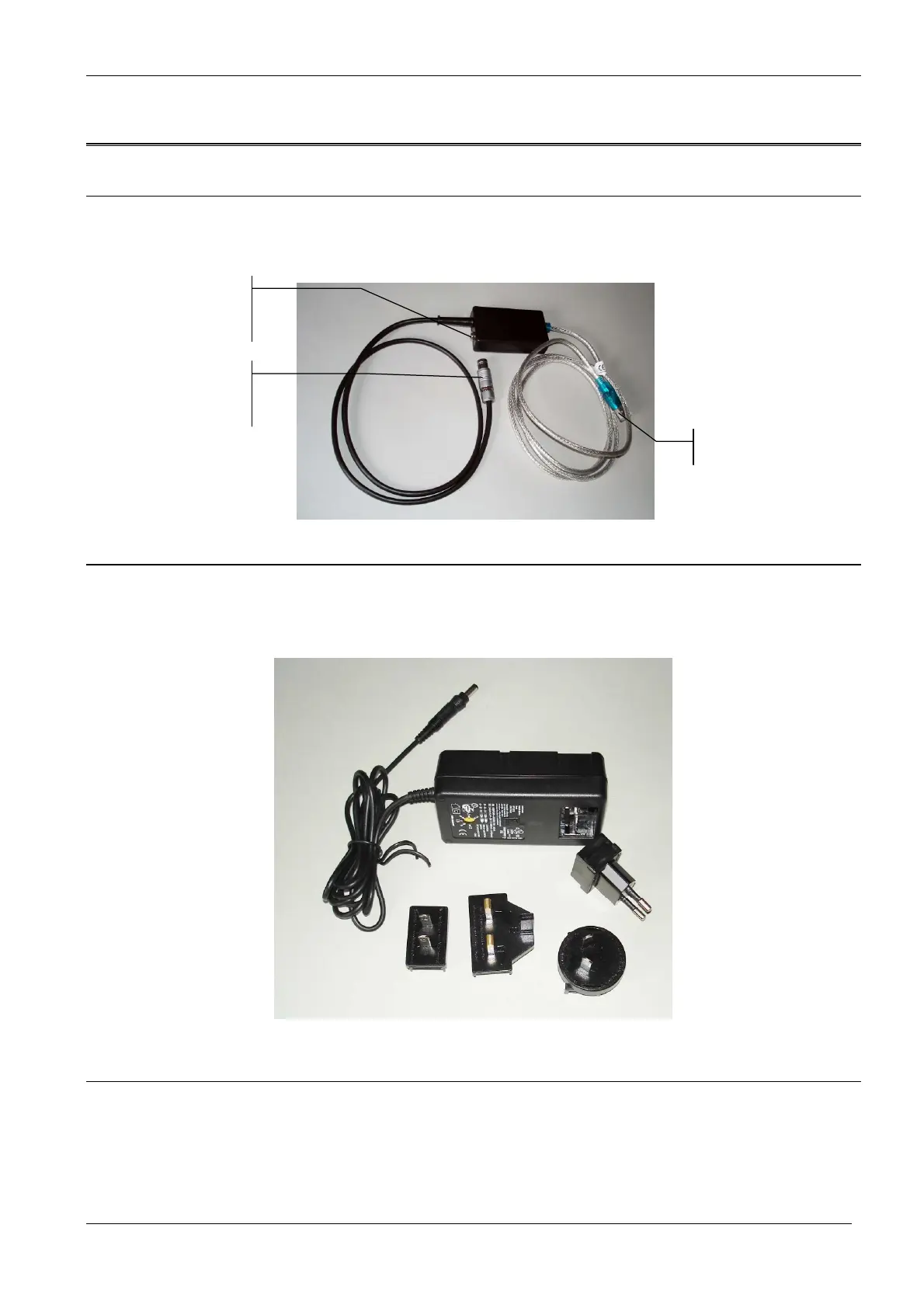
USB connecting cable of the BenthoTorch
The BenthoTorch comes with a connecting cable. This cable has two functions: connecting the Torch to a PC
and connecting a power supply to the torch.
USB connector
Power supply of the BenthoTorch
The BenthoTorch comes with a power supply to charge the BenthoTorch and use it continuously. The power
supply comes with different country-specific mains plugs. Choose the connector for your country and click in
onto the power supply as shown below.
Use of the BenthoTorch with the powersupply
• Connect the small end of the cable to the box of the “connecting cable” of the BenthoTorch.
• Connect the power supply to the mains.
• If the internal battery is not fully charged, charging will start (see below, page 14)
When using the power supply, the BenthoTorch will not switch off completely, but the display illumination will be
turned off after some minutes if the touch keys have not been used.



 To Next Page