Operating the bbe BenthoTorch
bbe BenthoTorch Manual Page 33
Restore factory
settings??
ESC OK
Choose OK to reset the settings to the original values.
Correction factor
The determination of chlorophyll depends on the method of analysis. Even if a lab obtains consistent results – for
example by diluting – the variation from one lab to another can be enormous. To fit the total chlorophyll
concentration to your method, this factor can be used. The default setting is 1. To obtain a result which is 10%
higher, choose 1.1.
gl. corr fact.
1.00
OK + - ESC
Connecting the bbe AlgaeTorch / BenthoTorch / AlgaeLabAnalyzer via USB to a PC
To connect the bbe AlgaeTorch, BenthoTorch or AlgaeLabAnalyser to a PC a USB driver has to be installed first.
Hint:
Older versions of the converter do not work with Windows 8 and up. Please contact the bbe service.
USB
D
RIVER
S
ET
-U
P
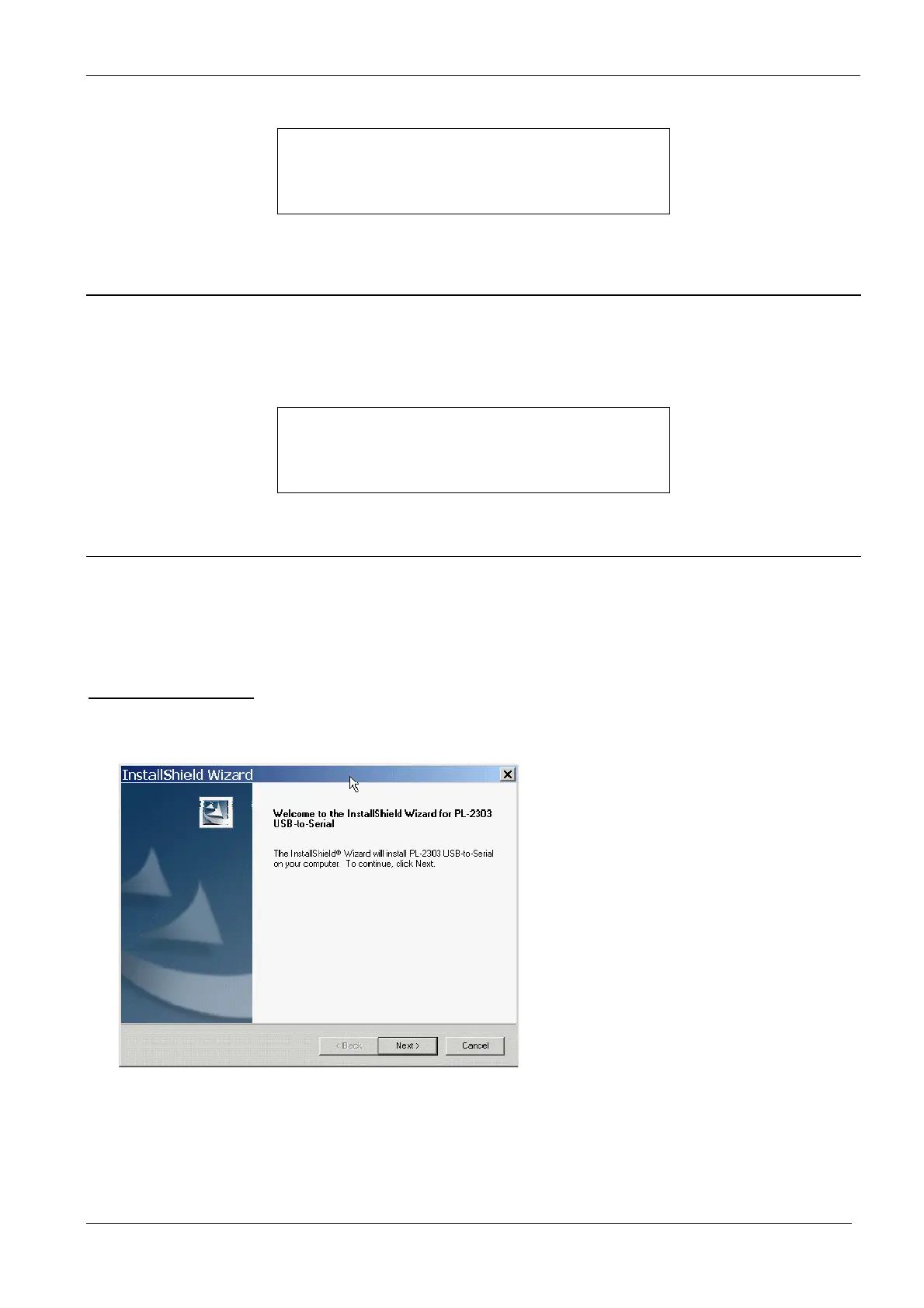
Please insert the bbe CD again. Then, start the application PL2303_Prolific_DriverInstaller.exe in the folder
<CD-Drive>:\driver\PL2303_Prolific_DriverInstaller



 To Next Page