The Menus
bbe BenthoTorch Manual Page 52
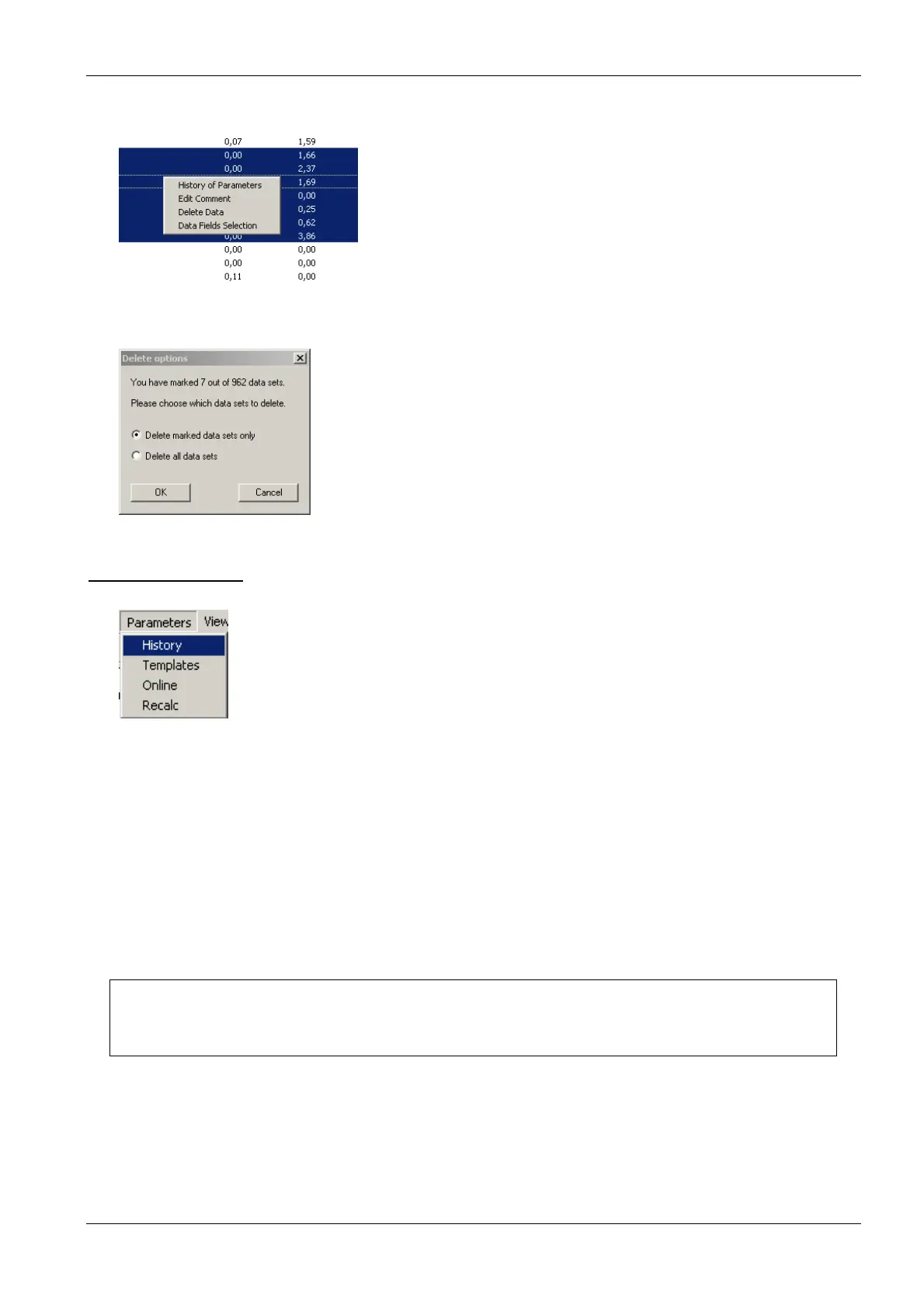
Go to “E
DIT
D
ELETE DATA
” or use right click on the marked datasets:
Click OK to delete the data.
P
ARAMETERS
M
ENU
This menu contains commands to:
• display parameters of datasets stored in the database (History)
The following items are not available for AlgaeTorch and BethoTorch:
• apply a user-defined selection of parameters to an instrument (Template)
• display and change parameters in the instruments (online)
• recalculate the datasets in the database with another set of calibration parameters (Recalc)
Each selection in the menu leads to one tab of the Parameters window.
Please note:
Only parameters of the current type of instrument are shown.
It depends on the user level, whether a parameter is shown or not. The higher the user level, the
more parameters are shown.
For example of parameter listings for user levels, please see the examples below.



 To Next Page