The Menus
bbe BenthoTorch Manual Page 61
1 hour
6 hours
1 day
7 days
Session
The toolbar “Session” contains buttons to navigate from one measurement to another. One measurement is
defined as a number of consecutive data sets that do not differ in the point of measurement by more than a
given value. This value can be set in “T
OOLS
” “S
ETTINGS
”
“D
ISPLAY
”.
Connection State
The toolbar “Connection state” shows the status of the connection to the connected instrument:
The colour indicates the status:
Black: Not connected, the PC has not tried to establish a connection
Yellow, blinking Not connected, the PC is trying to establish a connection
Green Connected
This is not a button, but an indicator only.
Auto-Update
If auto-update is activated and a new data-set is generated during the measurement, this data-set is shown in
the graphic or list window. If the displayed period does not contain this current point in time, the displayed period
is changed automatically, so that the latest data-set is shown.
If auto-update is deactivated, the displayed period does not change. This is useful when doing data analysis
during the measurement.
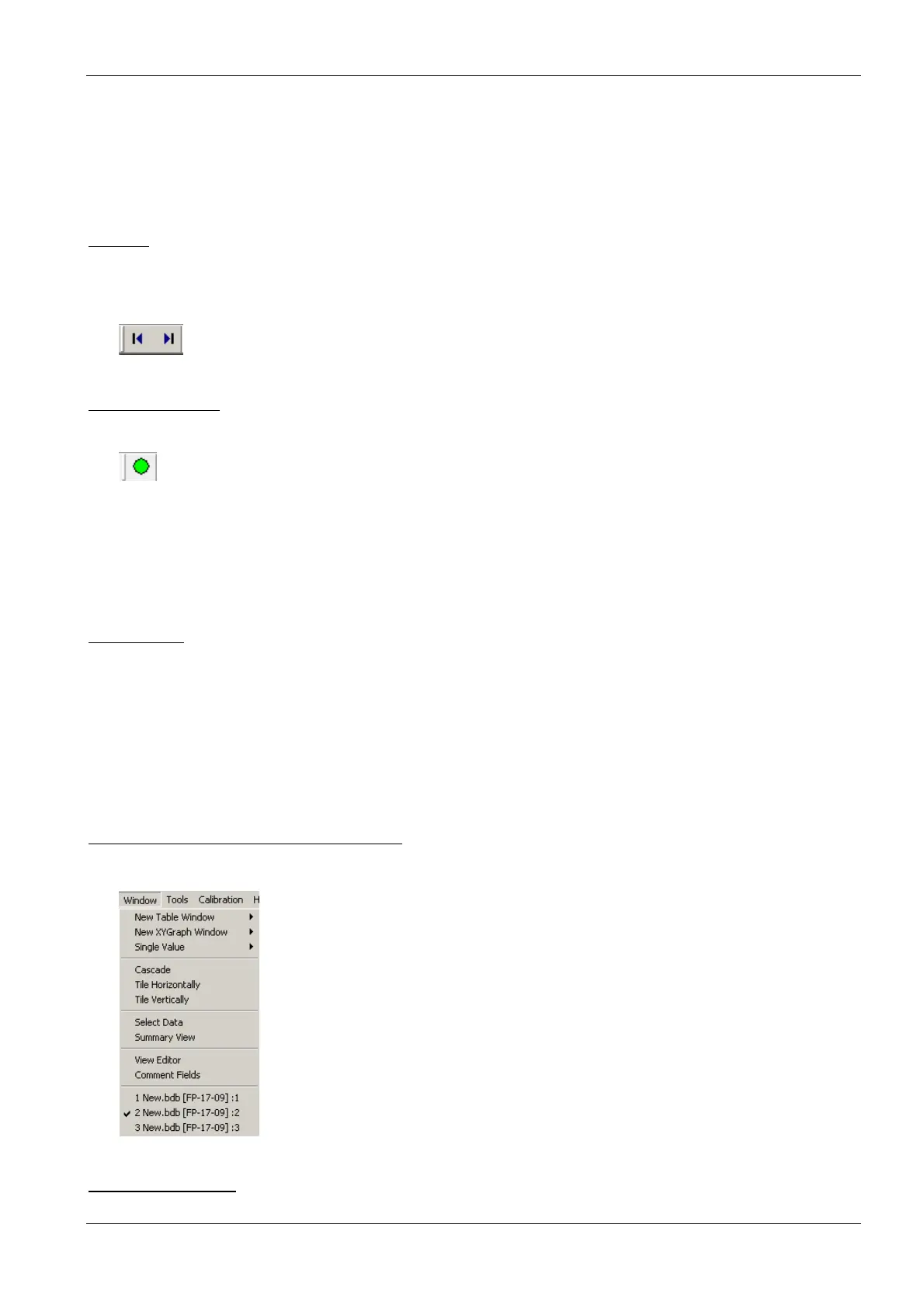
Window – Advanced functionality only
This menu contains commands to show, arrange and edit different views to display the data.
New Table Window
Opens a new window and displays the data according to the selected window type.



 To Next Page