3.Files:selection of reproduced files on the disc
#Options: Audio, Picture, Video.
#Default option: A, P, V
4. Repeat : file repeat mode
#Options: Off, Single, All.
#Default option: Off.
5.Load effect: type of transition from one JPEG
file to another
#Options: Off, from top, from bottom
#Default option: Off.
2.4.6 Karaoke settings menu
1. Microphone: Microphone on/off
#Options: On, Off.
#Default option: Off.
2. Kar. help: karaoke disc playback mode
#Options: L Channel , R Channel , No ast , No
voc.
#Default option: No ast .
Microphone
Kar. Help
Volume
Echo
On
Off
Off
No VOC.
5
5
Microphone
Kar. help
Volume
Echo
On
No ast.
5
5
Microphone
Kar. help
Volume
Echo
On
No ast
5
5
3. Volume:
Microphone: microphone sound volume level.
#Using the UP/DOWN buttons adjust the
microphone volume level.
#Press LEFT key of the UP/DOWN buttons to
return to karaoke settings menu.
4.Echo: echo level while playing the karaoke disc
#Adjust the echo level Using the UP/DOWN buttons.
#Press LEFT key of the UP/DOWN buttons to return
to karaoke settings menu.
2.4.7 Preference settings
1.Gr. Equalizer: spectrum analyzer
#Options: On, Off.
#Default option: Off.
3.Screensaver:screen saver on/off
#Options: On, off.
#Default option: On.
- 10 -
On
Off
Gr. Equalizer
Screensaver
Off.
On
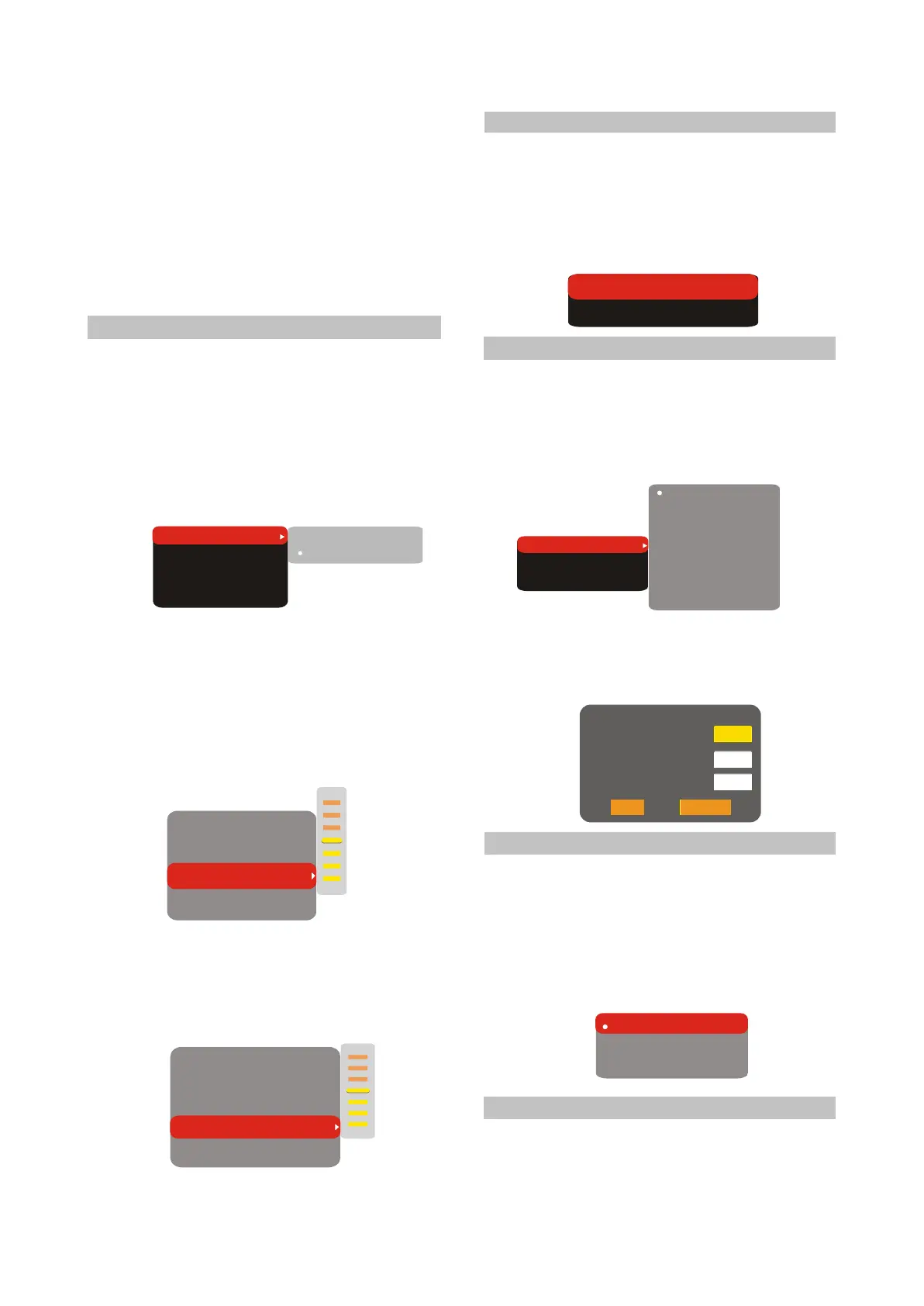
2.4.8 Parental Control
1.Category:setup of age restrictions to prevent
children from seeing undesirable discs.
#Options: Any, Kid, G, PG, PG-13, PGR, R, NC-
17.
#Default option: Any.
Any
Kid
G
PG
PG-13
PGR
R
NC-17
Allowed..
Set password
Any
2.Set password: setup of a four-digit password
to change the level of age restrictions.
#Default option: 7890.
Old password
New password
Verify
OK
Cancel
Auto
PAL
NTSC
2.4.9 Initial setup menu
#Press the RIGHT key of the UP/DOWN buttons
to enter the initial setup menu, then select the
desired item using the buttons Up and Down
and press OK key for confirmation.
#While being in this menu section, you cannot
return to the previous level by pressing the
LEFT key of the UP/DOWN buttons.
2.4.10 Reset to defaul ts
Resetting all settings and restoring default
options, except age restrictions level and
password.



 To Next Page