EasyManua.ls Logo

BBK DV118SI - Page 27

BBK DV118SI
43 pages
Print Icon
To Next Page IconTo Next Page
To Previous Page IconTo Previous Page
Loading...
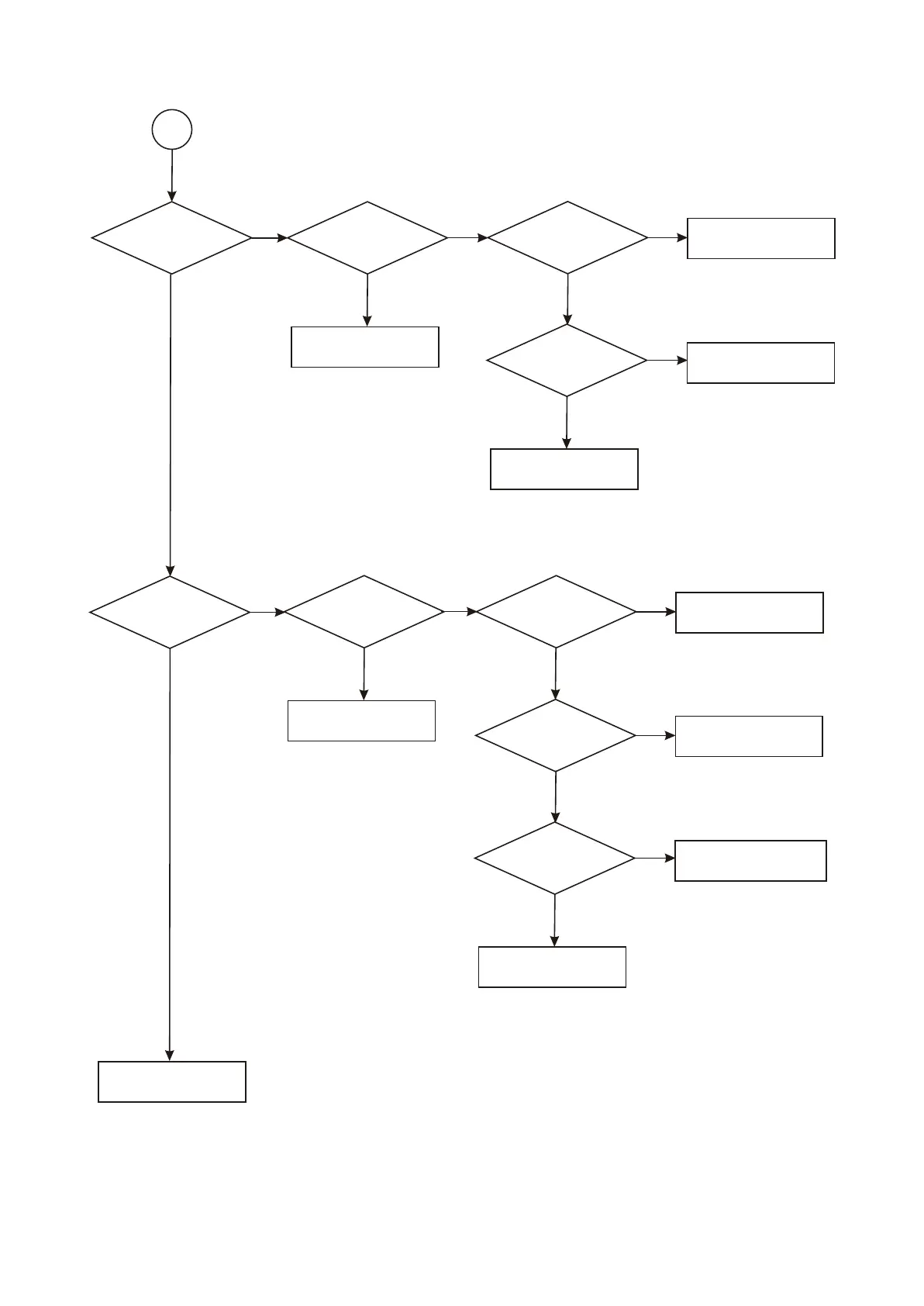
B1
Check
whether sound output
is normal
Check
whether power
supply of pin 4, 8 of 4558
is normal
Check
whether pin 1 of 4558
has sound
output
Check whether mute
circuit is normal
Check power supply
circuit of power board
Whether
C22 capacitance has
sound output
Replace MT1389 chip
Replace 4558 chip
Check
whether karaoke
is normal
Whether
software is open
Check
whether MIC board
karaoke signal is
normal
Replace MT1389 chip
Turn on MIC switch ON
Check
whether power
supply of 4558 is
normal
Check power supply circuit
Check
whether pin 7 has
karaoke signal
output
Replace microphone socket
Replace 4558 chip
Troubleshooting of
player is finished
N
Y
N
N
Y
Y
N
Y
N
Y
Y
N
N
Y
N
Y
N
Y
- 22 -

Table of Contents

Related product manuals