RX45Q User’s Manual
44
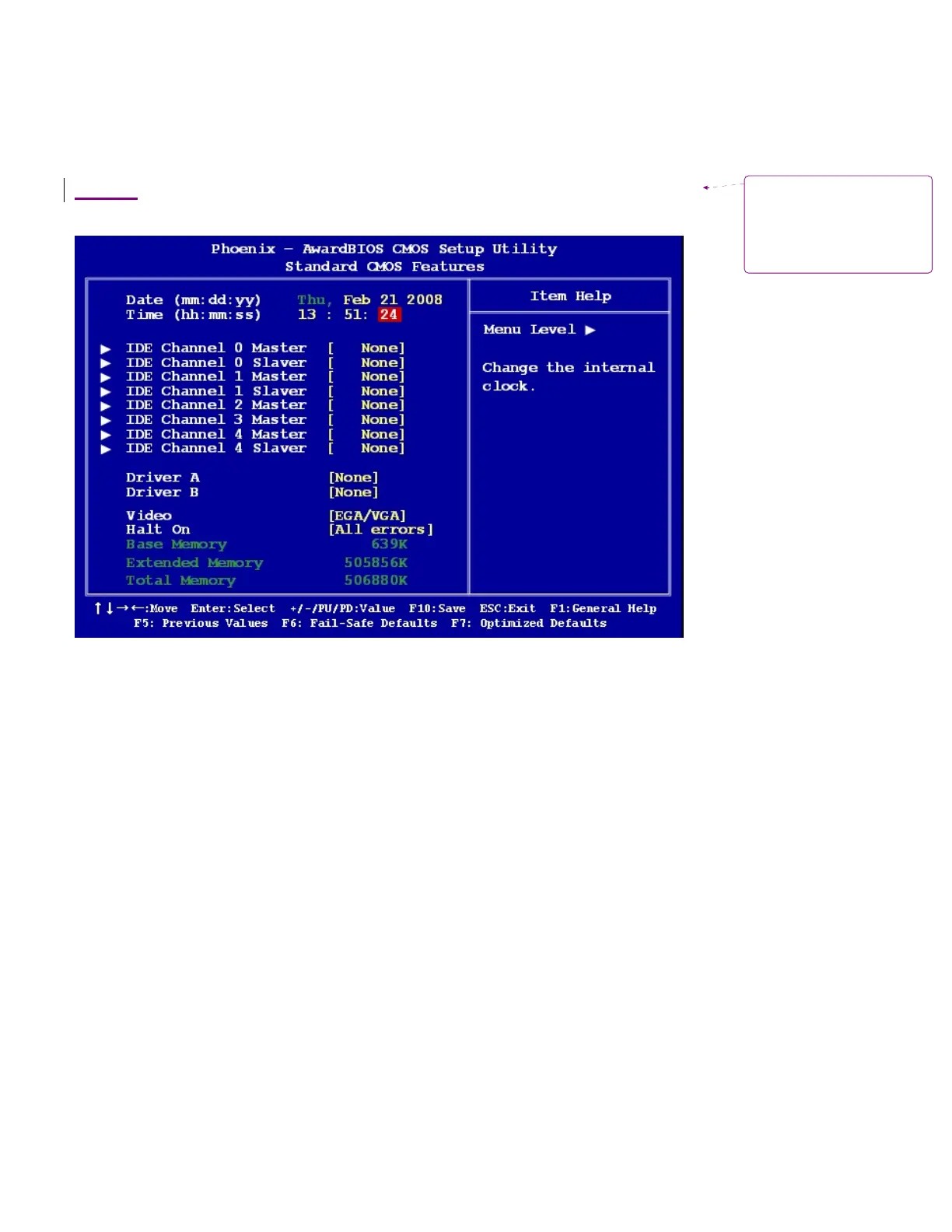
2.2.1 Standard CMOS Features
The Standard CMOS Features screen gives you an overview of the basic system
2.2.1.1 Date [Day, xx/xx/xxxx]
The
date format
is
<week>, <month>, <day>, <year>.
2.2.1.2 Time [xx:xx:xx]
The time format is
<hour>
<minute> <second>,
based
on the 24-hour clock.
2.2.1.3 IDE Channel 0/1/2/3/4 Master / Slave
IDE HDD Auto-Detection
[Press Enter]
to select this
option for automatic device detection.
IDE Device Setup
[Auto]: Automatically detects IDE devices during POST
[None]: Select this when no IDE device is used. The system will skip the auto-detection setup to make
system start up faster.
[Manual]: User can manually input the correct settings.
Access Mode: The options are CHS/LBA/Large/Auto
Capacity: Capacity of currently installed hard disk
Cylinder: Number of cylinders
Head: Number of heads
Precomp: Write precomp
Landing Zone: Landing zone
Sector: Number of sectors
Formatted:
Heading 3, Left,
Space Before: 0 pt, After: 0 pt,
Outline numbered + Level: 3 +
Numbering Style: 1, 2, 3, … +
Start at: 1 + Alignment: Left +
Aligned at: 0" + Tab after: 0" +
Indent at: 0"



 To Next Page