RX45Q User’s Manual
63
2.2.8.5 Vcore and Others Voltage
This shows the voltage of VCORE, +5V, +12V, VBAT(V), and 3VSB(V).
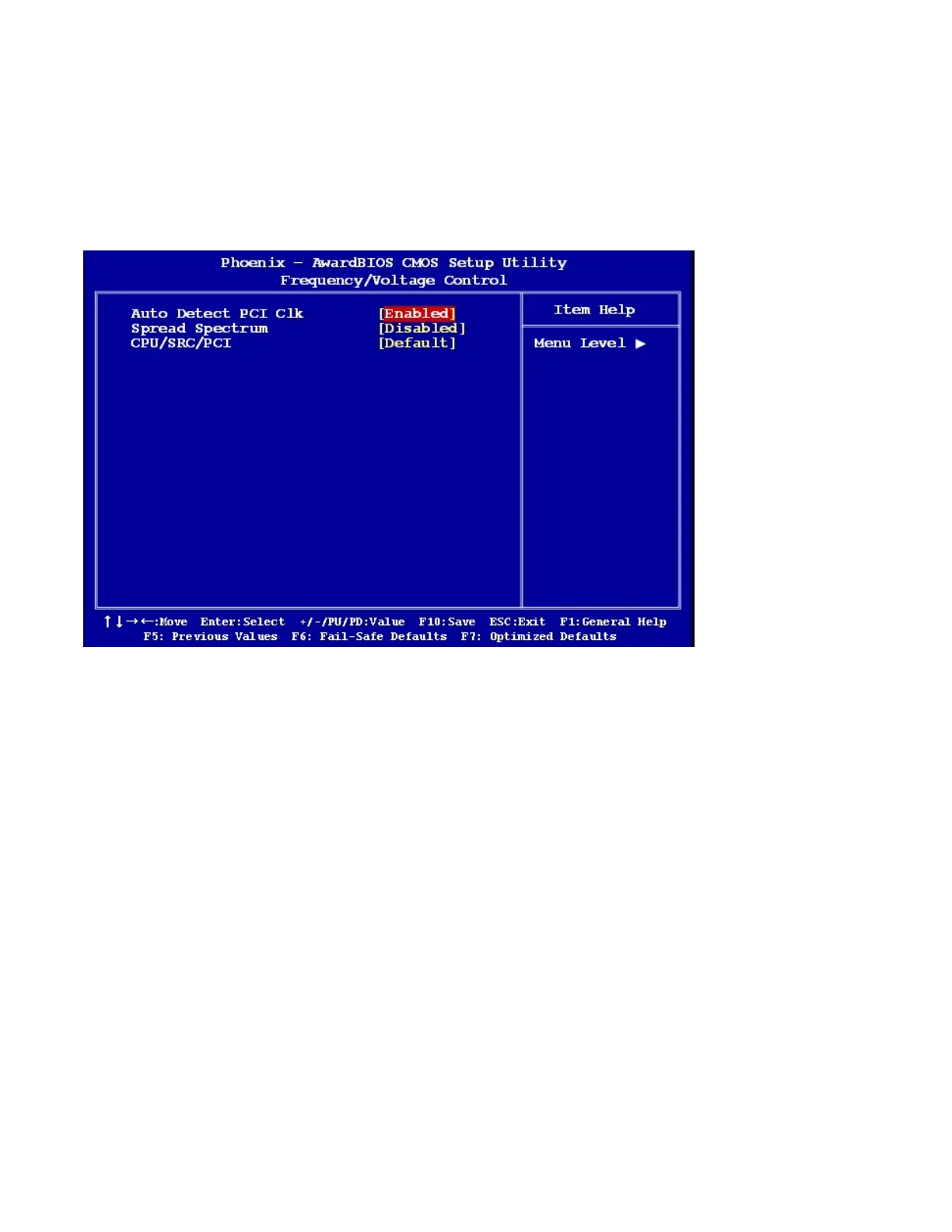
2.2.9 Frequency/Voltage Control
2.2.9.1 Auto Detect PCI Clk
The options: Enabled, Disabled.
2.2.9.2 Spread Spectrum
This setting allows you to reduce EMI by modulating the signals the CPU generates so that the spikes are
reduced to flatter curves. This is achieved by varying the frequency slightly so that the signal does not use any
particular frequency for more than a moment. The options: Disabled, N+0.3333, N+0.6666.
2.2.9.3 CPU/SRC/PCI
The options: Default, 100/100/33MHz, 133/100/33MHz, 200/100/33MHz, 266/100/33MHz, 333/100/33MHz.



 To Next Page