RX45Q User’s Manual
61
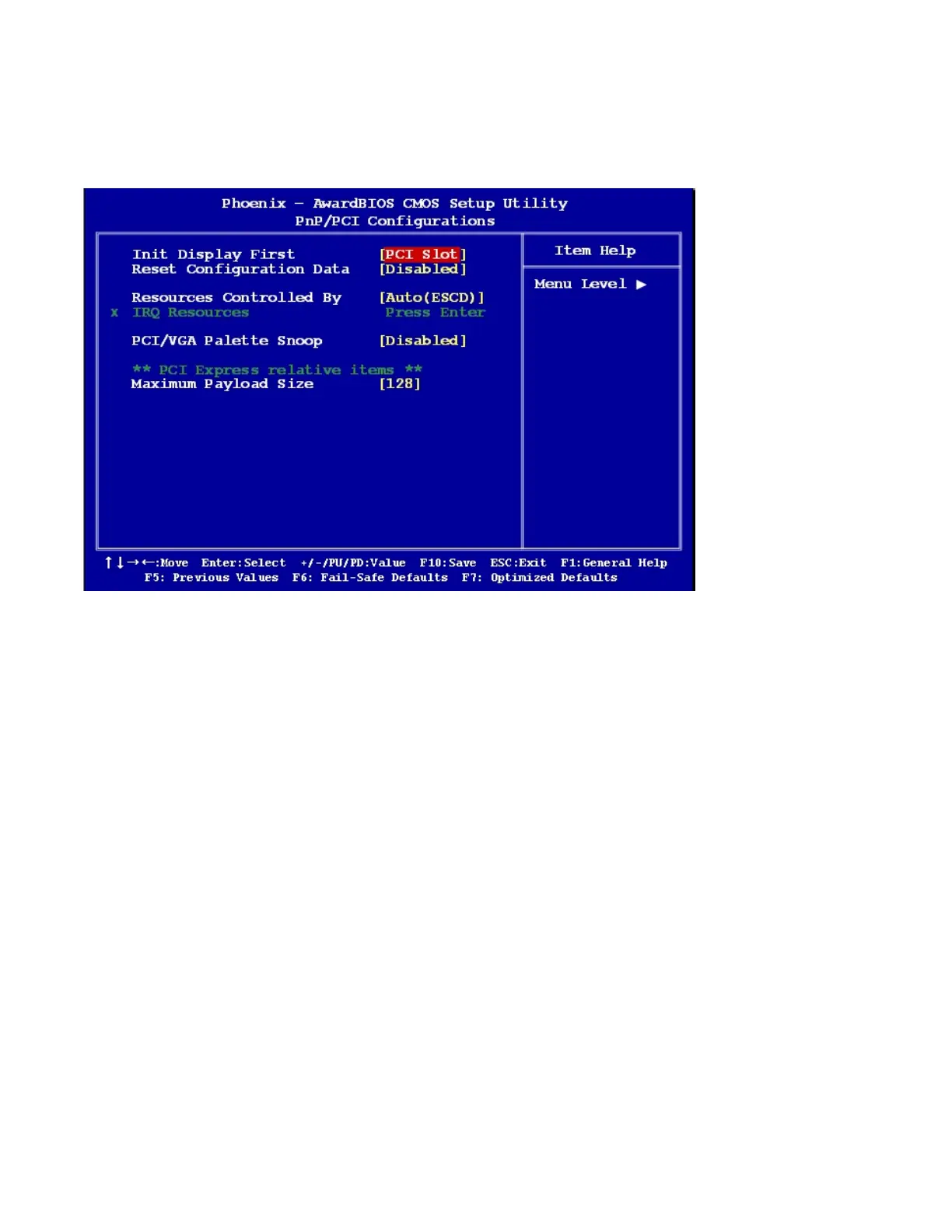
2.2.7 PnP/PCI Configurations
2.2.7.1 Init Display First
This item allows you to choose the first display interface to initiate while booting. The options: PCI Slot,
Onboard, PCIEx.
2.2.7.2 Rest Configuration Data
The default is “Disabled”. Select Enabled to reset Extended System Configuration Data (ESCD) if you have
installed a new add-on card, and system configuration is in such a state that the OS cannot boot.
2.2.7.3 Resource Controlled By
The commands here are “Auto (ESCD)” or “Manual”. Choosing “Manual” requires you to choose resources
from the following sub-menu.
“Auto (ESCD)” automatically configures all of the boot and Plug and Play devices, but you must be using
Windows 95 or above.



 To Next Page