RX45Q User’s Manual
55
2.2.4.4 Onboard LAN Boot ROM
The options: Enabled, Disabled.
2.2.4.5 Watch Dog Timer Selection
The options: 0 ~ 255
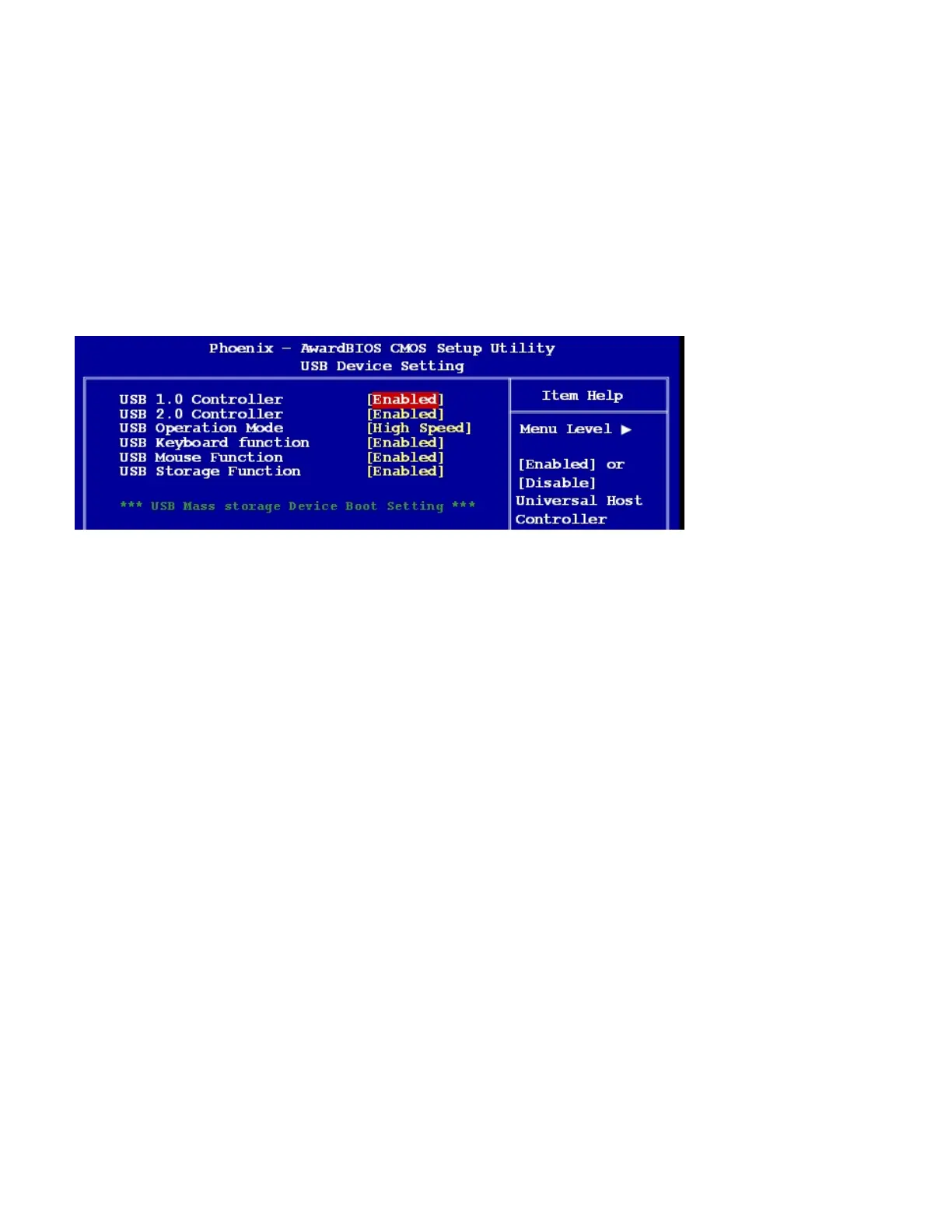
2.2.4.6 USB Device Setting
USB 1.0 / 2.0 Controller
The choices: Disabled, Enabled.
USB Operation Mode
Allows you to configure the USB 2.0 controller in HiSpeed (480 Mbps) or Full Speed (12 Mbps). Configuration
options: [Full/Low Speed] [HiSpeed]
USB Keyboard Function
The choices: Disabled, Enabled.
USB Mouse Function
The choices: Disabled, Enabled.
USB Storage Function
The choices: Disabled, Enabled.



 To Next Page