EasyManua.ls Logo

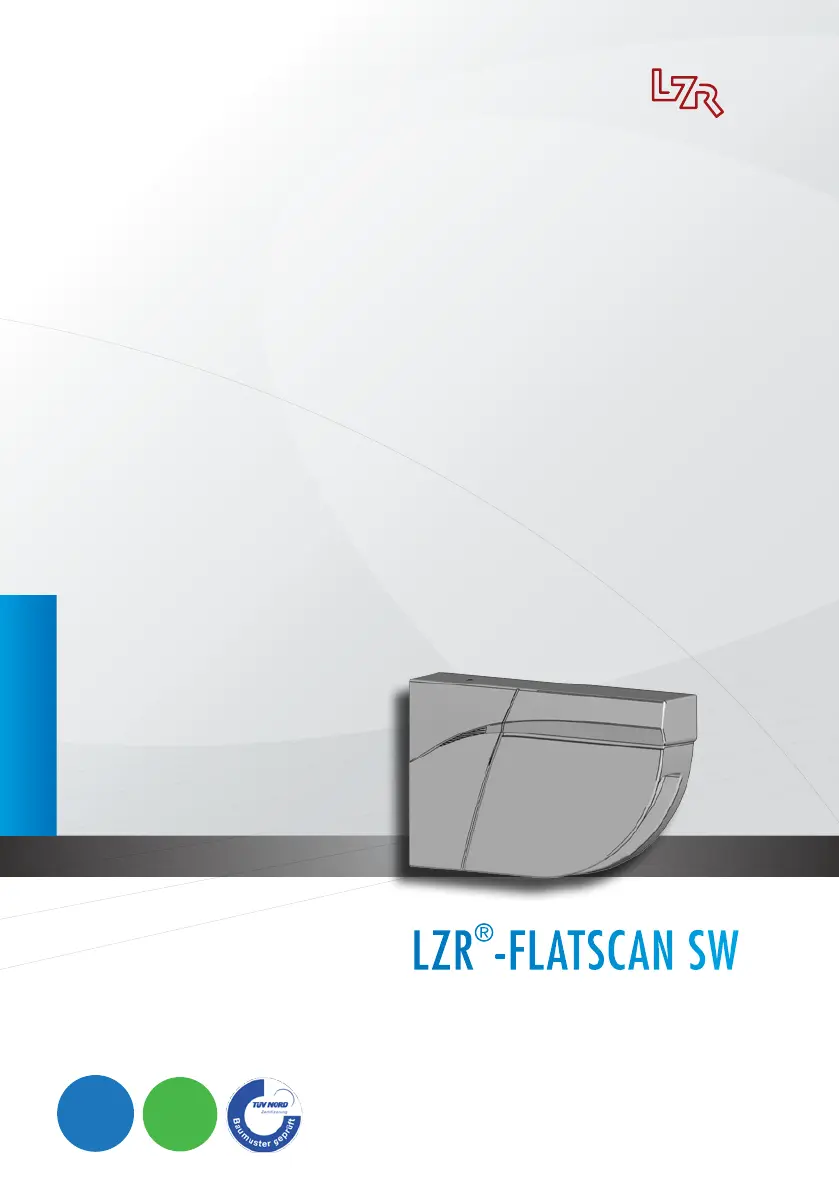
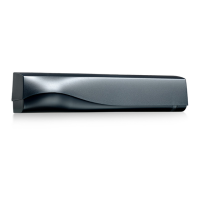
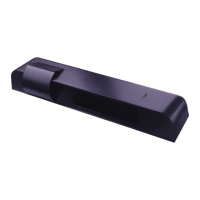
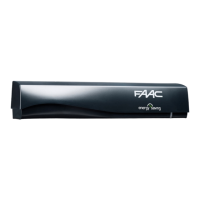
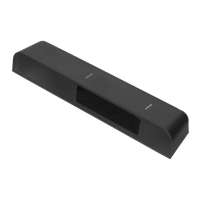
BEA LZR-FLATSCAN SW - User Manual

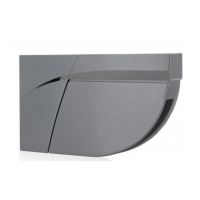
BEA LZR-FLATSCAN SW
12 pages
Print Icon
To Next Page IconTo Next Page
Loading...
LZR
®
-FLATSCAN SW
E
R
L
A
U
B
T
Z
E
R
T
I
F
I
Z
I
E
R
U
N
G
N
A
C
H
EN 16005
E
N
A
B
L
E
S
A
C
C
O
R
D
A
N
C
E
W
I
T
H
E
R
L
A
U
B
T
Z
E
R
T
I
F
I
Z
I
E
R
U
N
G
N
A
C
H
DIN 18650
E
N
A
B
L
E
S
A
C
C
O
R
D
A
N
C
E
W
I
T
H
DRAFT
EN
SAFETY SENSOR
FOR AUTOMATIC SWING DOORS
User’s Guide for product version 0200 and higher
See product label for serial number

Other manuals for BEA LZR-FLATSCAN SW

Questions and Answers

  • R
    riveraerikaAug 16, 2025
    What to do if the BEA Security Sensors remote control does not react?
    • K
      Kara DavisAug 16, 2025
      If the remote control for your BEA Security Sensors isn't responding, it might be password protected. Try entering the correct password. If you've forgotten the password, cut the power to the sensor.
  • C
    Cynthia SchmidtAug 22, 2025
    Why is the ORANGE LED on permanently on my BEA Security Sensors?
    • N
      Nicholas LongAug 22, 2025
      If the orange LED on your BEA Security Sensors is permanently on, try cutting and restoring the power supply. If the orange LED flashes again after restoring power, the sensor needs to be replaced.
  • R
    Robert MilesAug 25, 2025
    What does it mean if my BEA Security Sensors signals an internal fault?
    • G
      goodwinwilliamAug 25, 2025
      If your BEA Security Sensors are signaling an internal fault, the power supply may be out of limit. Check the power supply's tension and capacity.
  • B
    Brandi LopezAug 27, 2025
    What to do if BEA Security Sensors does not react at power-on?
    • S
      Sara TaylorAug 27, 2025
      If your BEA Security Sensors aren't reacting at power-on, the power supply might be inverted. Check the wiring: green should be positive (+), and brown should be negative (-).
  • N
    Nicholas ArmstrongAug 30, 2025
    How to exit service mode on BEA LZR-FLATSCAN SW Security Sensors?
    • G
      gbruceAug 30, 2025
      If the service mode is activated on your BEA Security Sensors, press the push button for at least 2 seconds to exit the service mode.
  • A
    alyssa68Sep 2, 2025
    What to do if BEA Security Sensors does not react?
    • K
      Kimberly MorrisSep 2, 2025
      If your BEA Security Sensors are not reacting, check the tension between the red and blue wires, as there may be a test error.
  • R
    Robert MorrisonSep 4, 2025
    How to fix teach-in error on BEA LZR-FLATSCAN SW?
    • A
      ashley15Sep 4, 2025
      If your BEA Security Sensors display a teach-in error, ensure that all teach-in requirements are met. You can also launch a new teach-in with the door closed.
  • M
    Michael KelleySep 7, 2025
    How to correct wrong DIP-switch position on BEA LZR-FLATSCAN SW?
    • V
      Victor JuarezSep 7, 2025
      To correct a wrong DIP-switch position on your BEA Security Sensors, adjust the required DIP-switches to the ON position.
  • H
    hmeyerSep 10, 2025
    How to prevent BEA Security Sensors from Internal temperature is too high?
    • D
      Donald BushSep 10, 2025
      To prevent your BEA Security Sensors from overheating, protect the sensor from any heat source such as sun or hot air.
  • K
    Kristin GarciaSep 10, 2025
    Why am I getting a communication error on my BEA LZR-FLATSCAN SW Security Sensors?
    • M
      Meghan HallSep 12, 2025
      If you're experiencing a communication error with your BEA Security Sensors, there could be several reasons: * A laser beam might not be returning to the sensor; check the wiring between the master and slave modules. * There might be an issue with the wiring between the interface card and the laser head; inspect those connections. * The background setting might need adjustment (DIP 3). * The window might be scratched. * Masking objects may be present. * The anti-masking setting may require adjustment. * The window may need cleaning with a damp cloth.

Summary

Description

LED Signals

Explains the meaning of different LED indicator states for device status.

Mounting

Wiring

DIP-Switch Adjustments

Guides users on configuring the sensor's behavior using DIP switches.

Angle Adjustments

Details how to adjust the sensor's detection angle for optimal performance.

Service Mode

Teach-In

Procedure for teaching the sensor its operating environment and door movements.

Final Steps

Concludes the installation process with final checks and component fitting.

Remote Control Settings (Optional)

Dimensions Door Wing Safety

Sets the detection range for the door wing safety zone.

Dimensions Pinch Zone Safety

Sets the detection range for the pinch zone safety area.

Min. Object Size

Configures the minimum size of objects the sensor will detect.

Holdtime

Defines the duration for which the output remains active after detection.

Output Configuration

Configures the sensor's output relays (R1, R2) for normally open/closed.

Antimasking & Background

Adjusts settings to ignore unwanted objects or define a reference point.

Immunity Filter

Increases sensitivity to filter out external environmental disturbances.

Uncovered Zone

Defines the depth of the detection zone, adjusted for specific conditions.

General

Provides access to teach-in, full reset, and partial reset functions.

How to Use the Remote Control

Explains the process of unlocking, adjusting, and locking the sensor.

Saving an Access Code

Describes how to set a unique access code for sensor configuration.

Deleting an Access Code

Details the procedure for removing a previously set access code.

Adjusting One or More Parameters

Guides on modifying specific sensor parameters using the remote control.

Checking a Value

Explains how to verify the current value of a specific parameter.

Restoring to Factory Values

Procedures for resetting sensor settings to default factory configurations.

Troubleshooting

Technical Specifications

BEA LZR-FLATSCAN SW Specifications

General IconGeneral
BrandBEA
ModelLZR-FLATSCAN SW
CategorySecurity Sensors
LanguageEnglish

Related product manuals