5-1
MEGA3 NFPA Medical Gas Notification System
4107 9016 59.03
NOTE: Due to the nature of retrofit installations,
you will have parts left over when finished.
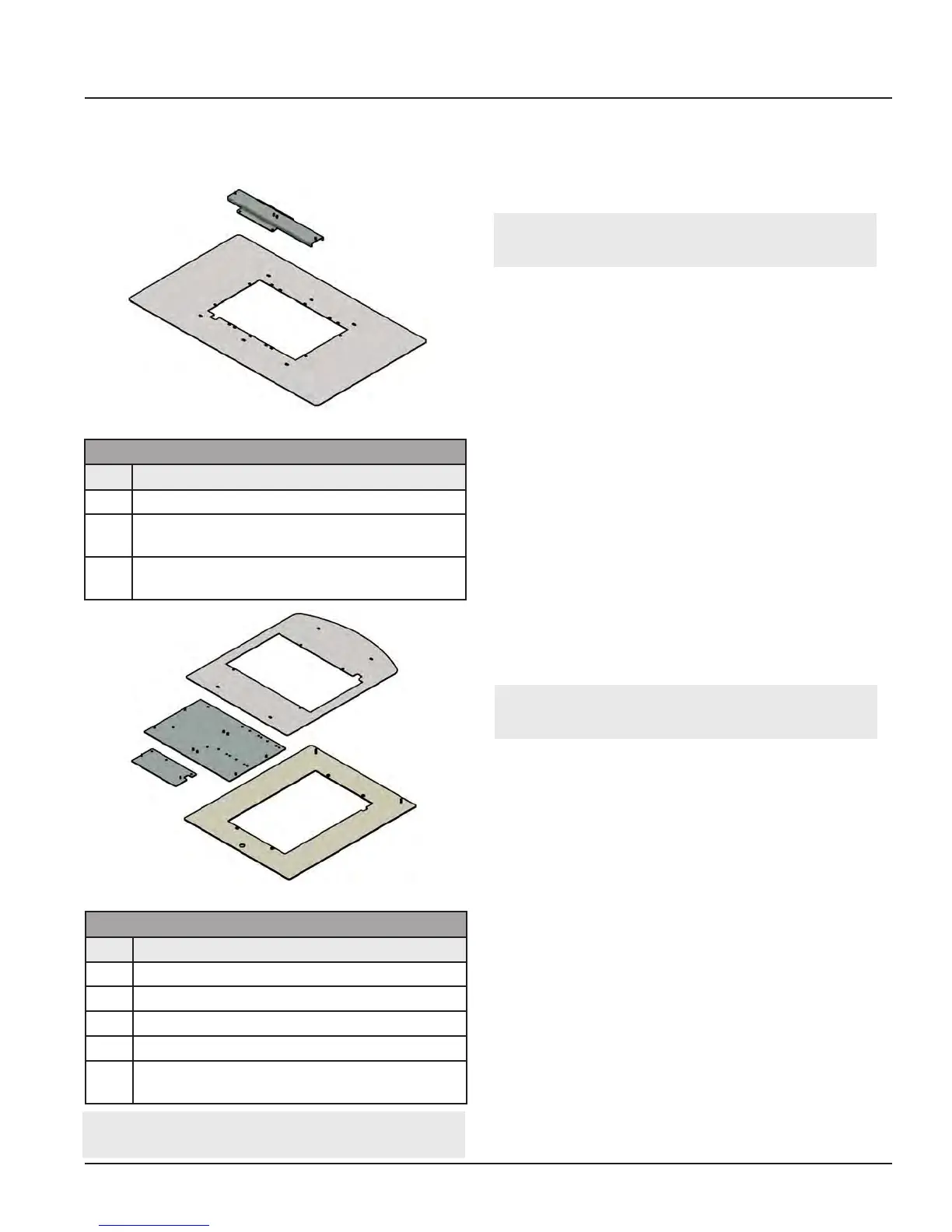
Figure 119: TotalAlert
1
Trim Kit
Figure 118: TA2/MEGA2/Others 8-Gas Trim Kit
4107 2206 15 Contents
Qty Description
1 Trim Plate Retrofit 16x27
1 Adapter Bracket, Power Supply
2-Position
4 Hardware #6-32 x 1/4” long Pan Head Ma-
chine screw
4107 2206 16 Contents
Qty Description
1 Trim Plate Retrofit TotalAlert
1
Single
1 Trim Plate Retrofit TotalAlert
1
Double
1 Adapter Bracket, Power Supply
1 Adapter Bracket, I/O Modules
4 Hardware #6-32 x 1/4” long Pan Head Ma-
chine screw
Retrofit Kits Include:
5.0 Retrofit
5.1 Retrofit of TotalAlert
2
Area Alarm
Panel (4-gas, 8-gas) and MEGA2
Alarms
5.1.1 Remove Components from
Existing Alarm
1. Open old alarm panel to be retrofitted
and ensure that the retrofit kit to be in-
stalled is correct according to the number
of Signal Inputs, Relay outputs, and/or
Gas Sensor signals (See Appendix A).
2. Ensure that you have the additional trim
kit if retrofitting a TotalAlert2/MEGA2,
8-Gas alarm (4107220615).
3. Test Master alarm signals to validate wir-
ing and document all signal wires coming
into the box with alarm type and loca-
tions prior to disconnecting the front
panel. This information will be required
to setup the new alarm.
4. Turn o the supply power to the alarm.
NOTE: The existing Digital Gas Sensors will
be reused for the new alarm.
CAUTION: Verify that power has been
turned o prior to working on the alarm.
5. Remove and discard the front panel from
the existing alarm.
6. Remove the old power supply



 To Next Page