EasyManua.ls Logo

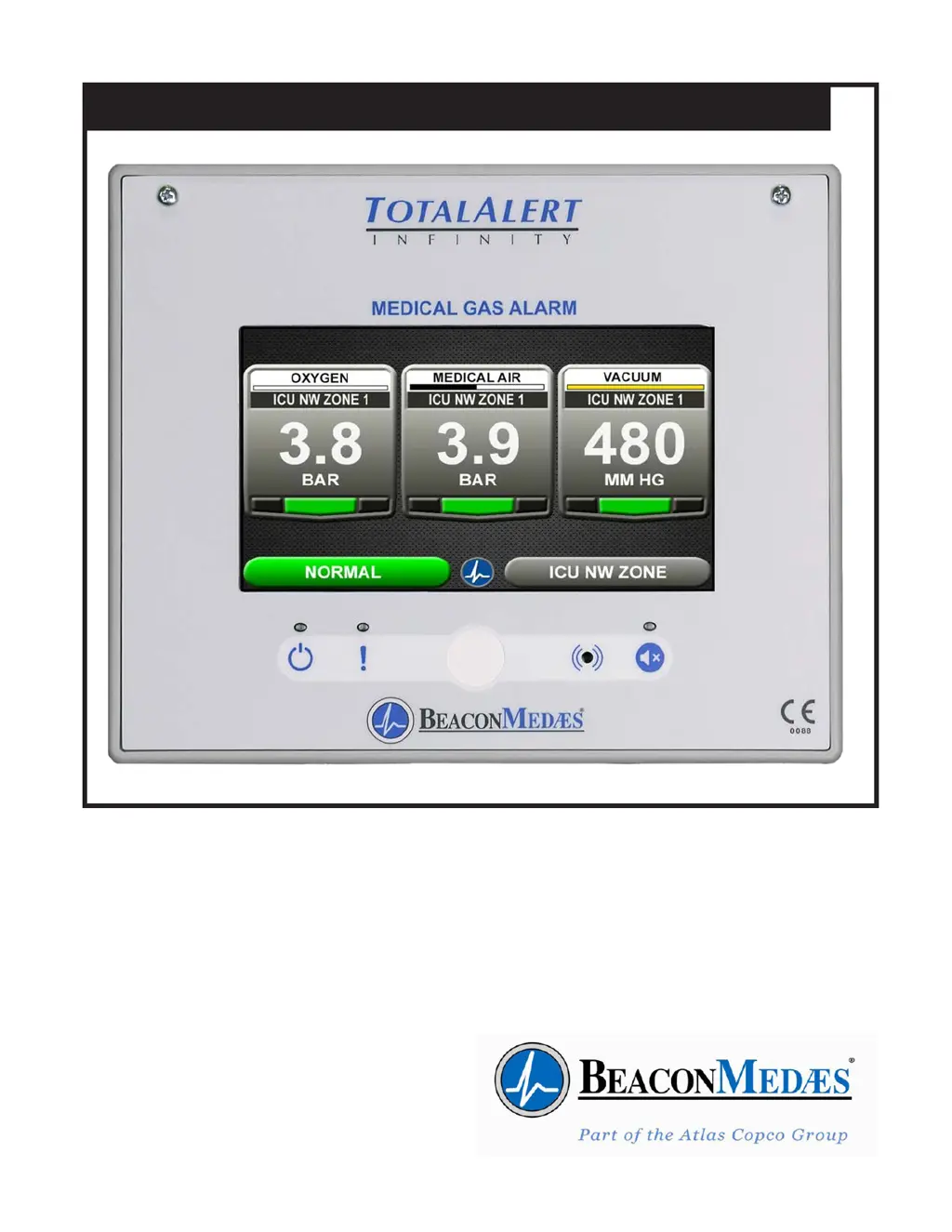
BeaconMedaes TotalAlert Infinity - User Manual

BeaconMedaes TotalAlert Infinity
122 pages
Print Icon
To Next Page IconTo Next Page
Loading...
Installation, Operation and Maintenance Instructions
TotalAlert Innity
HTM Medical Gas Notication System
Part number 4107 9016 60
Revision 01
December 18, 2017

Table of Contents

Other manuals for BeaconMedaes TotalAlert Infinity

Questions and Answers

  • K
    Katherine SmithAug 2, 2025
    What to do if no LED power indicator is illuminated on BeaconMedaes TotalAlert Infinity Medical Equipment?
    • C
      Connor TerryAug 2, 2025
      If the LED power indicator on your BeaconMedaes Medical Equipment alarm front panel isn't lighting up, there are several things to check: * First, make sure the AC power is actually turned on. * A blown power supply fuse could also be the culprit, so try replacing the fuse. * Inspect the AC power wiring at the power supply terminals to ensure everything is connected correctly. * Also, check the DC wire harness connections between the power supply and the main board, paying attention to the cable connector orientation; reconnect if needed. * Finally, the power supply assembly itself might be faulty, requiring a replacement.
  • R
    Roger JacksonAug 15, 2025
    Why is the green “heartbeat” power indicator not illuminated on BeaconMedaes TotalAlert Infinity Medical Equipment?
    • A
      Anthony TaylorAug 15, 2025
      If the green “heartbeat” power indicator isn't lit on the connected boards of your BeaconMedaes Medical Equipment, consider the following: * The board may not have been initialized. Follow the initialization instructions in the manual. * Incorrect board dip switch settings can also cause this issue. Set the dip switches according to the diagram on the board label. * Also, verify the cable connections between the boards to ensure they are properly connected.

Summary

Safety Symbols and Environmental Protection

Installation Procedures

Surface Mount Box Installation

Step-by-step guide for installing the alarm panel backbox for surface mounting.

Gas Sensor Installation Guide

Instructions for installing gas sensors, including remote sensor placement.

Wiring Requirements and Procedures

Details general wiring requirements, wire types, and specific connection procedures.

Wiring Schematics and Diagrams

HTM Central Wiring Diagram

Wiring diagram for the TotalAlert Infinity™ Central Alarm panel.

HTM Area Wiring Diagram

Wiring diagram for the TotalAlert Infinity™ Area Alarm panel.

HTM Combination Wiring Diagram

Wiring diagram for the TotalAlert Infinity™ Combination Alarm panel.

System Operation and Features

Alarm Configuration and Setup

Guides users through configuring alarms, including password entry and settings.

Setting Up Area Alarms

Detailed steps for setting up and configuring Area Alarm panels.

Setting Up Central Alarms

Detailed steps for setting up and configuring Central Alarm panels.

Setting Up Combination Alarms

Detailed steps for setting up and configuring Combination Alarm panels.

Medipoint and Shire Network Configuration

System Retrofit Procedures

System Maintenance and Troubleshooting

Troubleshooting Common Issues

Identifies common symptoms, their possible causes, and corrective actions.

Non-Latin Language Website Configuration

BeaconMedaes TotalAlert Infinity Specifications

General IconGeneral
Audible AlarmYes
Display7-inch color touchscreen
Power Supply100-240 VAC, 50-60 Hz
Battery BackupYes
CommunicationEthernet
ComplianceNFPA 99
CategoryMedical Gas Alarm System
MountingWall-mounted
Alarm LevelsHigh, Low

Related product manuals