4-51
TotalAlert Innity™ HTM Medical Gas Notication System
4107 9016 60.01
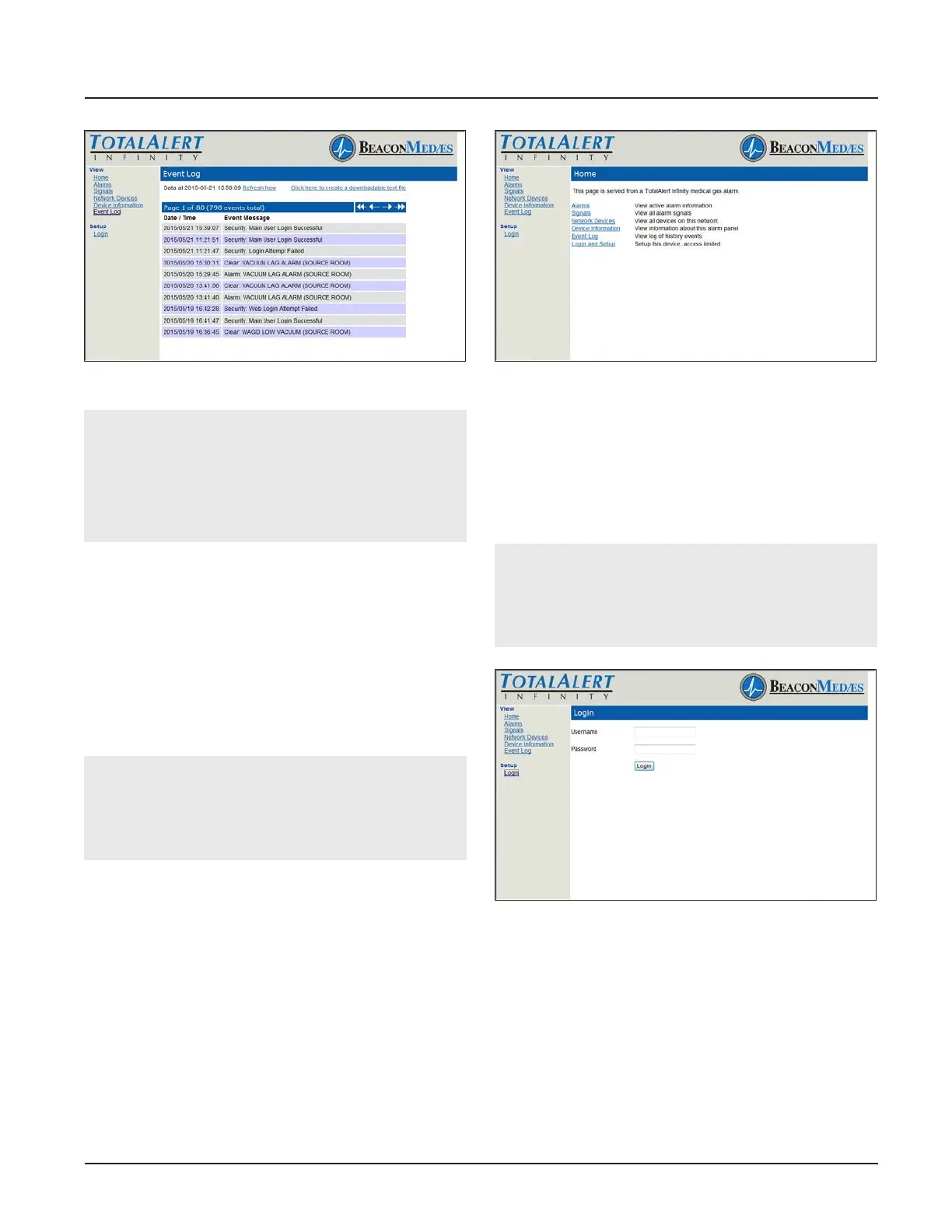
Figure 181: Event Log
NOTE:
The Event Log page provides a snapshot of the
event log. If a new event occurs the page is not
updated until the page is reloaded by Autorefresh
or by clicking on Event Log or Refresh links.
Maximum number of logged events is 1000.
4.9.2 Website Set-Up
Accessing the Web Page
1. Start a web browser such as Microsoft Internet
Explorer.
2. Enter the Device’s IP address in the browser’s
address bar:
Example: http://10.10.5.10
NOTE:
To learn the IP address, touch the MISCELLA-
NEOUS tab on the conguration screen then touch
the WIRED ETHERNET tab.
3. After you enter the device name or IP address, the
alarm’s home page will be displayed (Figure 4.163).
Figure 182: Typical Alarm Panel Home Page
Login to Setup Pages
1. Click Login and Setup.
2. The web browser will request a username and
password (Figure 4.164). The factory defaults are:
Username: TotalAlert
Password: 1212123.
NOTE:
If the on-screen password has been changed from
the default password, use the newly assigned
password.
Figure 183: Login Dialog
3. The left sidebar will now contain the setup links
(Figure 4.165).



 To Next Page