4-30
TotalAlert Innity™ HTM Medical Gas Notication System
4107 9016 60.01
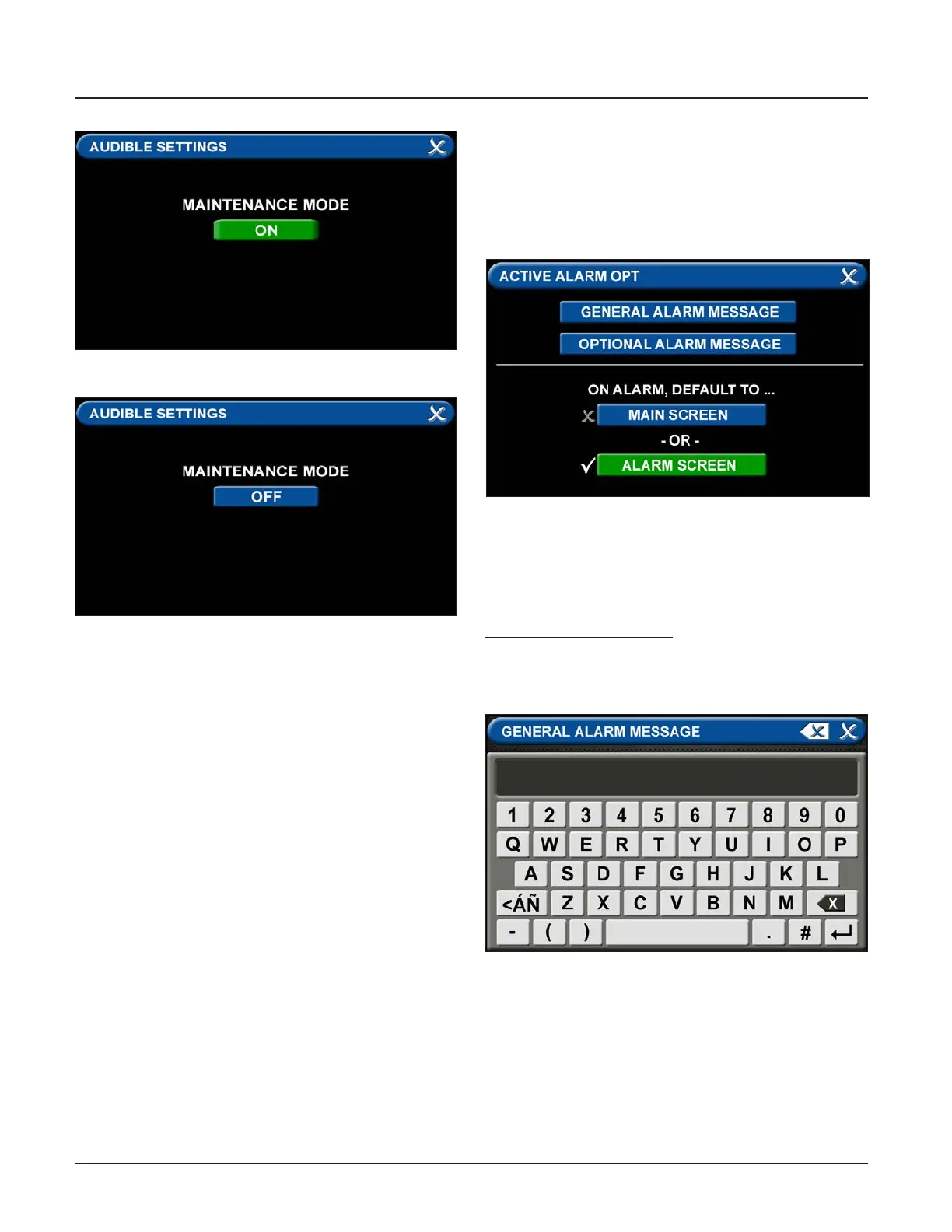
• Audible Settings Tab
The AUDIBLE SETTINGS tab allows for the alarm to
be put in Maintenance Mode. When the Maintenance
mode tab is toggled “ON”, the audible warning will not
reinitialize.
Maintenance mode will automatically change to OFF if
a new alarm condition is introduced or all alarm
conditions are cleared.
Figure 101: Maintenance Mode ON
Figure 102: Maintenance Mode OFF
Figure 103: Active Alarm Opt Tab
Figure 104: General Alarm Message Tab
4.6 Customized Instructions Set Up
Active Alarm Opt Tab
The ACTIVE ALARM OPT tab allows users to customize
their Active Alarm options in two ways: by adding alarm
instructions and by changing the alarm default screen.
• Adding Custom Alarm Instructions
Users can add instructions—both general instructions
and specic instructions—to facility personnel for when
the alarm goes into fault status.
To add general instructions:
• Touch the GENERAL ALARM MESSAGE tab
• Enter the instruction.



 To Next Page