4-6
TotalAlert Innity™ HTM Medical Gas Notication System
4107 9016 60.01
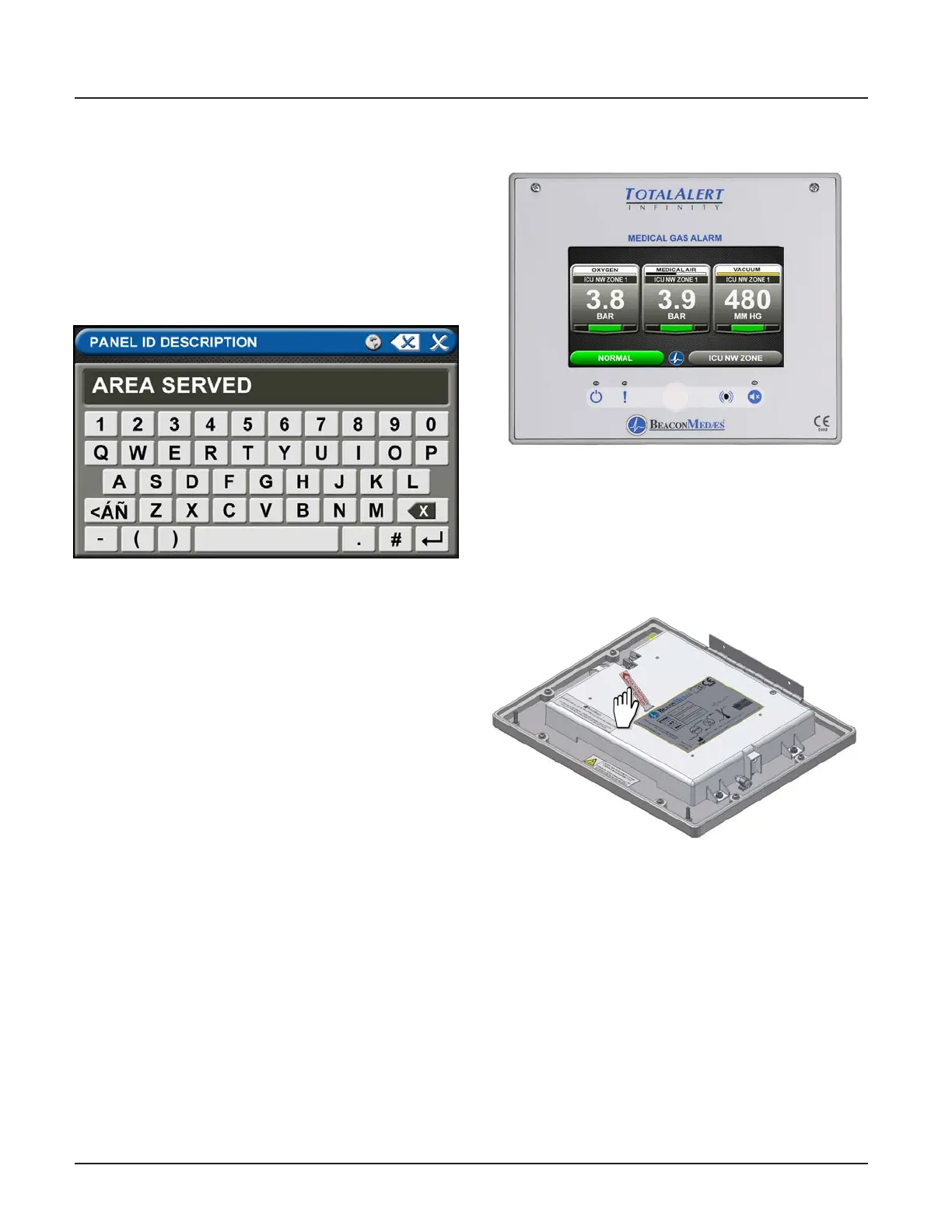
Figure 19: Panel ID Description screen
Figure 20: Area Alarm Main Screen
4.3 Setting Up an Area Alarm
Panel ID Description
To change the description of the location of the alarm
panel:
1. Touch the [B] button that is located to the right of
the numeric display (Figure 4.17).
2. Touch the Erase button on the keyboard to delete
the existing description.
3. Enter the new description.
4. Touch the Save button.
4.3.1 Initial Setup of an Uncongured
Area Alarm
To begin setup of the alarm, rst pull the battery tab
located on the back of the front panel to activate
battery backup of the alarm.
Figure 21: Battery Pull Tab



 To Next Page