5-8
MEGA3 NFPA Medical Gas Notification System
4107 9016 59.03
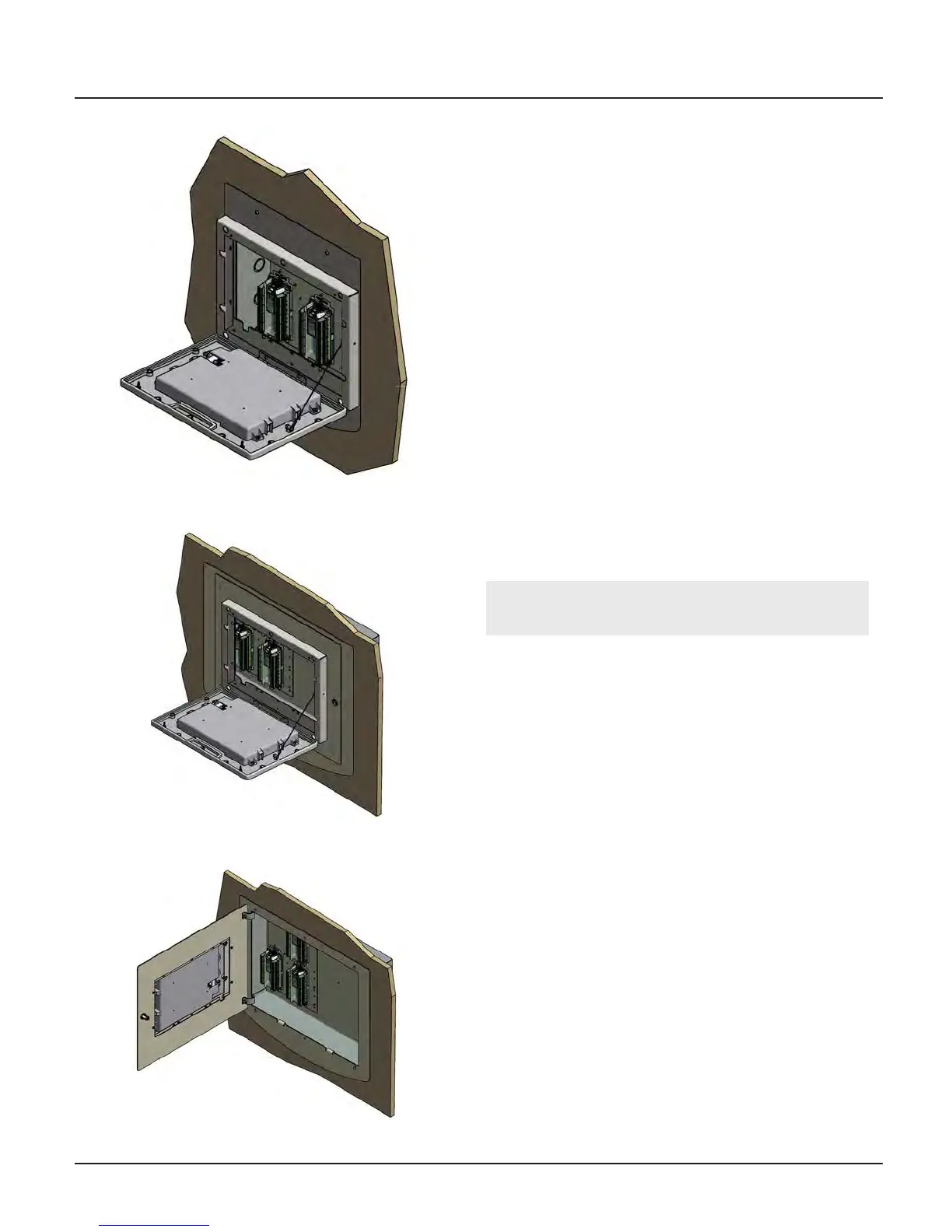
Figure 133: MEGA3™ Double
Mount Front Panel Assembly
Figure 132: MEGA3™ Single
Mount Front Panel Assembly
Figure 134: MEGA3™ Double
Mount Front Panel Assembly
5.3 Retrofit of Other Alarm Panels
5.3.1 Remove Components from Ex-
isting Alarm
1. Open old alarm panel to be retrofitted
and ensure that the retrofit kit to be in-
stalled is correct according to the number
of Signal Inputs, Relay outputs, and/or gas
sensor signals (See Appendix A).
2. If alarm to be retrofit has a rough-in box
greater than 20 inches wide, you will need
the optional trim kit (4107220615) to
cover the existing box.
3. Test Master alarm signals to validate wir-
ing and document all signal wires coming
into the box with alarm type and loca-
tions prior to disconnecting the front
panel. This information will be required to
setup the new alarm.
4. Turn o the supply power to the alarm.
CAUTION: Verify that power has been
turned o prior to working on the alarm.
5. Remove and discard the front panel from
the existing alarm.
6. Remove and discard of all the compo-
nents from the alarm rough-in box.
7. Ensure that no low voltage signal wiring
is pulled through the input power knock-
outs inside of the rough-in box.
8. Remove any studs and screws flush with
the rough-in box.
9. Remove all sharp edges and burrs from
open knockouts and from the inside of the
rough-in box.
10. Remove all existing regulatory compliance
labels from the inside of the rough-in box.
11. Clean the inside of the rough-in box to
remove all of the metal shavings and dirt.



 To Next Page