or
se lect the chan nel to be over writ ten using the kHz fre quen cy se lec tor and
press the STO key. This me ans that this chan nel will be over writ ten with
the new fre quen cy and the sto ra ge pro cess en ded.
Note
If no in put ta kes pla ce wit hin ap pro xi ma te ly se ven se conds, the VHF
trans cei ver swit ches to the pre vi ous ly set mode.
Lea ving the mode
To lea ve the mode, press the MDE key.
(3) Mode 2 (dis play of fi xed fre quen cies in the va ri ous chan nels)
(a) Chan nel se lec ti on mode
NOTE : If in mode 2 the scan functi on is swit ched on in the ser-
vice mode, no sto ra ge ope ra ti on can be ac ti vat ed in this
mode.
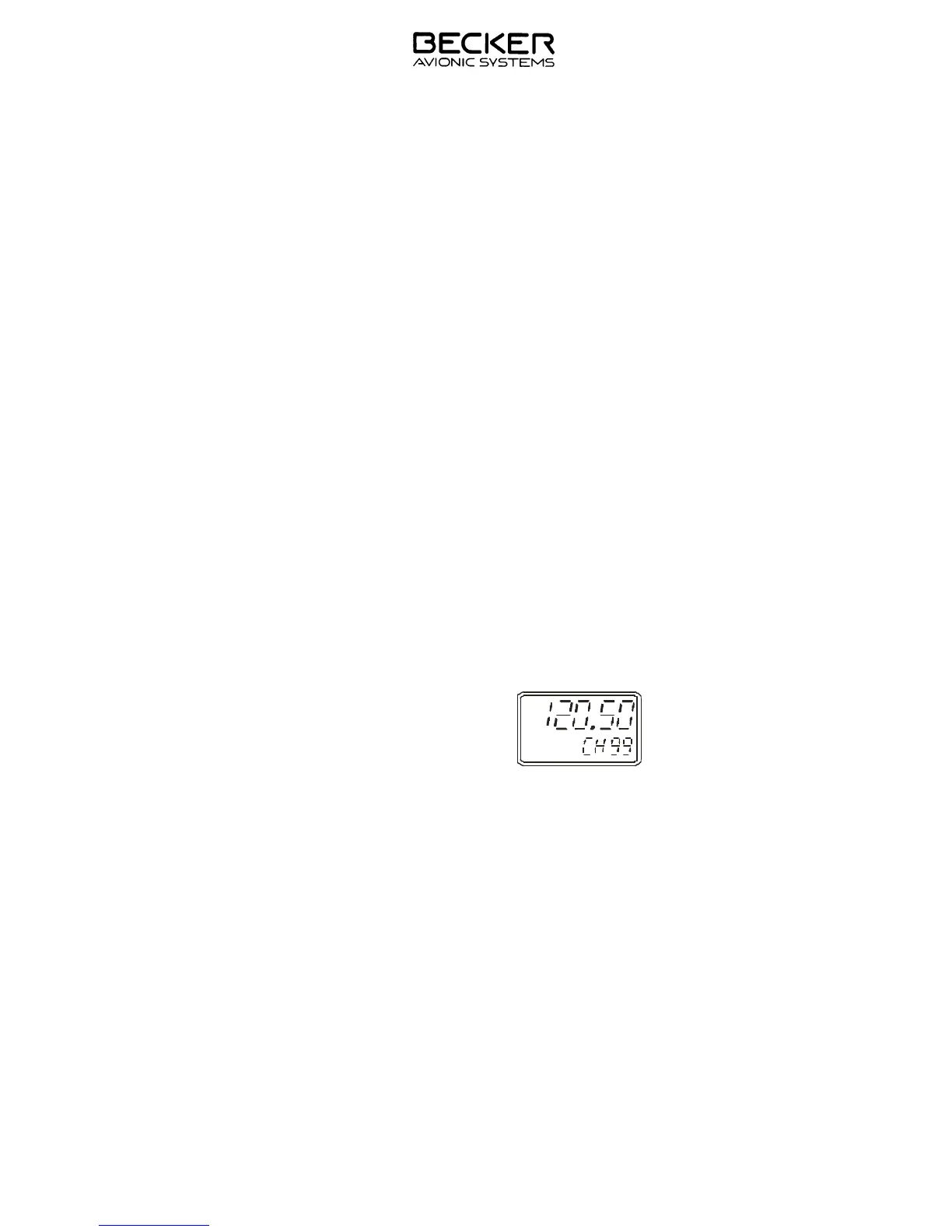
1 Se lect mode 2 using the MDE key. The last in di ca ted sto ra ge
chan nel ap pe ars in the bot tom line of the LCD and the sto red
fre quen cy is shown in the top line. The VHF trans cei ver is
rea dy to trans mit and re cei ve on this fre quen cy.
2 Se lect re qui red chan nel using the kHz fre quen cy se lec tor
(steps of 1) or the MHz fre quen cy se lec tor (steps of 10).
Free chan nel (no fre quen cy sto red) will be skip ped when
se lec ted.
3 If the Scan functi on is not ac ti vat ed, the sto ring functi on can
be in itia ted by pres sing the STO-Key. Re fer to des crip ti on of
mode 1.
Note The top line in di ca tes the ac ti ve fre quen cy. The ac ti ve
fre quen cy in di ca ted in the bot tom line is flas hing. Se lect
the de si red fre quen cy can be set using the kHz fre quen-
cy se lec tor or the MHz fre quen cy se lec tor.
4 Exit from mode 2 is achie ved by pres sing the MDE key.
IN STAL LA TI ON AND OPE RA TI ON
AR 4201 - ( )
Page 3-7
23-10-01 De cem ber 15/98



 To Next Page