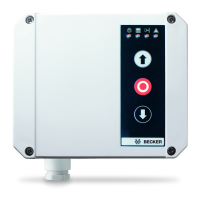
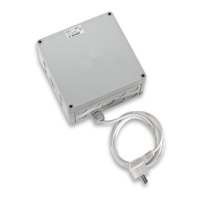
Device overview
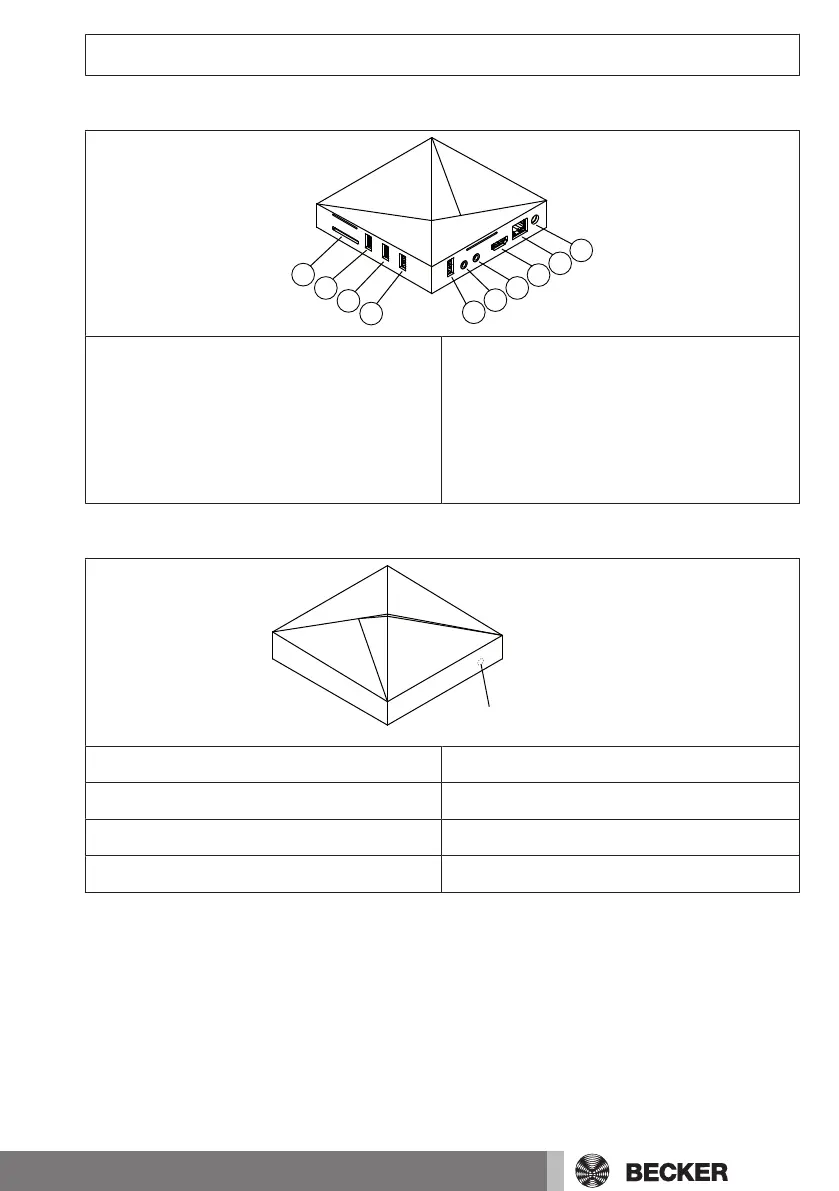
Connections/slots
1. Mains connection
2. LAN connection
3. HDMI connection
4. AV connection (no function)
5. YUV connection (no function)
6. USB connection for USB radio stick
7. Connection for USB stick 3.0
8. USB connection for USB radio stick
9. USB connection for USB radio stick
10. Card slot for SD card
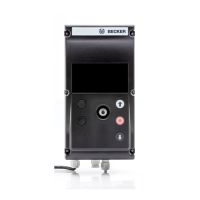
Operating status LED
LED lights up blue
Correct network connection
LED flashes blue (long)/red (short)
Access point active
LED flashes red/blue 5x
Network configuration change
LED lights up red
No network connection/access point off
19-en



 To Next Page