Commissioning without the Becker CentralControl app
Attention
The factory-set active access point is intended exclusively
for commissioning! Continuous operation in access point
mode poses a security risk. So the first thing you should
do is add the central control unit to your home network.
1. Connect your end device (e.g. smartphone, tablet, etc.) to the access point
2. Search for the “CentralControl” SSID and enter the “Becker-AP-Setup” key.
3. You can now use a current browser to access the central control unit with the fol-
lowing address: http://192.168.31.1.
4. In the web interface, you have the option of integrating your central control unit into
your home network over WiFi or Ethernet, among other things.
Web interface
1. Once you have integrated the central control unit into your home network, the ac-
cess point closes automatically.
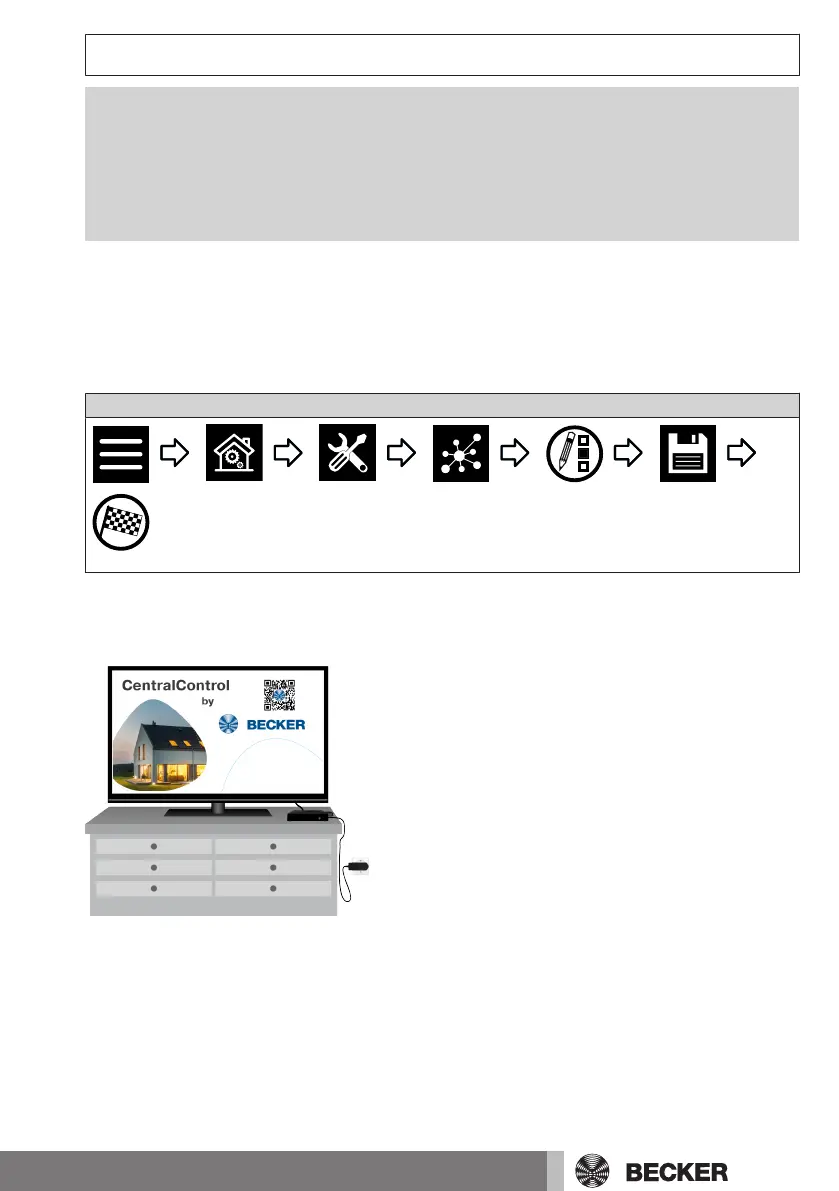
You can find the IP that may automatically be assigned by your home network using the
HDMI output overview, for example.
21-en



 To Next Page