Extended position to retracted stop
Open to the desired extended limit position.
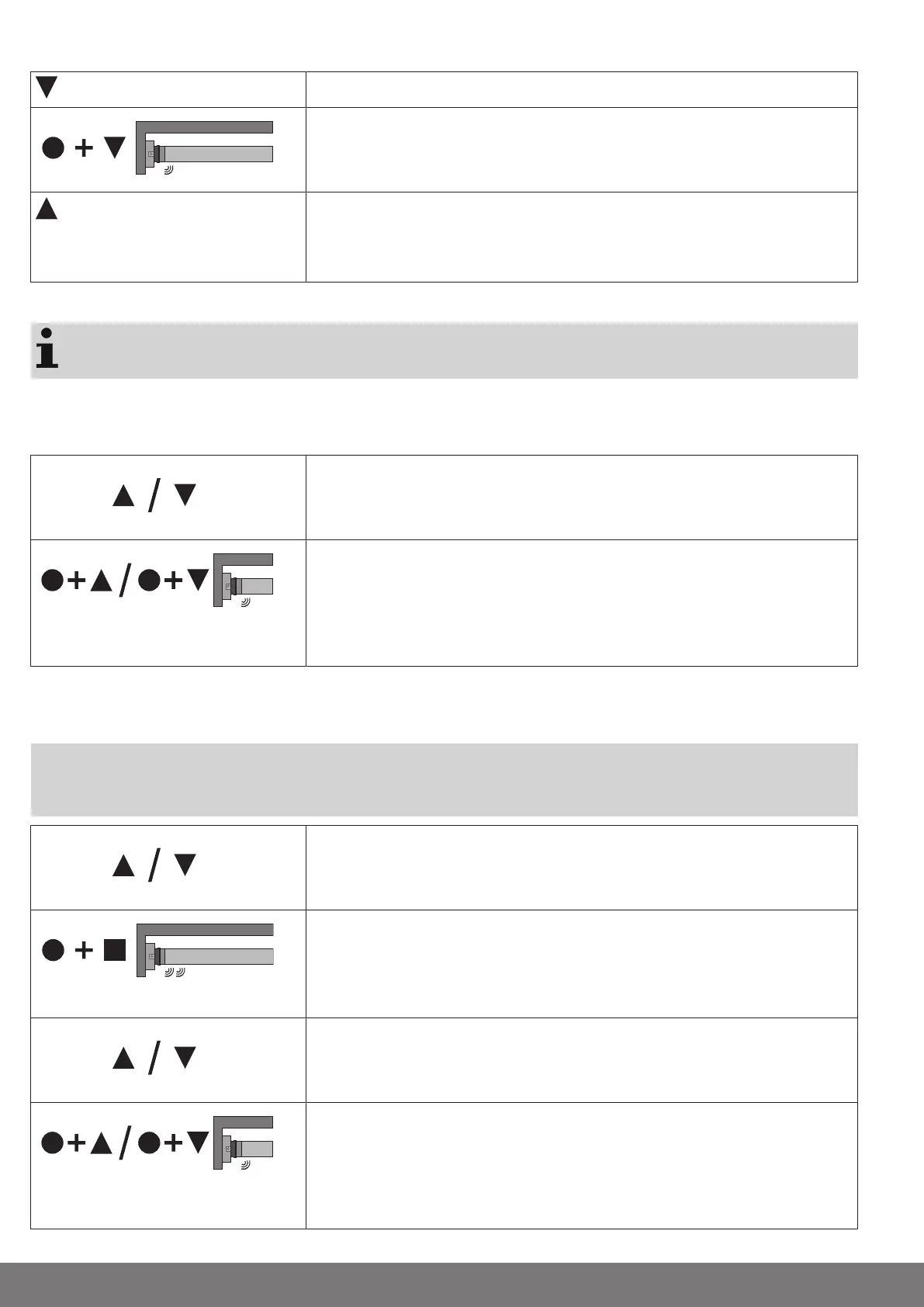
Press the programming button and, within 3 seconds, also press the extend button
and hold the two buttons down.
▻ The tubular drive makes a “click” sound to confirm.
Then retract to the permanent stop.
▻ The tubular drive switches off automatically.
► The limit positions are now set.
Changing the set limit positions
Once set, the limit positions can only be changed with the master transmitter.
1) Shortening the range of travel (the desired limit position is located inside the current range of
travel)
Open/close to the desired new limit position.
Press the programming button and, within 3 seconds, also press the extend button
for the extended limit position or the retract button for the retracted limit position and
hold the two buttons down.
▻ The tubular drive makes a “click” sound to confirm.
► The new limit position is now saved.
2) Extending the range of travel (the desired limit position is located outside the current range of
travel)
Attention
When both or individual limit positions are deleted, all the other set functions (intermediate
position I, intermediate position II) are deleted as well.
Open/close to the limit position in the direction in which you wish to extend the range
of travel.
Press the programming button and, within 3 seconds, also press the STOP button
and hold the two buttons down for 10 seconds.
▻ The tubular drive makes a clicking sound to confirm.
► The limit position is now deleted.
Open/close to the desired new limit position.
Press the programming button and, within 3 seconds, also press the extend button
for the extended limit position or the retract button for the retracted limit position and
hold the two buttons down.
▻ The tubular drive makes a “click” sound to confirm.
► The new limit position is now saved.
14


 To Next Page