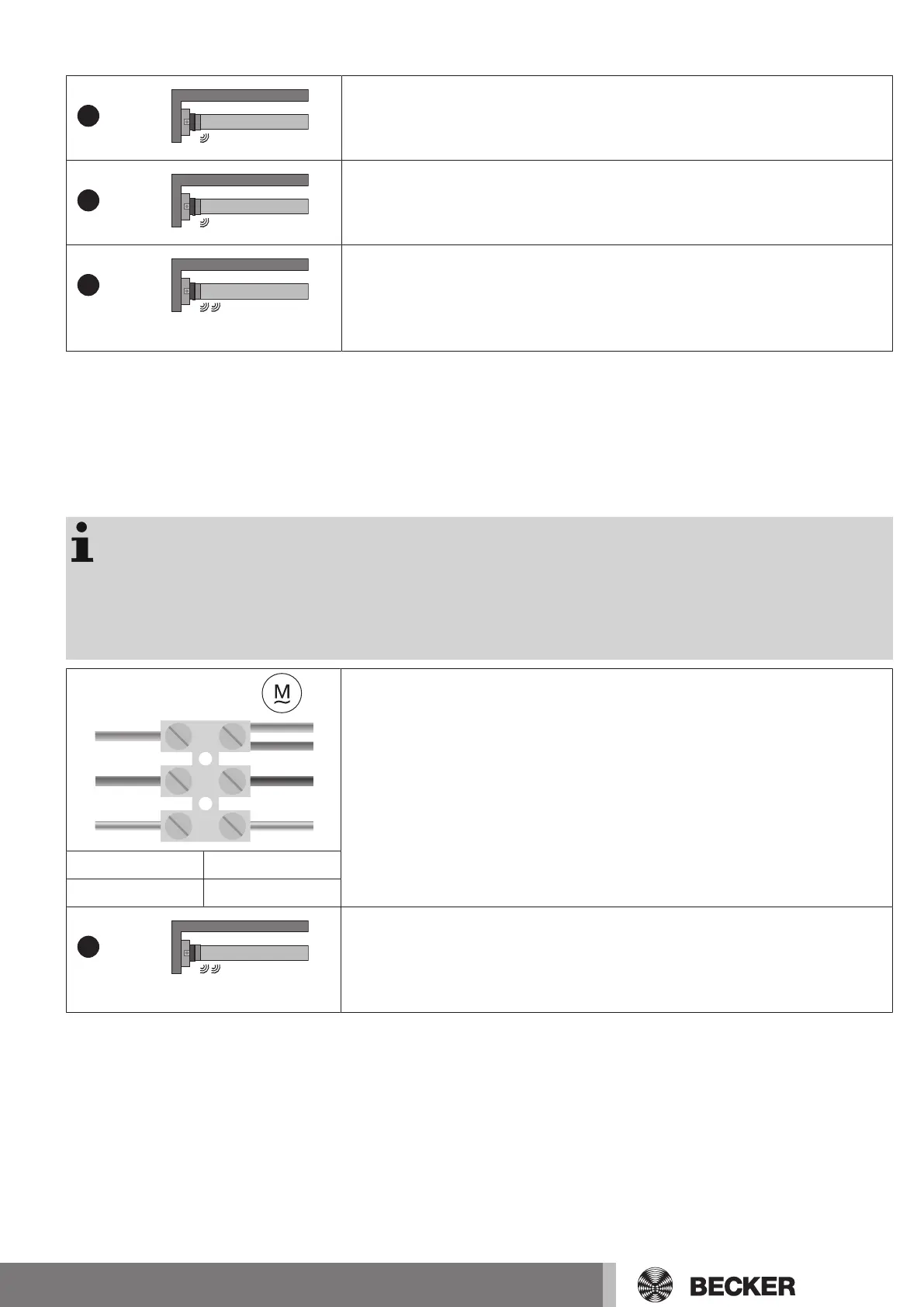
Deleting all transmitters (except the master transmitter)
Press the programming button on the master transmitter for 3 seconds.
▻ The tubular drive makes a “click” sound to confirm.
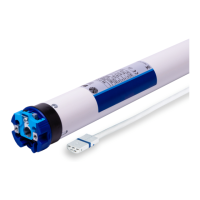
Re-press the programming button on the master transmitter for 3 seconds.
▻ The tubular drive makes a “click” sound to confirm.
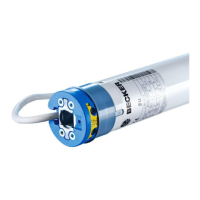
Re-press the programming button on the master transmitter for 10 seconds.
▻ The tubular drive makes a clicking sound to confirm.
► All transmitters (except the master transmitter) are now deleted from the re-
ceiver.
Overwriting the master
There are two ways to overwrite the master:
• Readying the tubular drive for programming by switching on the power
• Readying the tubular drive for programming with the radio switch
Readying the tubular drive for programming by switching on the power
To ensure that the new master transmitter is programmed in the desired tubular drive only,
all other tubular drives which are connected to the same power supply must be deactivated
from the programming mode. To do so, after switching back on the power, execute a drive
or stop command using the transmitter for the given tubular drives or switch the radio
switch from inside to outside. If the radio switch is already in this position, switch it to the
inside and back to the outside position.
N
1
2
1
2
4
3
4
230V AC / 50 Hz
L1
PE
Switch off the tubular drive power for 5 seconds, then switch it back on.
▻ The tubular drive is ready to programme for 3 minutes.
1 = blue 3 = black
2 = brown 4 = green-yellow
Now press the programming button of the new master transmitter for 10 seconds.
▻ The tubular drive makes a clicking sound to confirm.
► The new master transmitter is now programmed and the old master transmitter
overwritten.
17


 To Next Page