HomeWhiz Function / User Manual
9 / 92 EN
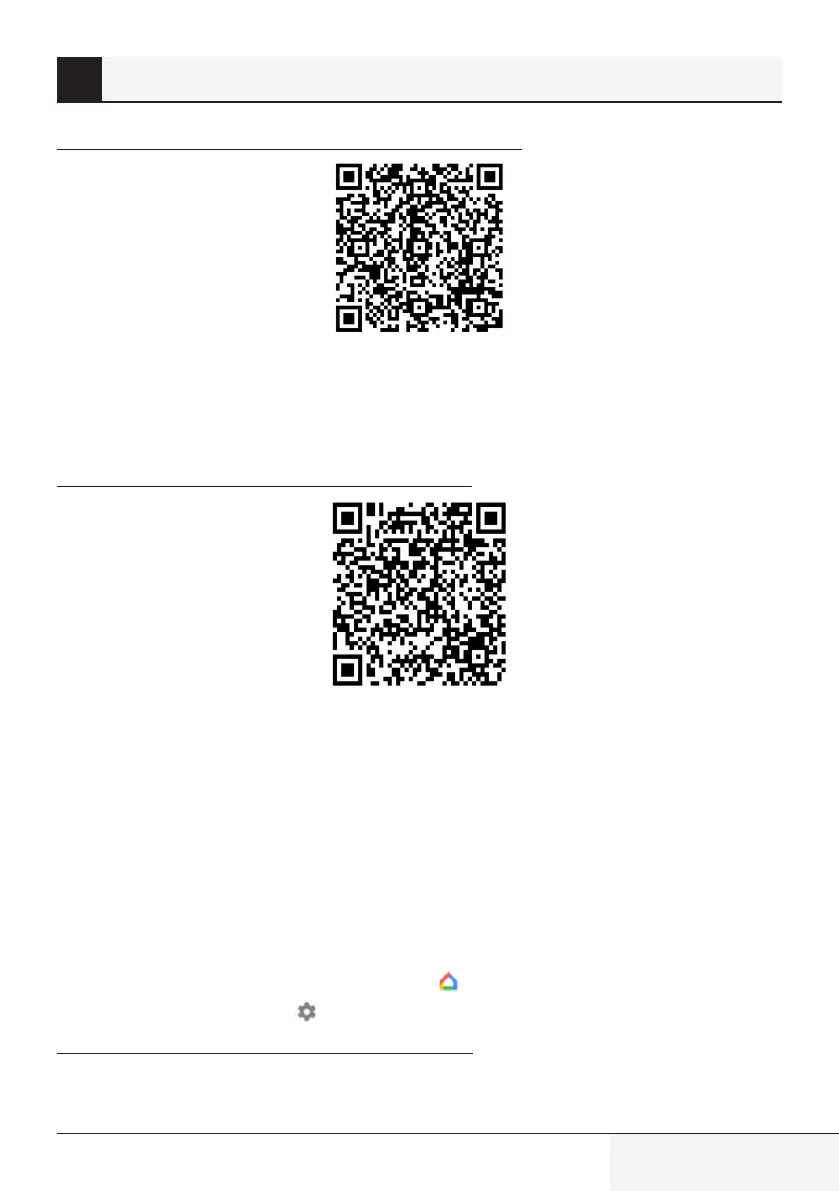
https://support.google.com/googlenest/answer/9159862?hl=en
Then continue with “Step 4: Assign devices to a room” in Support Google link.
4.
Control Air Conditioner using Google Home
You can check Google Home voice commands from this Support Google link.
https://support.google.com/googlenest/answer/7073578
In addition, you can use the following commands to control your air conditioner:
“Turn on [device name]”
“Turn off [device name]”
“Set the temperature to 28”
“Turn thermostat to heating mode”
5.
Disconnect devices from the Google Home app
If you no longer want to control your smart home devices using your Assistant, you can disconnect
your account.
1.
On your mobile device, open the Google Home app .
2.
Select your device >
Settngs > Unlnk > Unlnk.
https://support.google.com/googlenest/answer/9159862
2 Syncng devce wth Google Assstant


 To Next Page
 Loading...