8 / 92 EN
HomeWhiz Function / User Manual
2 Syncng devce wth Google Assstant
1.
Set up your Google Nest or Google Home speaker or display;
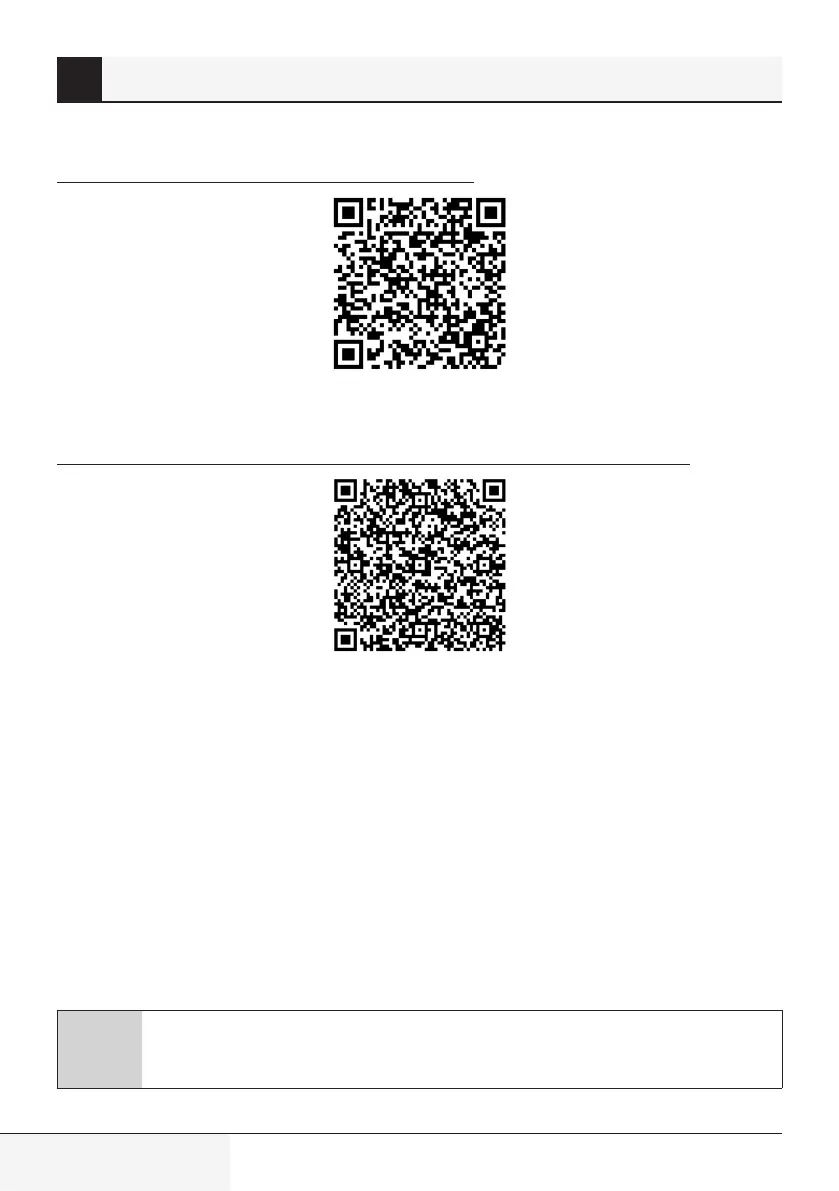
https://support.google.com/googlenest/answer/7029485
2.
Link HomeWhiz app account to Google Home app
Download Google Home app;
https://play.google.com/store/apps/details?id=com.google.android.apps.chromecast.app
a) Open the Google Home app.
b) Click the
+
button.
c) Click the
Set up devce
button.
d) Click the
Works wth Google/Have somethng already set up?
button.
e) Select HomeWhiz from the list of providers.
f) Sign in to HomeWhiz with your HomeWhiz account information. Follow the in-app steps to
complete setup.
3.
Set up Air Conditioner using Google Home;
If you already linked your HomeWhiz app account to Google Home app, you can continue with
“For Step 3: Set nicknames for devices” step in Support Google link;
C
Note:
it is not a must to give nickname and select a room


 To Next Page
 Loading...