32 Bedrock SMxx operating manual © Bedrock Audio BV, 2019
33
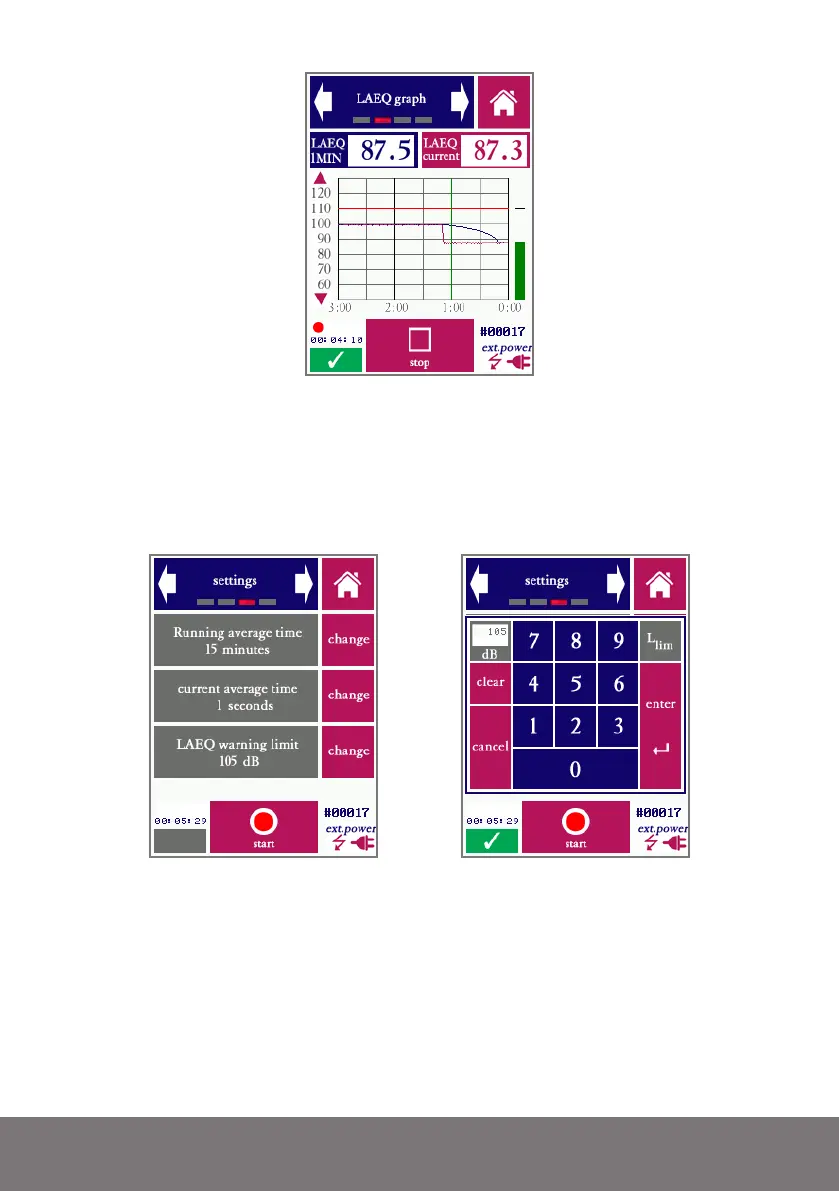
Screen 2 of the LAEQ module, showing a graph of how the average LAEQ is developing.
In cases where the operator has control over the measured sound level (i.e. through control
of a PA installation), and is using the Bedrock SMxx to make sure that the level is kept
below the limit, the graph gives a useful insight into how much “room” there is below the
limit. In cases where noise events (such as train passage) are monitored, the graph shows a
recent history of events.
Settings screen; the right picture shows the keyboad that appears when the “change” button is
pressed to adjust the warning limit
As with all modules, the LAEQ logging module has a screen which can be used to set all
parameters (in this case: LAEQ averaging time (1-60 minutes), current intervals (1-60 sec-
onds) and the level limit. Values are entered through a keyboard that appears upon pressing
“Change.”



 To Next Page