5.1.3 URL filter
In order to manage the site control of your local LAN client, you can use URL filtering function to
specify which site can‟t be accessed.
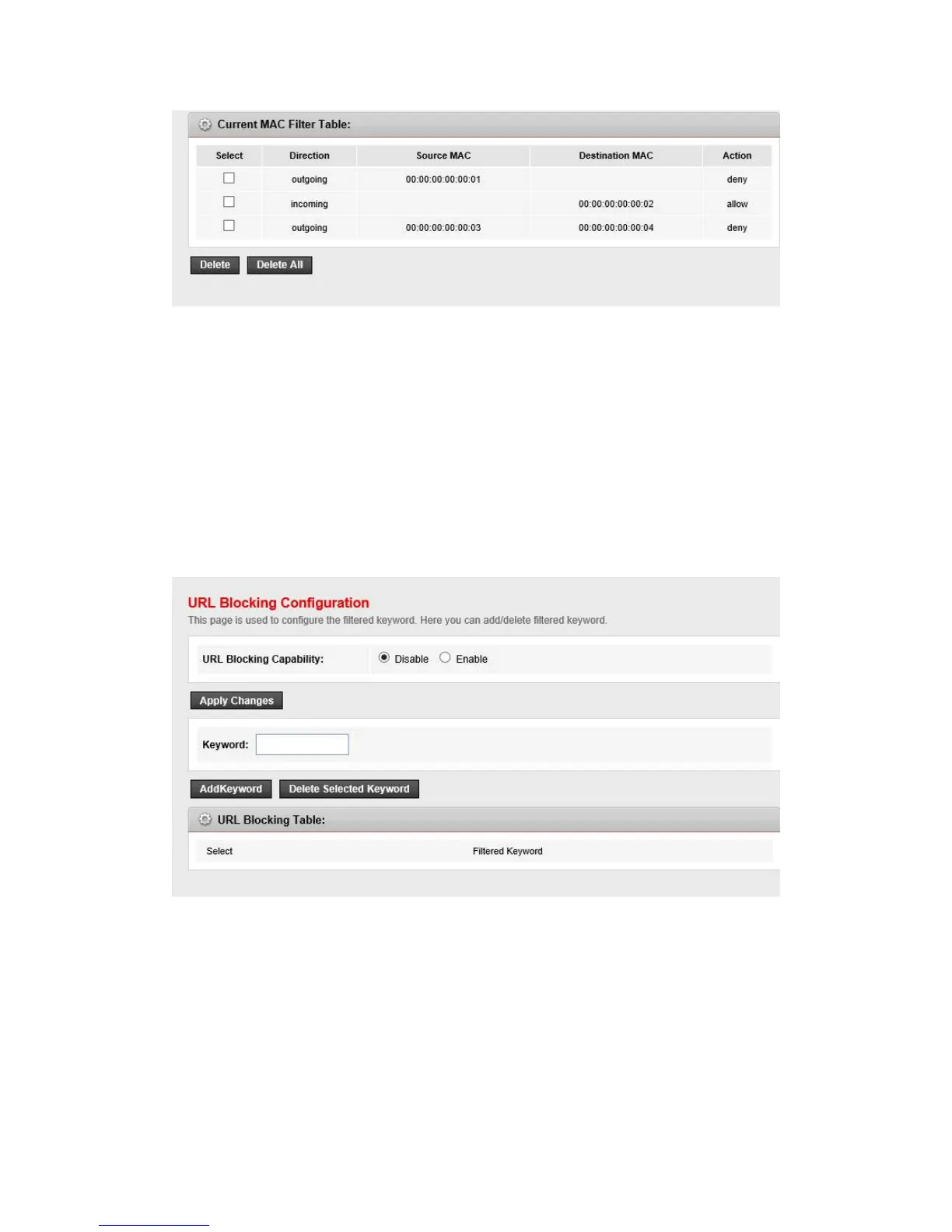
Go to Firewall->URL Filter page, you can add and delete the filtered keyword.
URL Blocking Capability
Enable or disable the URL filtering function. If it is enabled, the access to the site which
matches the keyword will be blocked by the router, if it is disabled, nothing will be done.
Keyword
the keyword of the site you want to block.
URL Blocking Table
it shows the current URL filtering entry. You can delete the selected entry.


 To Next Page