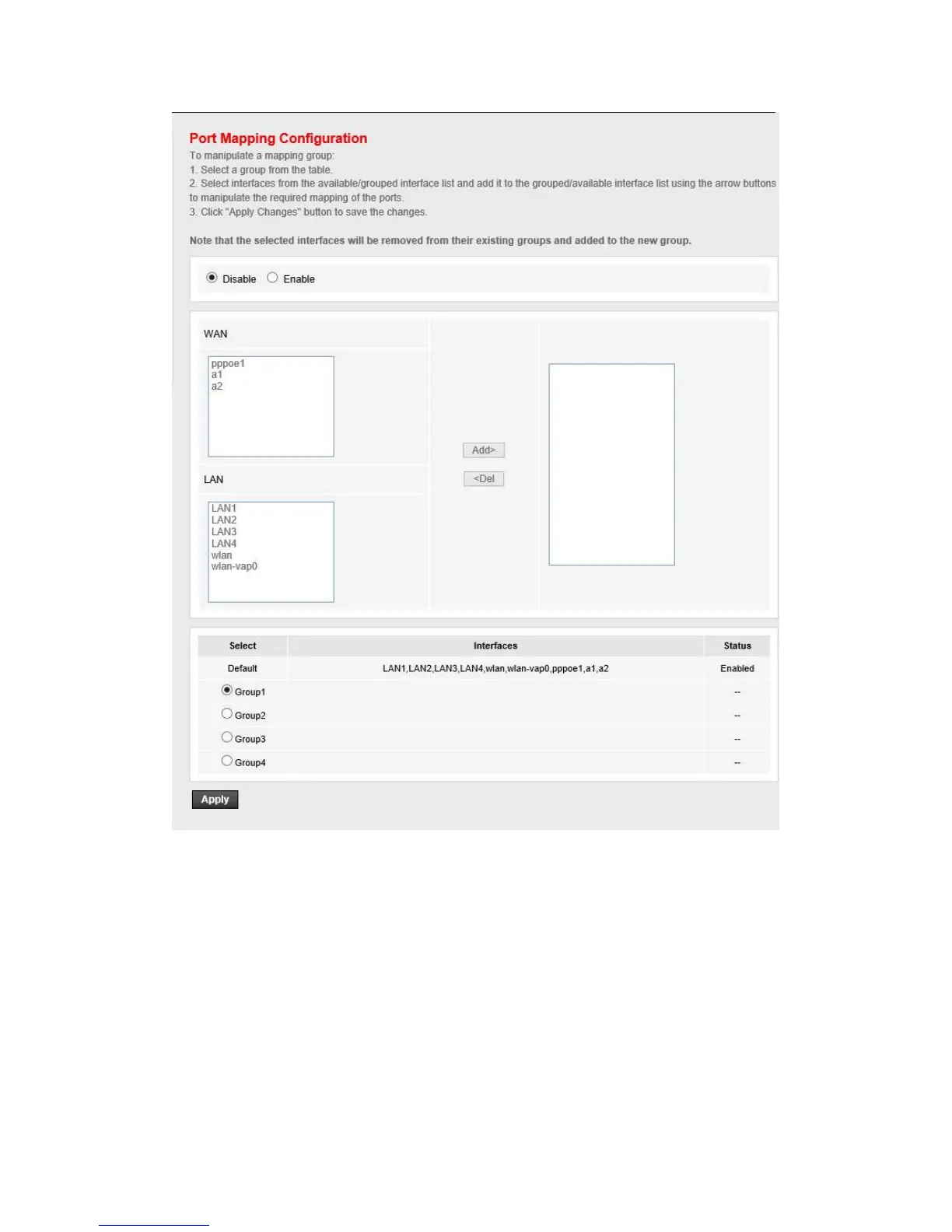
You can enable or disable the port mapping function of the device by the select radio button. If
“Enable” radio is selected, you can configure the mapping group as follow steps:
Select a group from the table, then you can see the available interface (LAN and WAN) and
grouped interface list
Select interfaces from the available and grouped interface list and add it to the “Interface
group” using “Add>” button or delete it to the “Interface group” using “>Del” button to
manipulate the required mapping of the ports
Click “Apply” button to finish the configuration.



 To Next Page