34
Maintenance
Edit Print Header
Tomakechangestothetextthatappearsintheheader
oneachprintout:
1.SelectGARAGE DATAfromtheSetupmenu.
2.Thecursorisblinkinginthersteld.Pressthe
Menukeytodisplayavirtualkeyboard.
3.Usethearrowkeystomovearoundthekeyboard.
PressOKtoenteracharacter.
4.PresstheMenukeytoexitthekeyboardandmove
tothenextlleld.
5.PressOKtosavethedataandpressESCtoexitthe
keyboard.
ThisprocedureisexplainedinmoredetailintheSetup
sectionofthismanualunderGarageData.
Replace Printer Paper
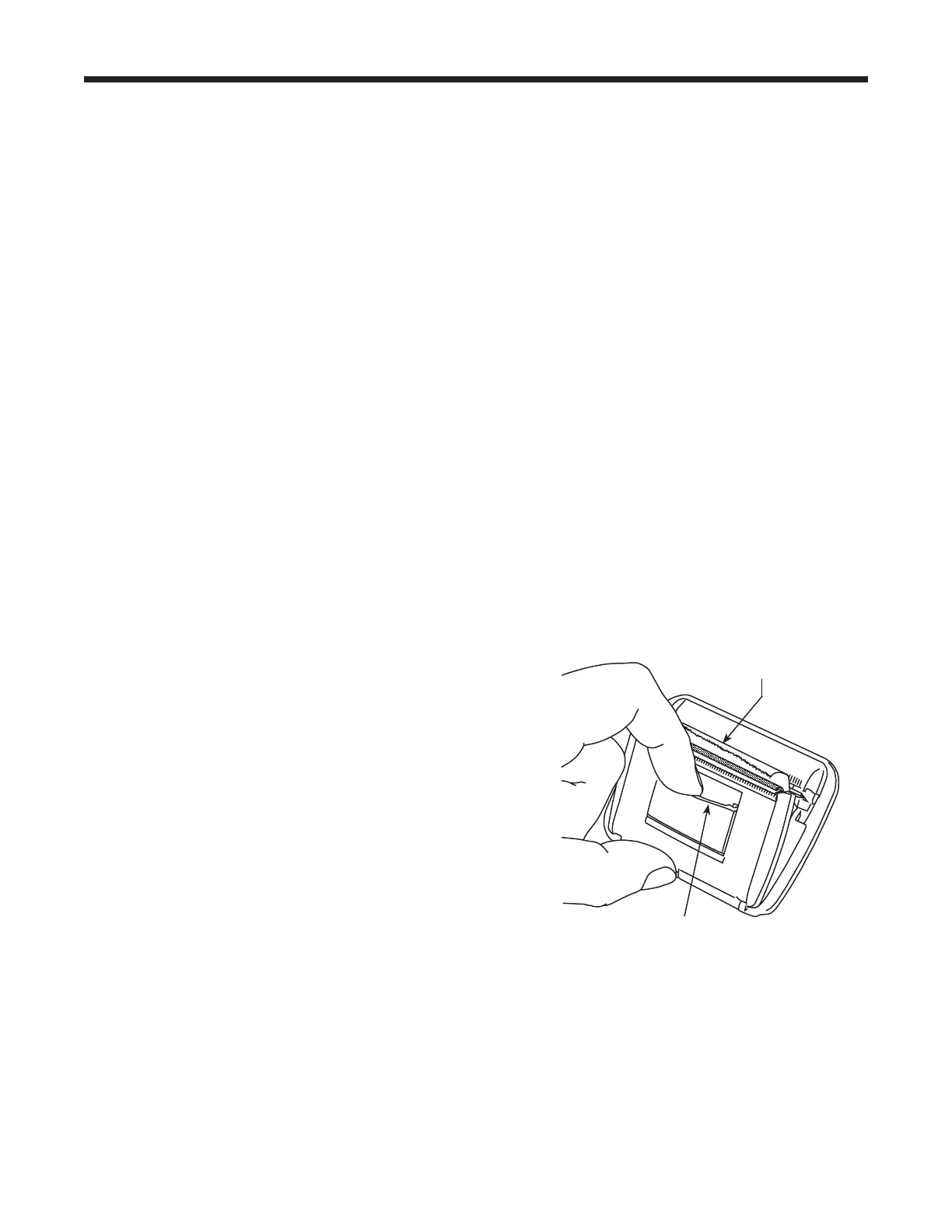
Toinstallanewpaperrollintheprinter:
1.Removethecoverontheprinterbypullingouton
thetabasshowninFigure22.
2.Removethepapercore.
3.Installthenewrollofpaperwiththeendofthepaper
atthetopoftheroll.
4.Assemblethecoverontotheprinterwiththeleading
edgeofthepaperovertheroller.
Tab
Leading Edge of
Paper Over Roller
Figure 22


 To Next Page