The programmer/clock
Setting the minute minder
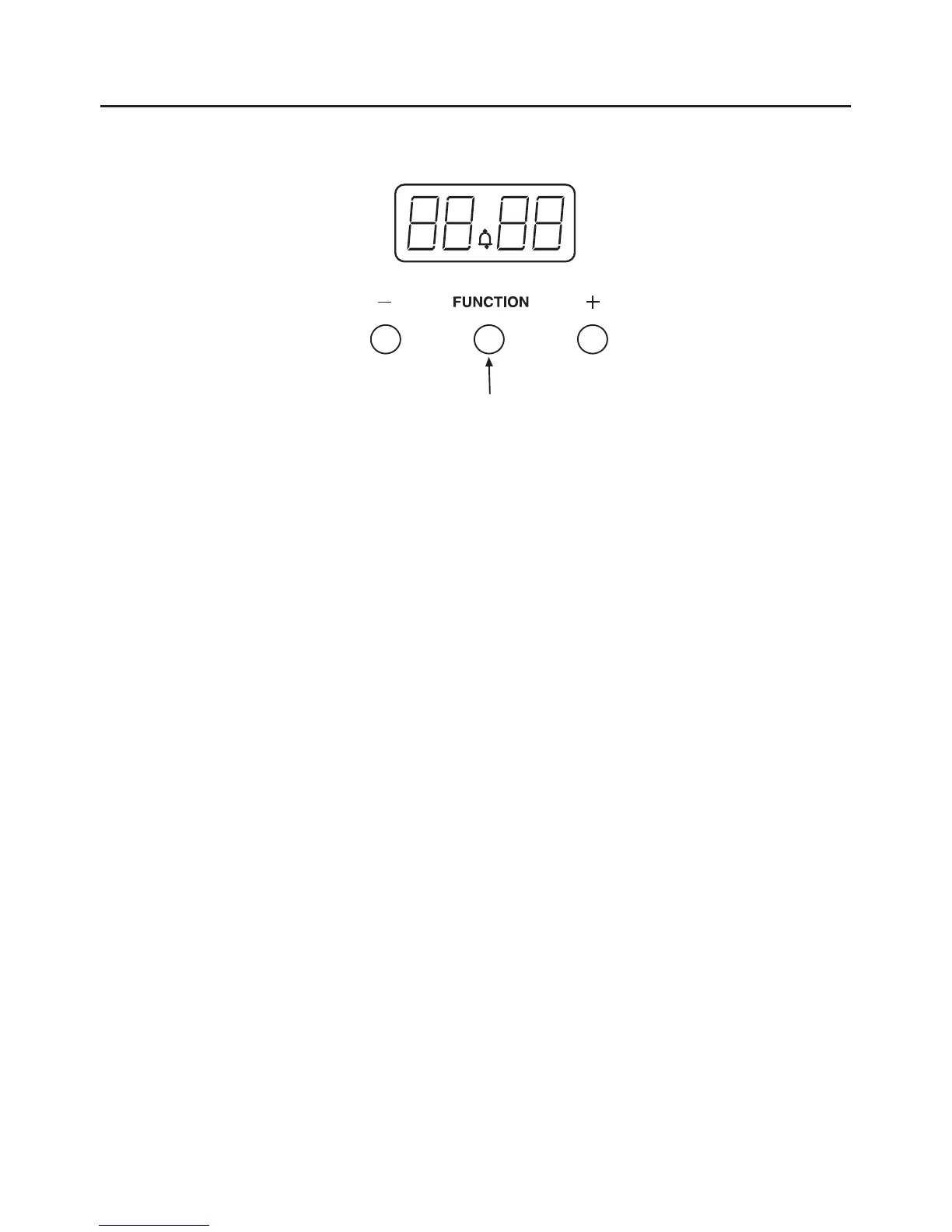
u To set the Minute Minder, press the Function button once. The bell symbol will
appear and start flashing. The flashing only lasts for 5 seconds so the time
must be set within this time frame.
u Use the Up / Plus and Down / Minus button to set the length of time required.
Once this has been done, the Minute Minder is set.
u When the desired length of time has counted down the alarm will sound.
u To cancel the tone, press any of the buttons.
u To cancel the Minute Minder at any time, press the Up / Plus and Down / Minus
buttons together.
8



 To Next Page