EasyManua.ls Logo

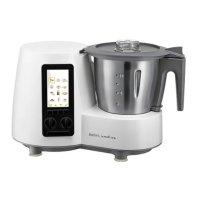
Bellini SUPERCOOK - Settings - Standby Timer; Settings - Language; Settings - Volume

Bellini SUPERCOOK
20 pages
Print Icon
To Next Page IconTo Next Page
To Previous Page IconTo Previous Page
Loading...
12
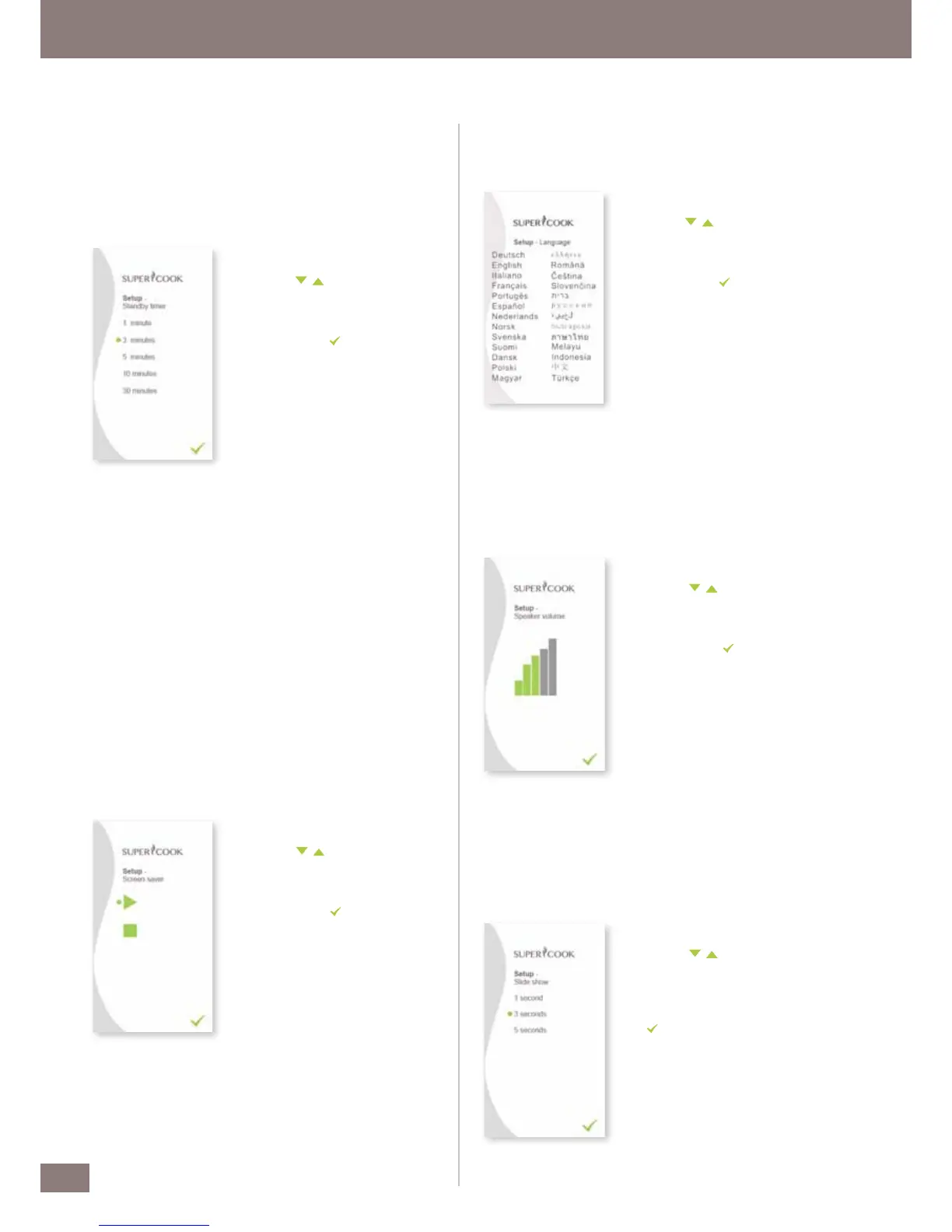
Screen saver
The Screen saver is activated as a function of the time selected in the
Standby timer menu item. You can use any number of custom images

these in the „995SAVER“ system folder on your SD card. They need to







resolution of 480 x 272 pixels. Pictures which are not this size are
automatically cropped to the correct proportions.

1.
In the Se
tup menu, you can navigate
with the
buttons and select
Screen saver.




selection. (Stop/ Play)
3.
Then press the

Standby timer
The Standby timer allows you set a time at which the kitchen machine
automatically switches to Standby mode. After, for example, 1 minute
in Standby mode, the display switches off if there is no Screen saver
activated (see Screen saver).

1.
In the Se
tup menu, you can navigate
with the
buttons and select
buttons and select
Standby timer.




selection.
3.
Then press the

Language

1.
In the Se
tup menu, you can navigate
with the
buttons and select
buttons and select
Language.




selection.
3.
Then press the

Volume

on/off, when the device reaches temperature or when time is up.

1.
In the Se
tup menu, you can navigate
with the
buttons and select
buttons and select
Volume.




selection.
3.
Then press the

Slide show
Use this setting to customise the display of images in Screen saver mode.

1.
In the Se
tup menu, you can navigate
with the
buttons and select
buttons and select
Slide show.




selection.




button.

Related product manuals