EasyManua.ls Logo

Bellini SUPERCOOK - Updating the Yumi Control Module

Bellini SUPERCOOK
20 pages
Print Icon
To Next Page IconTo Next Page
To Previous Page IconTo Previous Page
Loading...
13
AUST
DE
NL
RUS
ES
AR
HE
IT
PT
FR
Updating the „Yumi“ control
module



and copy it to the root directory of the SD card.
1.
Inser
t the SD card into the control

2.
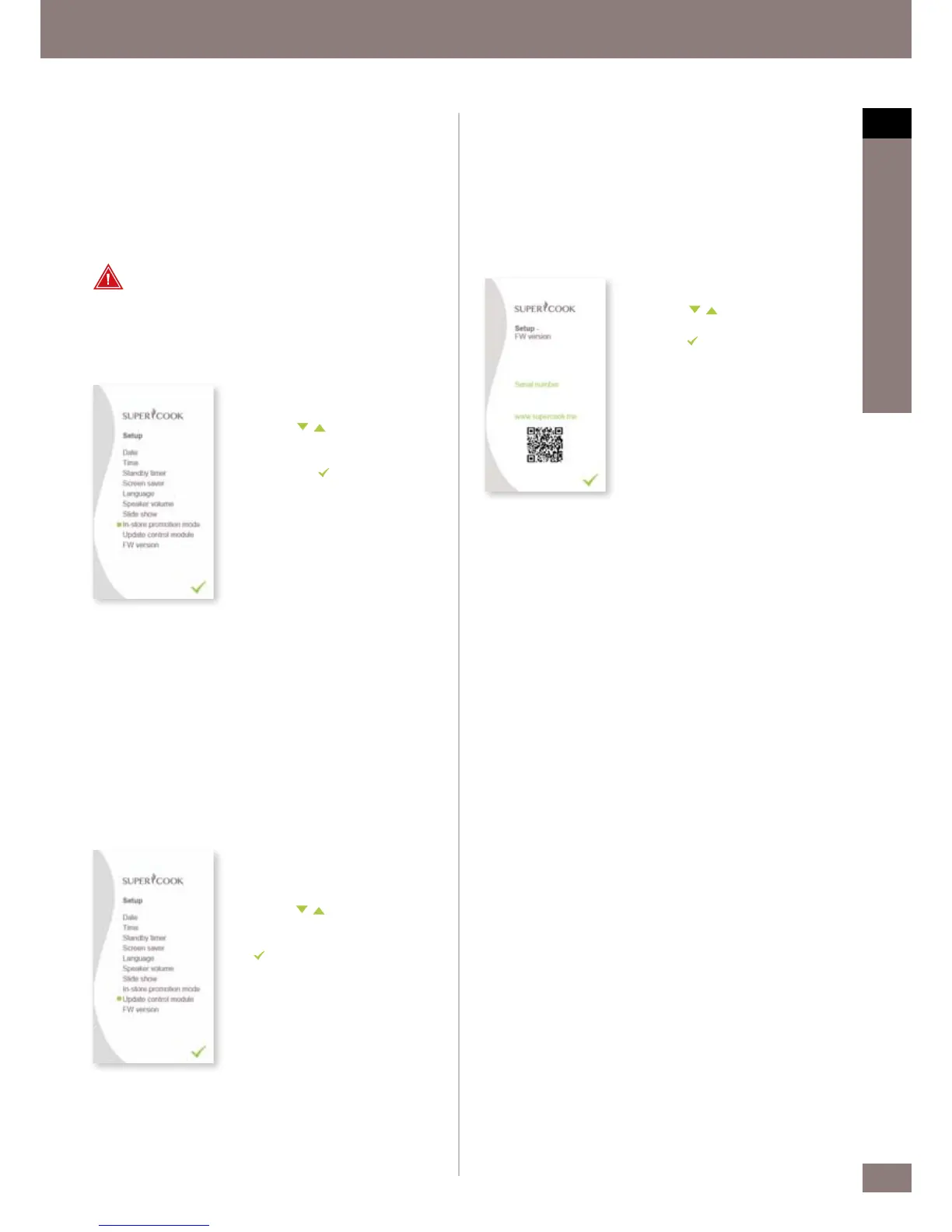
In the Se
tup menu, you can navigate
with the
buttons and select
Update control module.




button.
4.
F
ollow the instructions on the screen.
Please switch the kitchen machine on
and of
f. After the update, the new FW
is displayed as described in the next
step.
FW version


version can be found at www.supercook.me. You will need the serial
number for all service requests and to register the product at
www.supercook.me.

1.
In the Se
tup menu, you can navigate
with the
buttons and select FW
version.
2.
Use the
button to return to the
Setup menu.
In-store promotion mode
In-store promotion mode provides an additional marketing tool for
retailers. This shows product information on the LCD display which is

If In-store promotion mode is selected, all other device functions are
deactivated. In order to exit In-store promotion mode,Press MENU and
the left button of the 4 control buttons at same time.

For safety reasons, remove the knife when displaying the kitchen
machine in store.

1.
In the Se
tup menu, you can navigate
with the
buttons and select
buttons and select
In-store promotion mode.




pressing the
button.
3.
In or
der to exit In-store promotion
mode, Press MENU and the left
button of the 4 control buttons at
same time.

Related product manuals