on the screen. If not, please continue to press the shutter button and turn
on the camcorder as well. Open [My Computer], there will be a file named
"USB video tool". Double click the icon. The camcorder will work as the
webcam.
7. Software Installation
Installing the Software
The bundled software CD has the driver and software that come with video
camera.
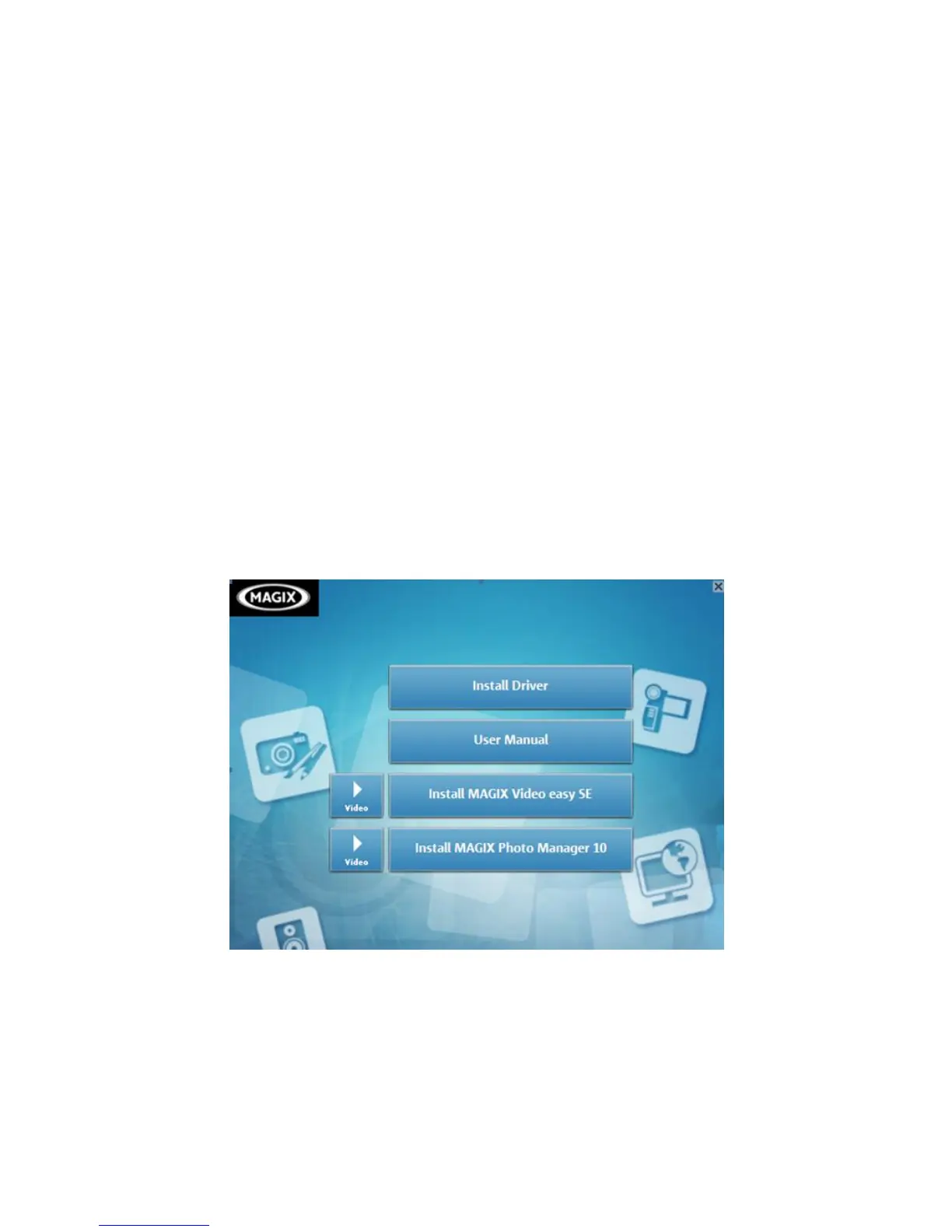
Insert the CD into your CD-ROM drive. The autorun menu appears:
The following software is listed:


 To Next Page