Instruction Manual for DAC3 HGC and DAC3 L with 2.X Firmware Page 42
USB Driver Installation
Windows Operating Systems
Note: The DAC2/DAC3 driver is available for download at: BenchmarkMedia.com/drivers
Note: To provide full backward and forward compatibility, the DAC3 uses the DAC2 USB drivers.
This prevents the need to install two different sets of drivers. Please note that the DAC3 USB input
will be identified as "Benchmark DAC2" in your computer control panels. This is intentional.
Before you install the driver, make sure the USB cable is unplugged.
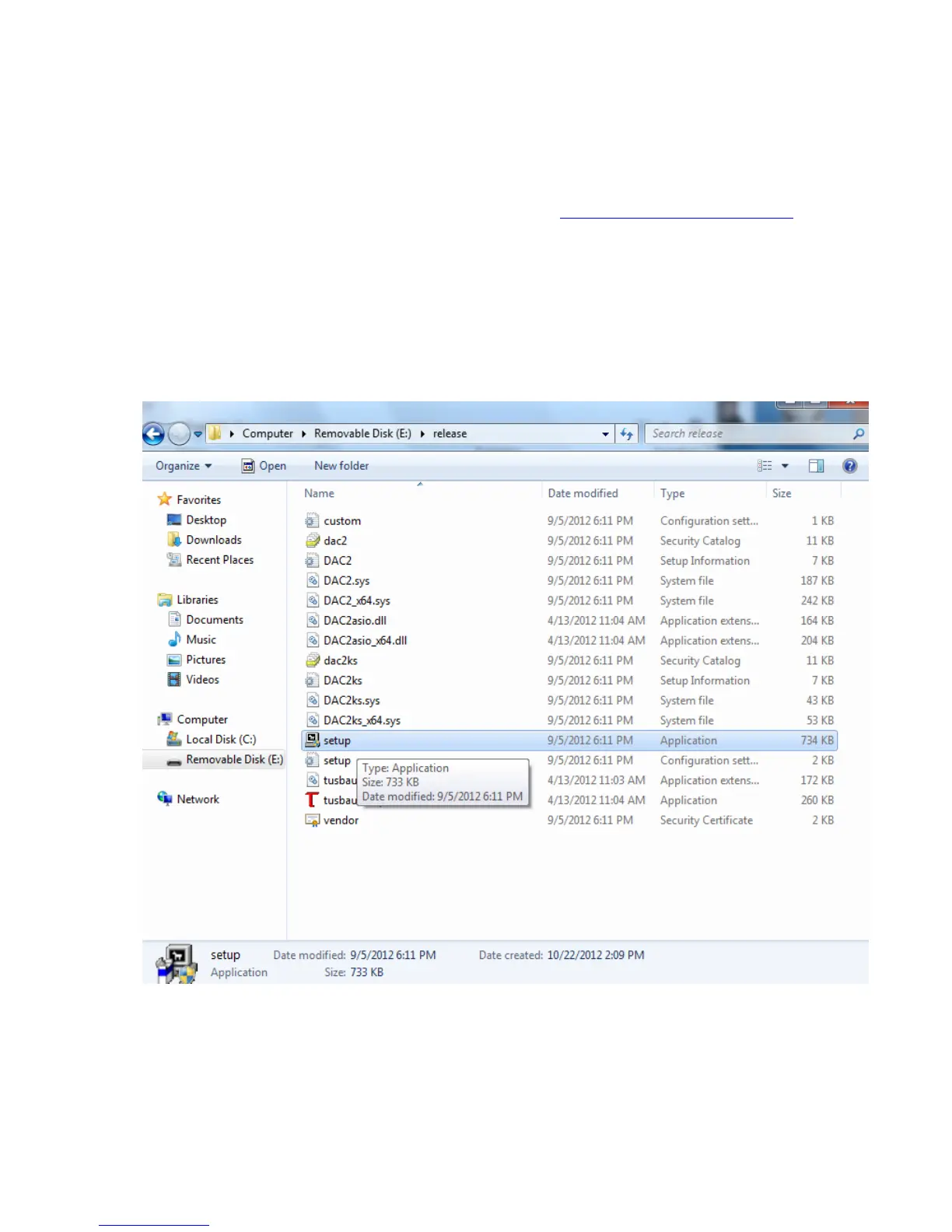
1. In the DAC2 Driver folder, double click “setup.exe.”



 To Next Page