REV: 13/05/2022 · ©2022 Benewake (Beijing) Co., Ltd. | en.benewake.com | All rights reserved
BP-UM-30 A01
12
5 QUICK TEST GUIDE
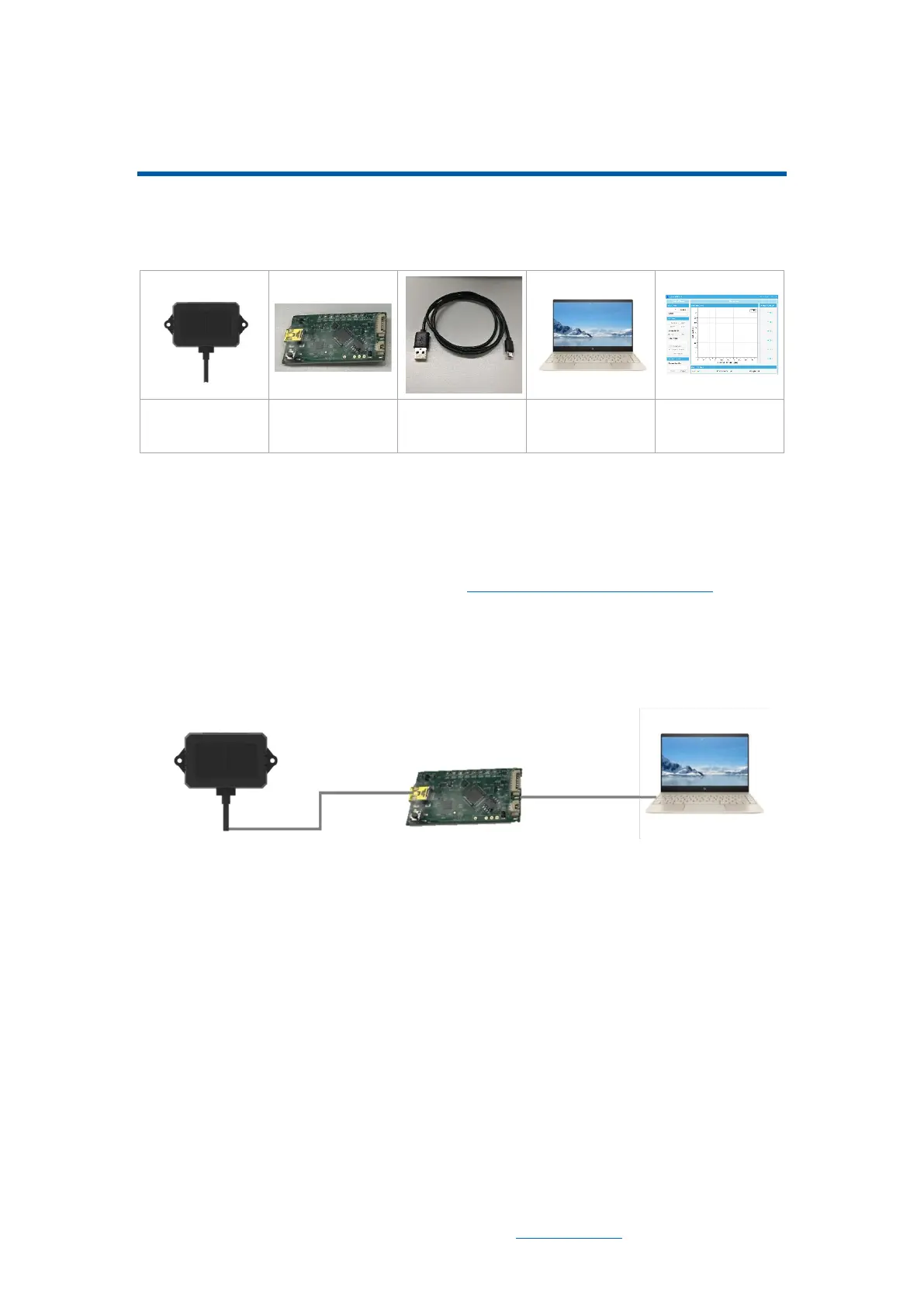
5.1 Tools Required for Test
5.2 Test Procedures
1) Download the test software
Download the latest version BW_TFDS from http://en.benewake.com/support.
The introduction of BW_TFDS software is shown in Attachment-1 BW_TFDS software.
2) Connection of the hardware
Connect “TF02-Pro”, “TTL-USB board” and “USB cable”. Make sure there is no
loose connection. Then connect “USB cable” with “PC”. As shown in Figure 5-1.
Figure 5-1 Connection of TF02-Pro and PC
3) Connection to the software
Run BW_TFDS software, select “① TF02-Pro” and select automatically recognized
communication port (here it is “② COM9”), choose the right baud rate (here it is “③
115200”), as shown in Figure 5-2.
4) Data output
Then click “CONNECT”. Upon successful connection, the continuous graph of the
output data will be displayed in area “④ TIME LINE CHART”. Besides, the real-time
data of the current measured distance (Dist), effective data points per second (Effective
Points) and signal strength (Strength) will be displayed in area “⑤ REAL TIME DATA”.



 To Next Page