17
3000 Series Retail Operators Manual 108796 Rev C, 07/05
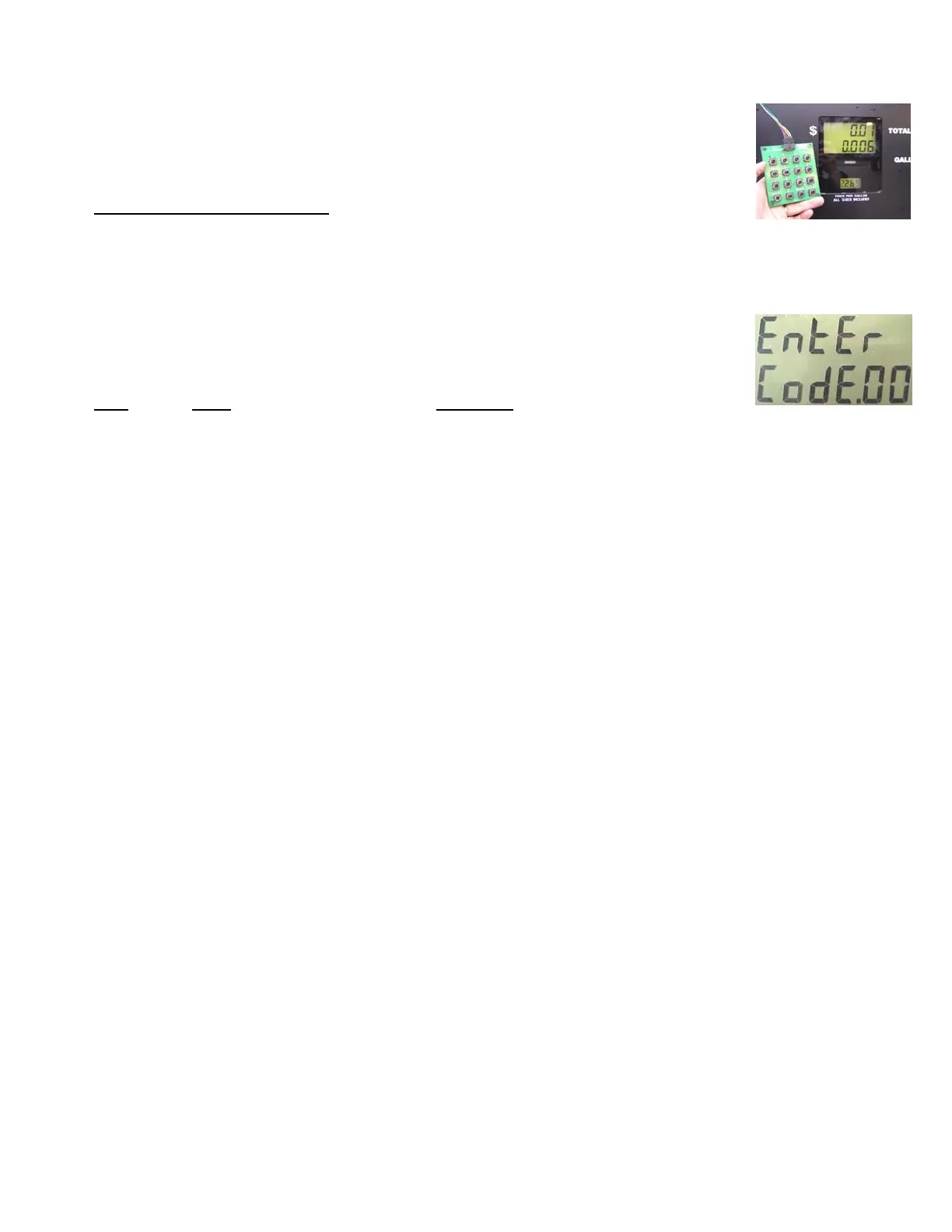
4. With the Manager’s keypad properly connected, on the Manager Keypad, press the
“Cancel” and “Enter” button simultaneously and hold for 3 seconds until you see “Code 00”
on the display. See Figure 2.
5. When the programming session is complete, press the “Cancel” and “Enter” button simulta-
neously to exit the Managers Mode.
General Programming Instructions
Make sure the dispenser power is on and the pump handle is in the off position prior to entering the Man-
ager (programming) mode.
The dispenser has a variety of Menu Codes that are accessed by using the manager’s keypad. Menu
Codes 0 and 1 are accessed by the attendant or the manager to read diagnostic error codes or totals. The
remaining Menu Codes are used by first entering an access code in Menu Code 3. Without the correct
access code, the remaining Menu Codes are hidden. A description of each Menu Code is given below:
Menu
Code
Name Description
0 Diagnostics Diagnostic tests
1 Hose Totals Reading Money, Volume, Number of Sales, Number of Price
Changes
3 Manager Access Entering a four digit code to access remaining Menu Codes
4 Pricing Program to set price per volume for each hose & one or two tier
pricing
8 Decimal Location Program to change decimal placement for other than U.S. standard
9 No Flow Time Out Program to set a time for the dispenser to turn off after flow stops
10 Slow Flow Amt Program to control the slow down limit on a prepay sale
11 Volume Allocation Program to control maximum volume of a single sale at one pump
12 Pre-charge Time Program to set the submerged pump pre-charge time
15 Fleet Option Program to set Fleet system interface compatibility
17 Local Preset/ Program to set the way the Local Preset option operates & how to
select the Preset Language applicable language
18 Motor Delay Program to set when the self contained motor turns on
21 Stand Alone Program to set the dispenser in stand alone or console mode
22 Dispenser Address Program to set the dispenser address
24 Preset Data Entry
Pointers Program to define the entry point for a preset sale
27 Electronic Calibration Electronic Calibration setting - View Only
83 Cold Start Cold Start the Dispenser Memory (RAM)
99 Volume Units Program to set the volume units for the hose
Please read the explanation for each menu code for complete information on these options.
Fig. 2
Fig. 1 - Manager Keypad



 To Next Page