48 Operating the camera
English
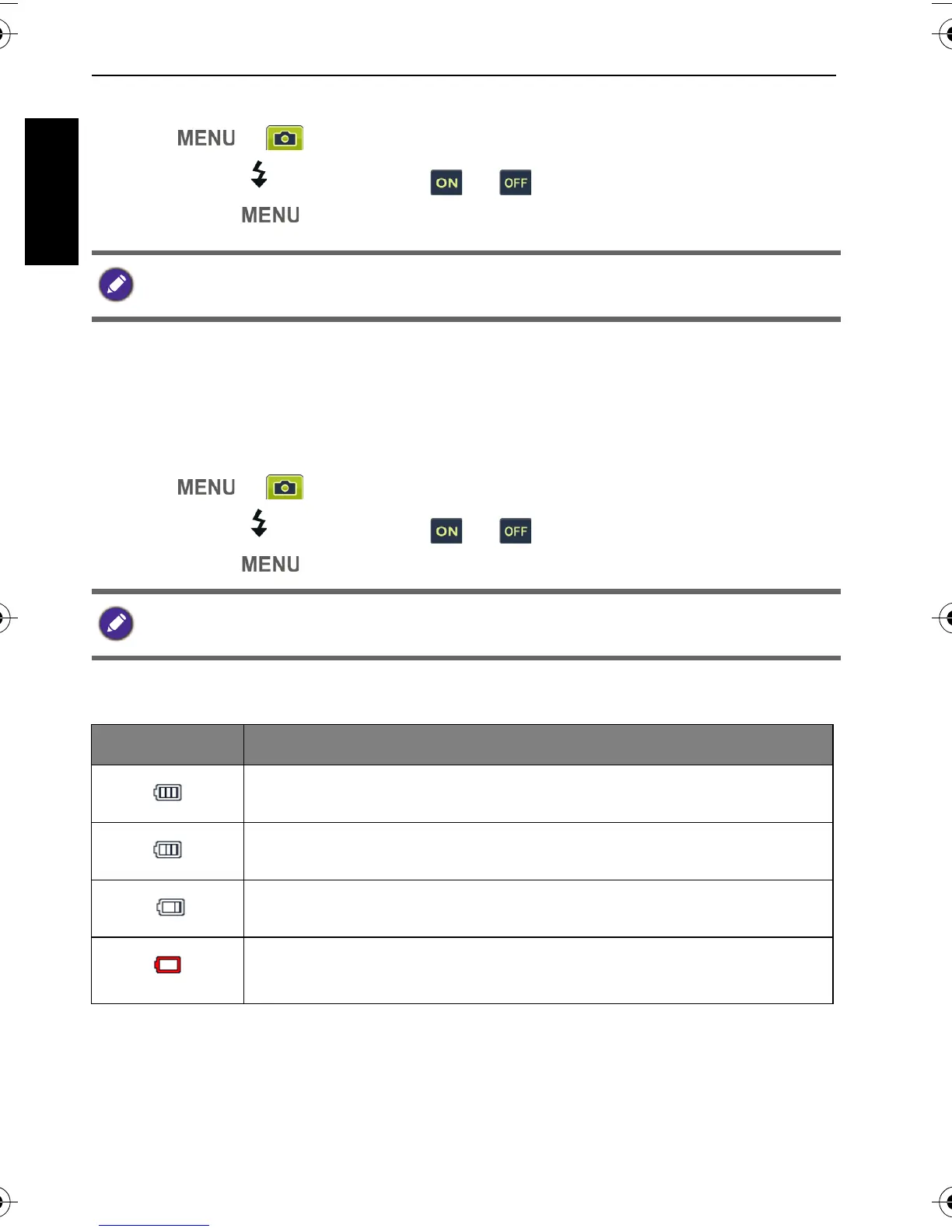
To set the Instant Review:
1. Press > > Instant Review.
2. Press or , and then select or .
3. Press > .
Stabilizer
Reduces blur caused by camera vibration, and thus improves image quality and
clearness.
To set the Stabilizer:
1. Press > > O.I.S..
2. Press or , and then select or .
3. Press > .
Battery status
During instant review, half press the shutter to return to the capture mode.
When the battery power is low, the Stabilizer will be turned off automatically.
Icon Description
Battery power is full.
Battery power remains adequate.
Battery power is low.
Battery power is very low. You should replace the battery
ASAP.
GH600 UM - EN.book Page 48 Friday, October 14, 2011 4:33 PM



 To Next Page