Operation
35
1. Hightlight Settings and press OK to enter.
2. Go to Advanced > Audio Settings and press
OK to enter.
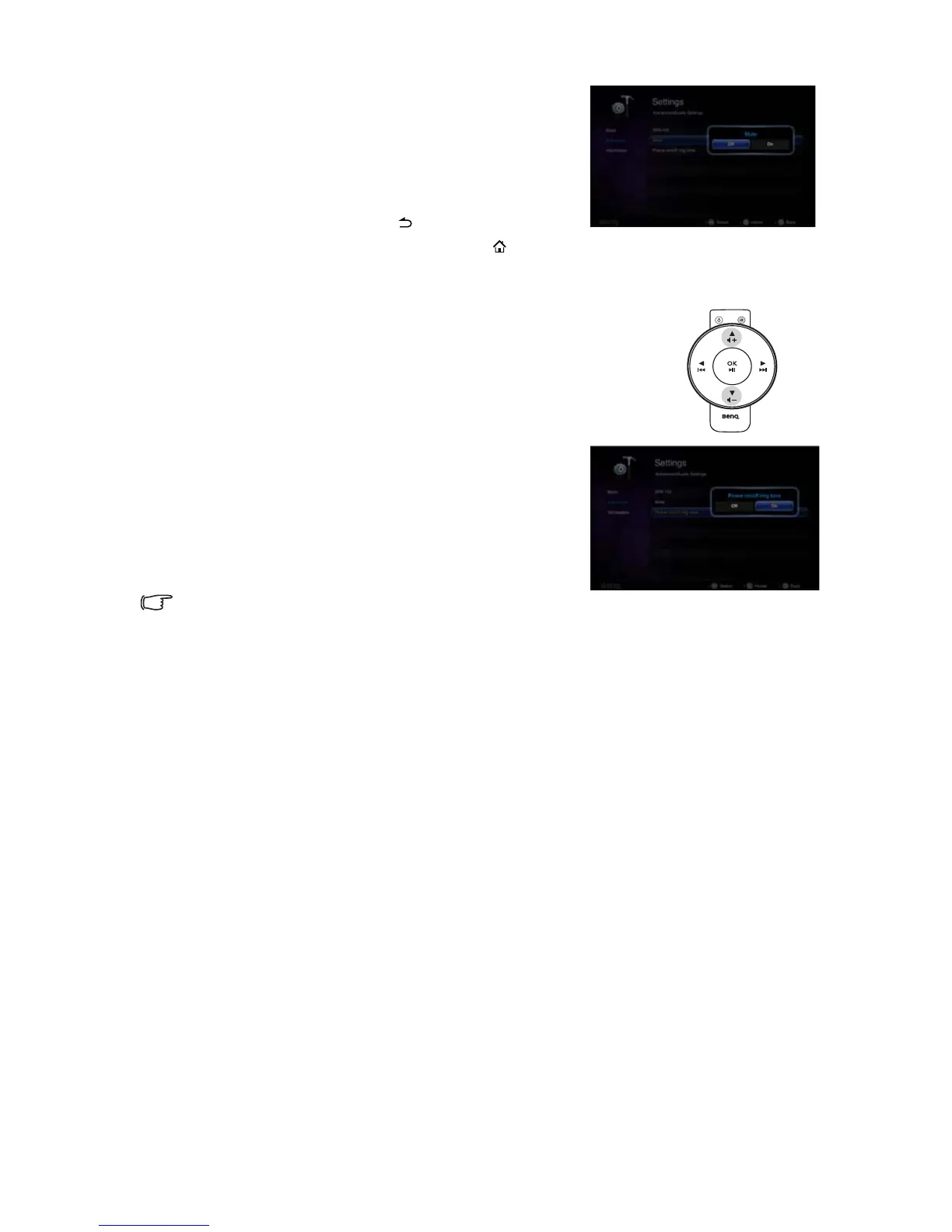
3. Highlight Mute and press OK to open the pop-up
menu.
4. Highlight On and press OK to confirm.
5. To leave the OSD, press until the projector
returns to the home screen, or press to go back to the home screen directly.
Adjusting the sound level
To adjust the sound level, press + or - on the remote control.
Turning off Power on/off ring tone
To turn off the Power on/off ring tone:
1. Repeat steps 1-2 above.
2. Highlight Power on/off ring tone and press OK
to open the pop-up menu.
3. Highlight Off and press OK to confirm.
The only way to change Power On/Off Ring Tone is setting
On or Off here. Setting the sound mute or changing the sound level will not affect the Power
On/Off Ring Tone.



 To Next Page