Operation
53
Using wireless streaming
Display PC screen to projector wirelessly
BenQ EZ QPresenter is a power program to project your PC/NB screen to projector
wirelessly. It also brings you extension display function so that you can show different
content in the secondary display.
Follow the steps below to get it all set up in just a few minutes.
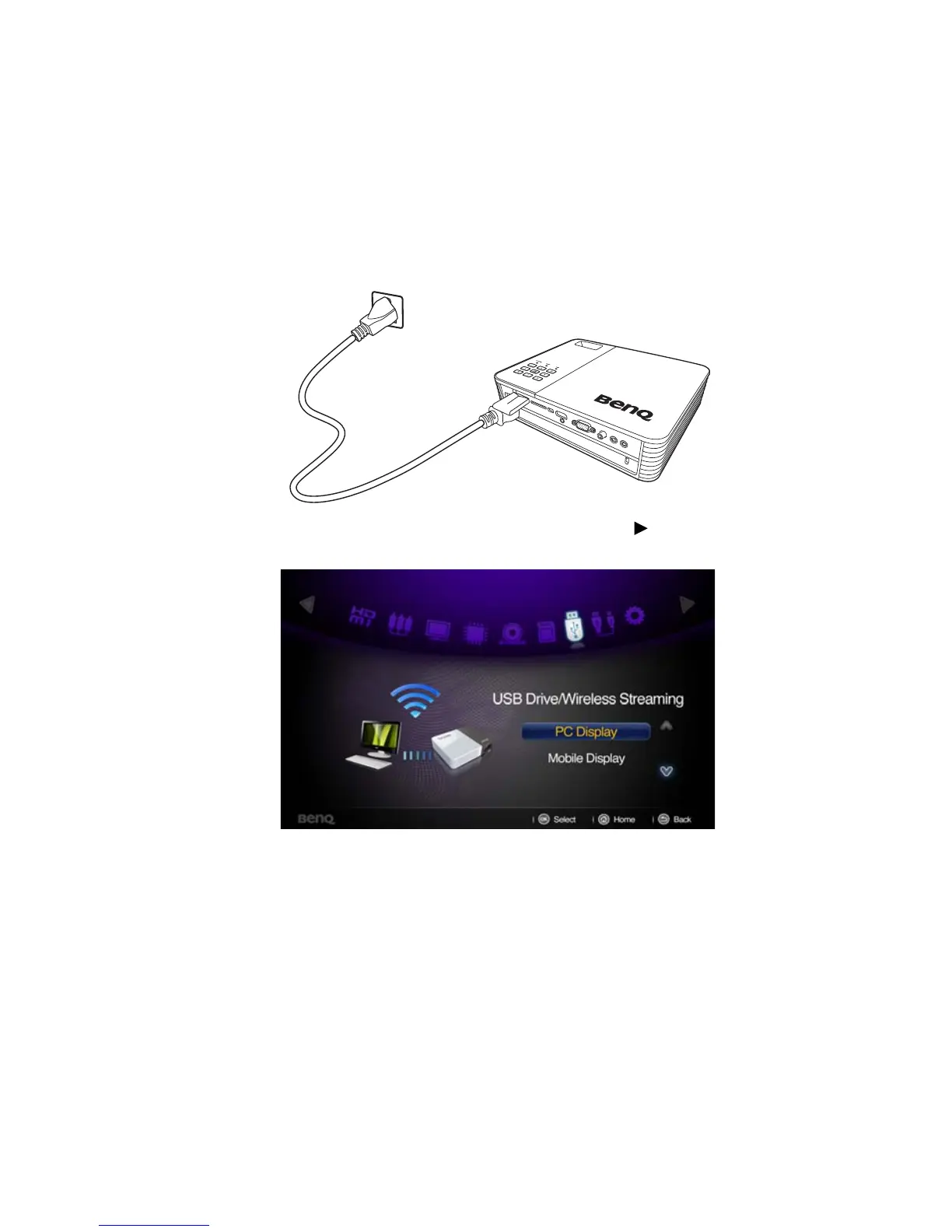
1. Connect the wireless dongle to the USB jack of the projector.
2. Select “USB Drive/Wireless Streaming” by pressing and press “OK” on
your projector. Choose “PC Display”.



 To Next Page