Operation
54
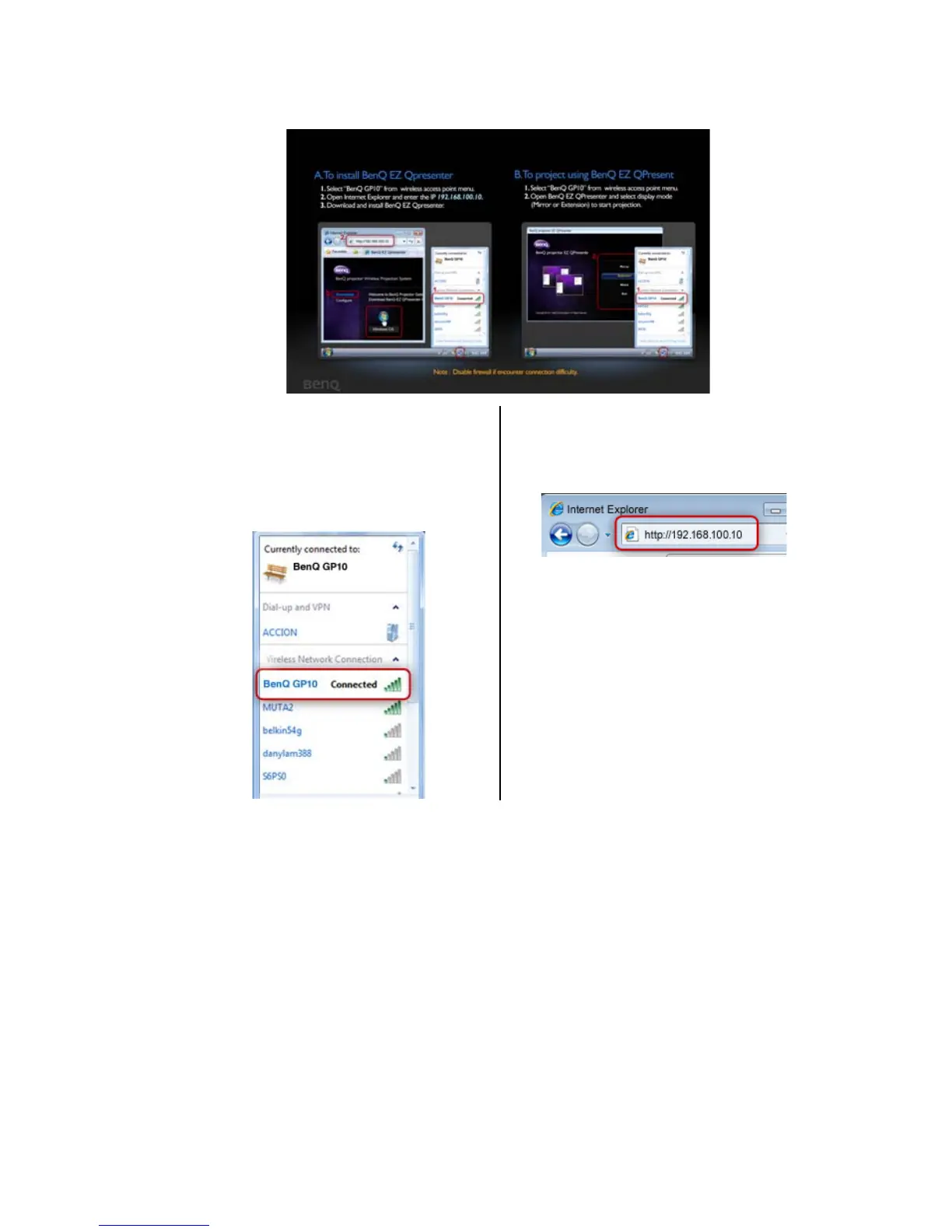
3. You will be prompted to the “To install BenQ EZ QPresenter” page and follow
the steps as instructed.
4. Select “BenQ GP10” as your
WLAN connection on your
computer (make sure your computer
is equipped with wireless network
card).
5. Start a web browser and key in IP
address 192.168.100.10 into the
address bar and press “Enter”.



 To Next Page