Operation
48
When viewing documents
• Loading time may be longer for large files.
• Document viewer may not work properly when a file does not comply with standards or it is
damaged.
• Document viewer may not work when a file contains too much data to display on a screen.
(For example, too much data on one sheet in an Excel file.)
• Document viewer supports only one font. If a screen uses other fonts, the image Media Play
displays may be different than the original screen.
• For example:
• 1. The position of line breaks in a sentence might be dissimilar.
• 2. The position of page breaks in a MS Word document might be changed. In this case, the
document might be shown incompletely according to the Layout properties for
Picture or
Shapes or Object in MS word . (Please refer to the manual of MS Word for more
information on the Layout properties.)
• Some functions supported on your PC are not supported by the projector, such as these
PowerPoint functions: Animation, 3D, Smart Art, Hyper Link, and Transparency and
Gradation.
• This product does not support encrypted files (DRM).
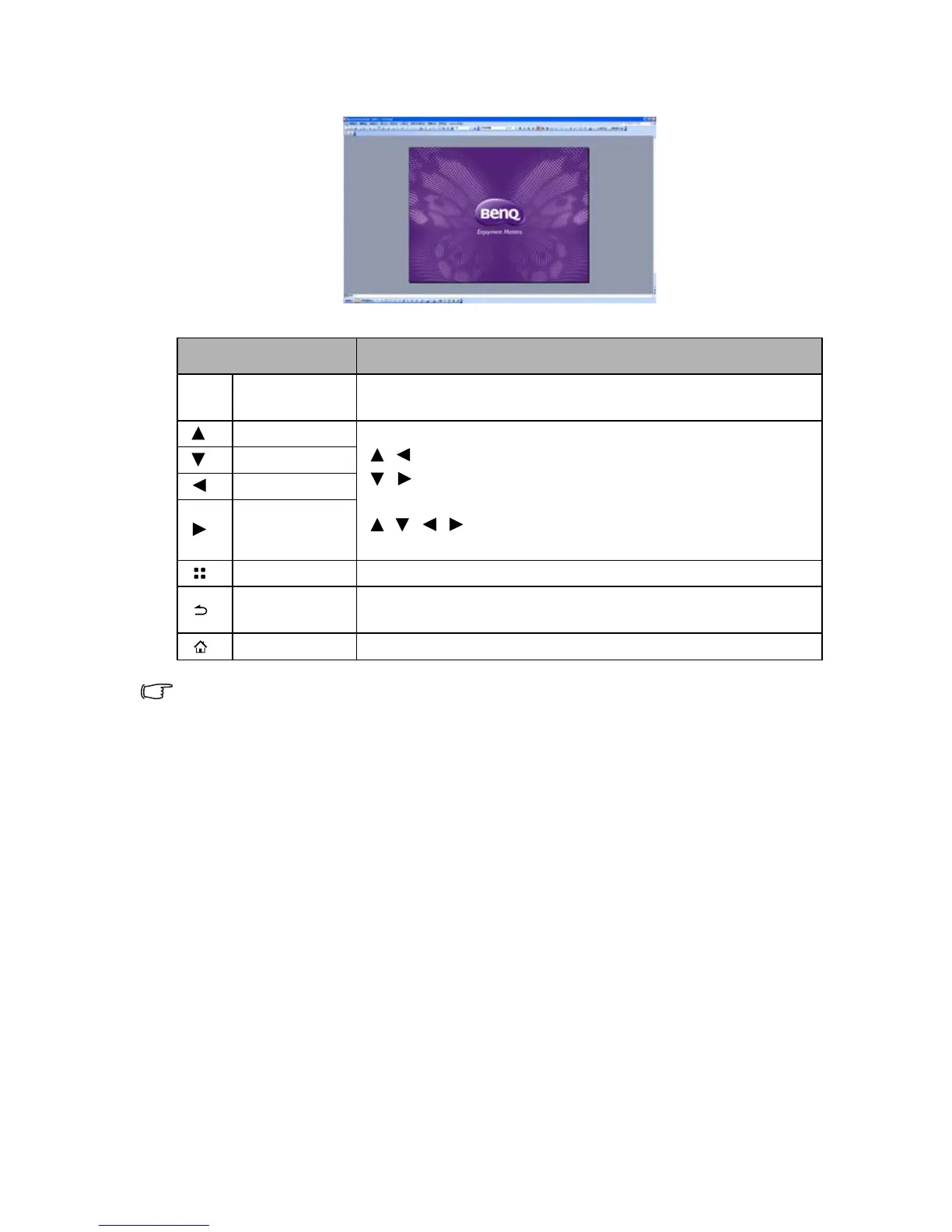
NAME DESCRIPTION
OK
Enter Enlarge the current page. Magnify the page with a further
press.
Up 1. When the page is not enlarged:
/ : Move to the previous page.
/ : Move to the next page.
2. When the page is enlarged:
/ / / : Move to the top/down/left/right portion of the
page.
Down
Left
Right
Menu Bring out the pop-up menu.
Back Leave current document viewer and back to document file
browser.
Home Exit document viewer and go back to home screen.



 To Next Page