Operation
57
Display iPhone/iPAD content to projector wirelessly
BenQ GP10 QPresenter is an easy-to-use app which enables your mobile devices to
project the display to BenQ GP10 Ultra Lite LED projector. You can display your photos/
documents including PDF, MS-Office and iWorks.
Follow the steps below to get it all set up in just a few minutes.
1. Connect the wireless dongle to the USB jack of the projector.
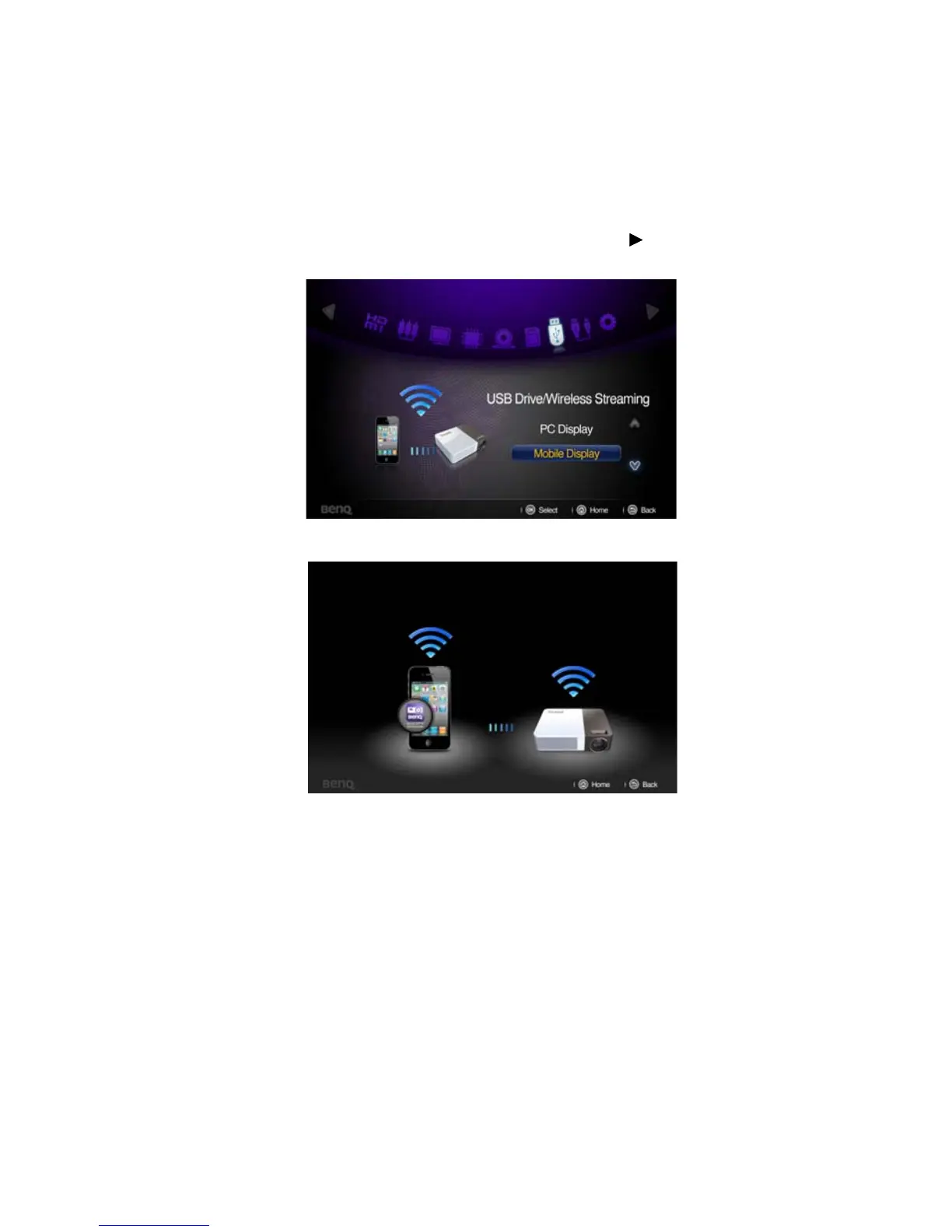
2. Select “USB Drive/Wireless Streaming” by pressing and press “OK” on
your projector. Choose “Mobile Display”.
3. You will be prompted to the “Mobile Display” welcome page.
Please download GP10 QPresenter in App store and install on your iPhone or iPad.



 To Next Page