English
15
Controls and functions
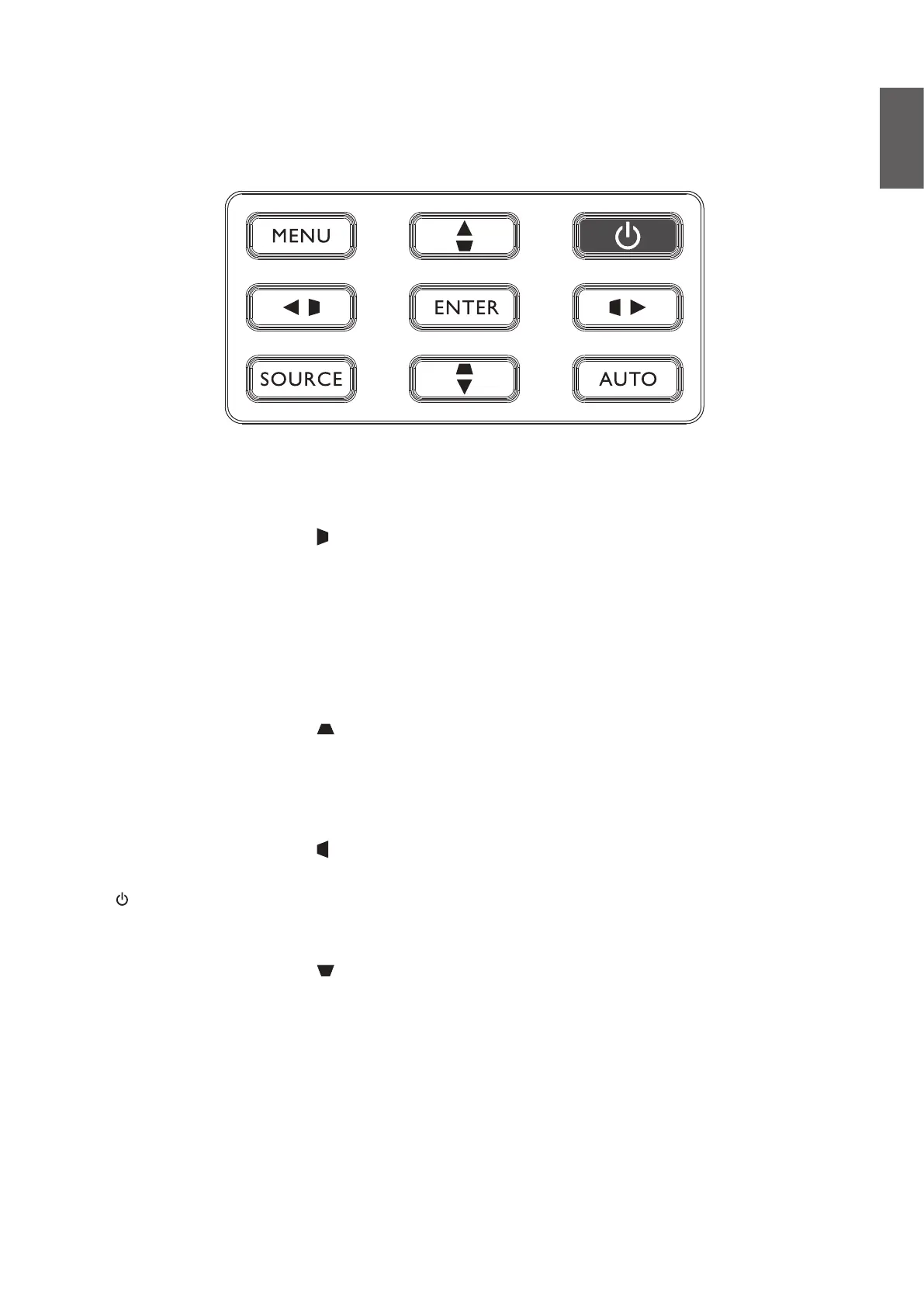
Control panel
• MENU
Turns on the On-Screen Display (OSD) menu. Goes back to previous OSD menu, exits and
saves menu settings. See "Using the menu" on page 40 for details.
• Keystone/Arrow keys ( /
◄
Left)
Manually corrects distorted images resulting from an angled projection.
• SOURCE
Displays the source selection bar.
• ENTER
Selects an available picture setup mode.
Enacts the selected On-Screen Display (OSD) menu item. See "Using the menu" on page 40
for details.
• Keystone/Arrow keys ( /
▼
Down)
Manually corrects distorted images resulting from an angled projection.
• AUTO
Automatically determines the best picture timings for the displayed image. See "Auto adjusting
the image" on page 38 for details.
• Keystone/Arrow keys ( /
►
Right)
Manually corrects distorted images resulting from an angled projection.
• Power
Toggles the projector between standby mode and on. See "Switch on the projector" on
page 33 and "Switch off the projector" on page 39 for details.
• Keystone/Arrow keys ( /
▲
Up)
When the On-Screen Display (OSD) menu is activated, the
▲
,
▼
,
◄
, and
►
keys are used as
directional arrows to select the desired menu items and to make adjustments. See "Using the
menu" on page 40 for details.



 To Next Page