English
26
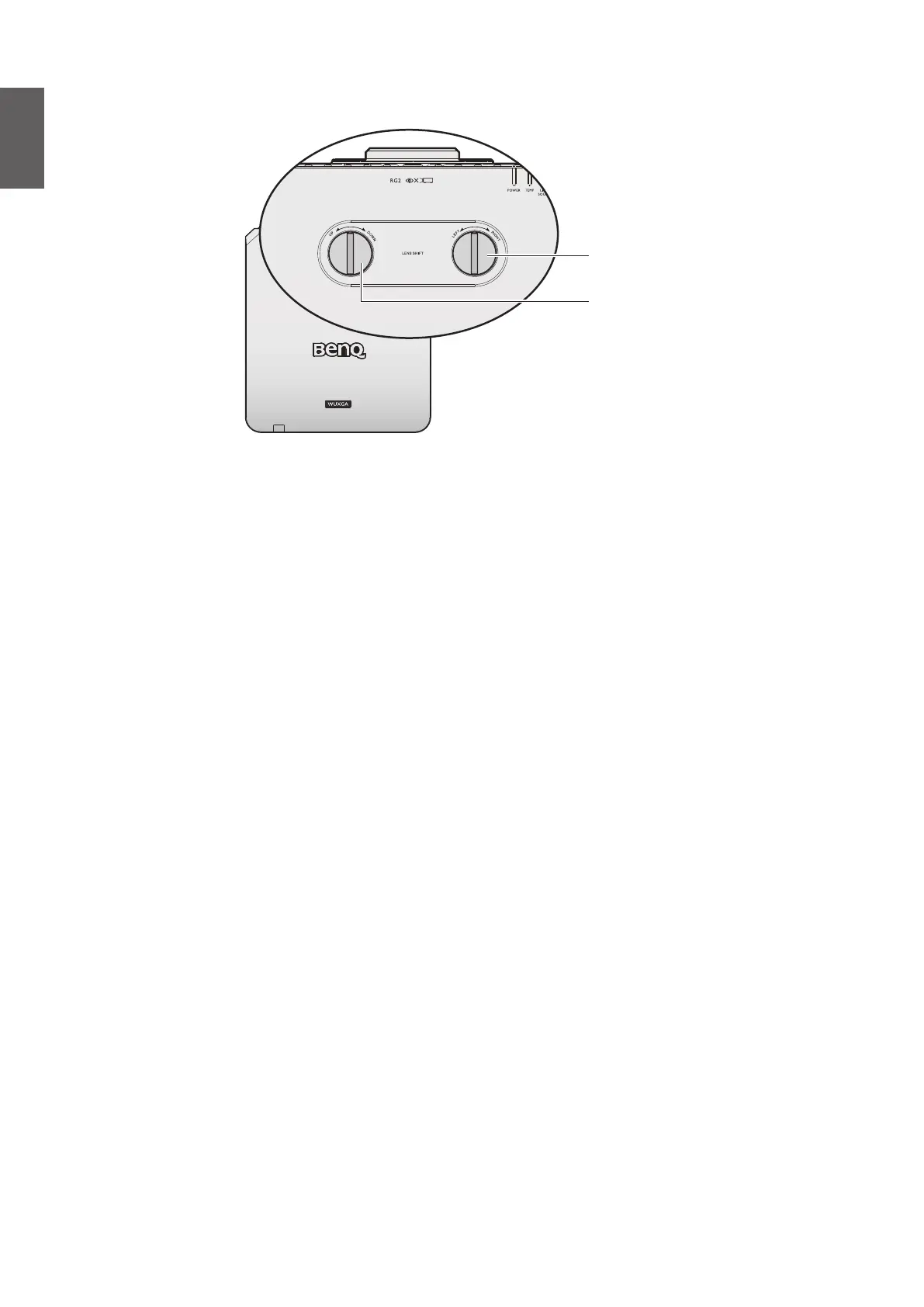
Adjusting by Lens shift
Horizontal lens
shift lever
Vertical lens
shift lever
The Lens Shift function can be used to adjust the position of the projected image either
horizontally or vertically within the range detailed below.
Adjusting the vertical image position
The vertical image height can be adjusted between 55% and -15% for WUXGA of offset position.
Please consult the Lens Shift Range diagram below for further clarication.
Adjusting the horizontal image position
With the lens in the center position the horizontal image position can be adjusted to the left or
right by up to a maximum of 5% of the image width. Please consult the Lens Shift Range diagram
below for further clarication.



 To Next Page