English
43
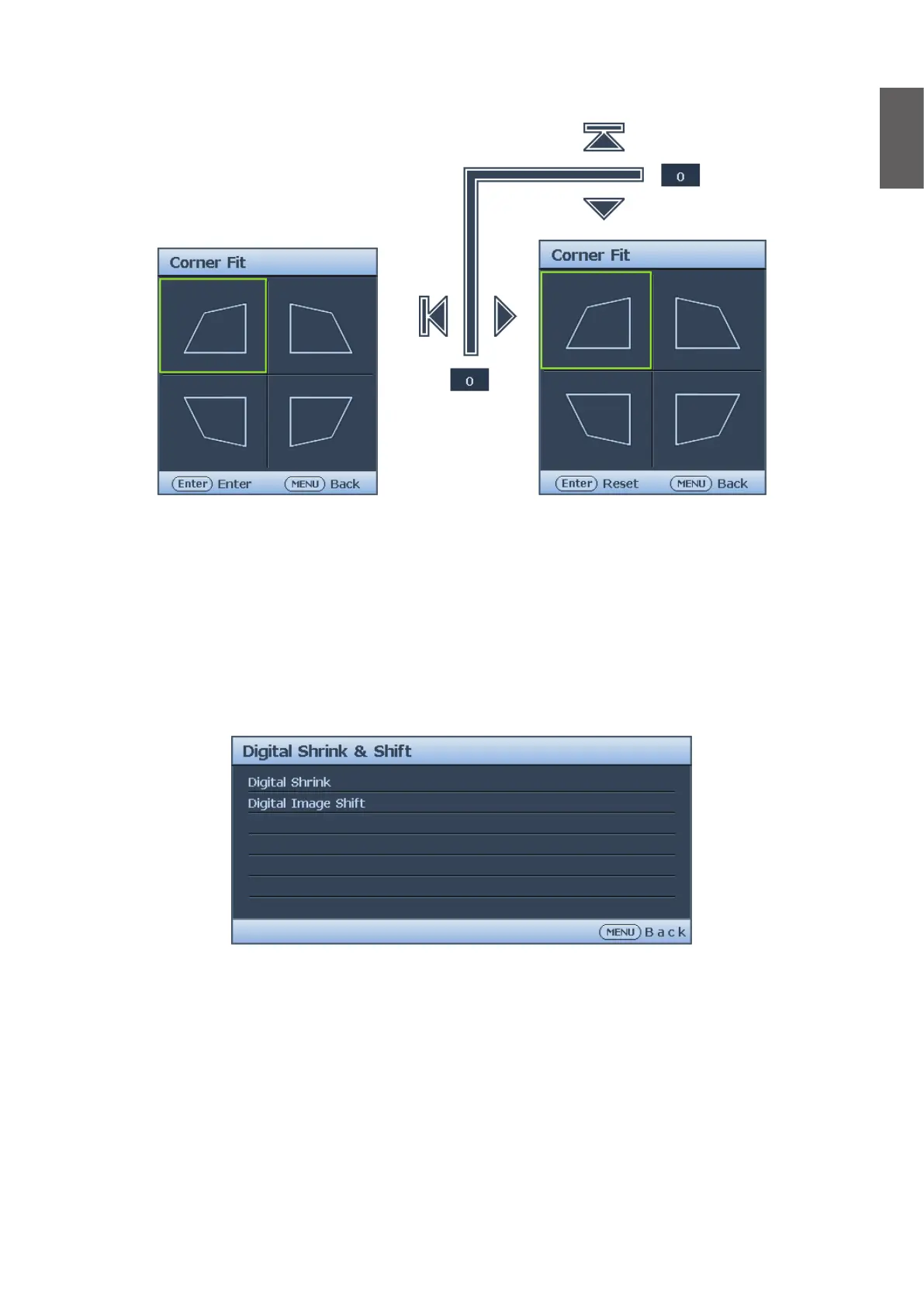
Corner Fit menu
• Top Left
Press ENTER and press
▲
/
▼
/
◄
/
►
to correct the top left corner.
• Top Right
Press ENTER and press
▲
/
▼
/
◄
/
►
to correct the top right corner.
• Bottom Left
Press ENTER and press
▲
/
▼
/
◄
/
►
to correct the bottom left corner.
• Bottom Right
Press ENTER and press
▲
/
▼
/
◄
/
►
to correct the bottom right corner.
Digital Shrink & Shift menu
• Digital Shrink
Press ENTER and press
◄
/
►
to reduce the image to a desired size. Press AUTO SYNC to
restore the picture to its original size.
• Digital Image Shift
Press ENTER and press
▲
/
▼
/
◄
/
►
to shift the image. Press AUTO SYNC to restore the
picture to its original position.



 To Next Page