English
50
• HDBaseT EDID
Press
◄
/
►
to switch HDBaseT EDID between HDMI 1.4 or HDMI 2.0 in order to solve
compatibility issue with uncertain old players.
• Enhance: Enhanced mode can switch to HDMI 2.0 EDID.
• Standard: Standard mode can switch to HDMI 1.4 EDID.
• HDMI Equalizer
Press ENTER to enter the HDMI Equalizer menu. Press
▲
/
▼
and press ENTER to select
the HDMI. Press
◄
/
►
to set to the default value.
• Auto Sync
Press
◄
/
►
to enable or disable auto sync function.
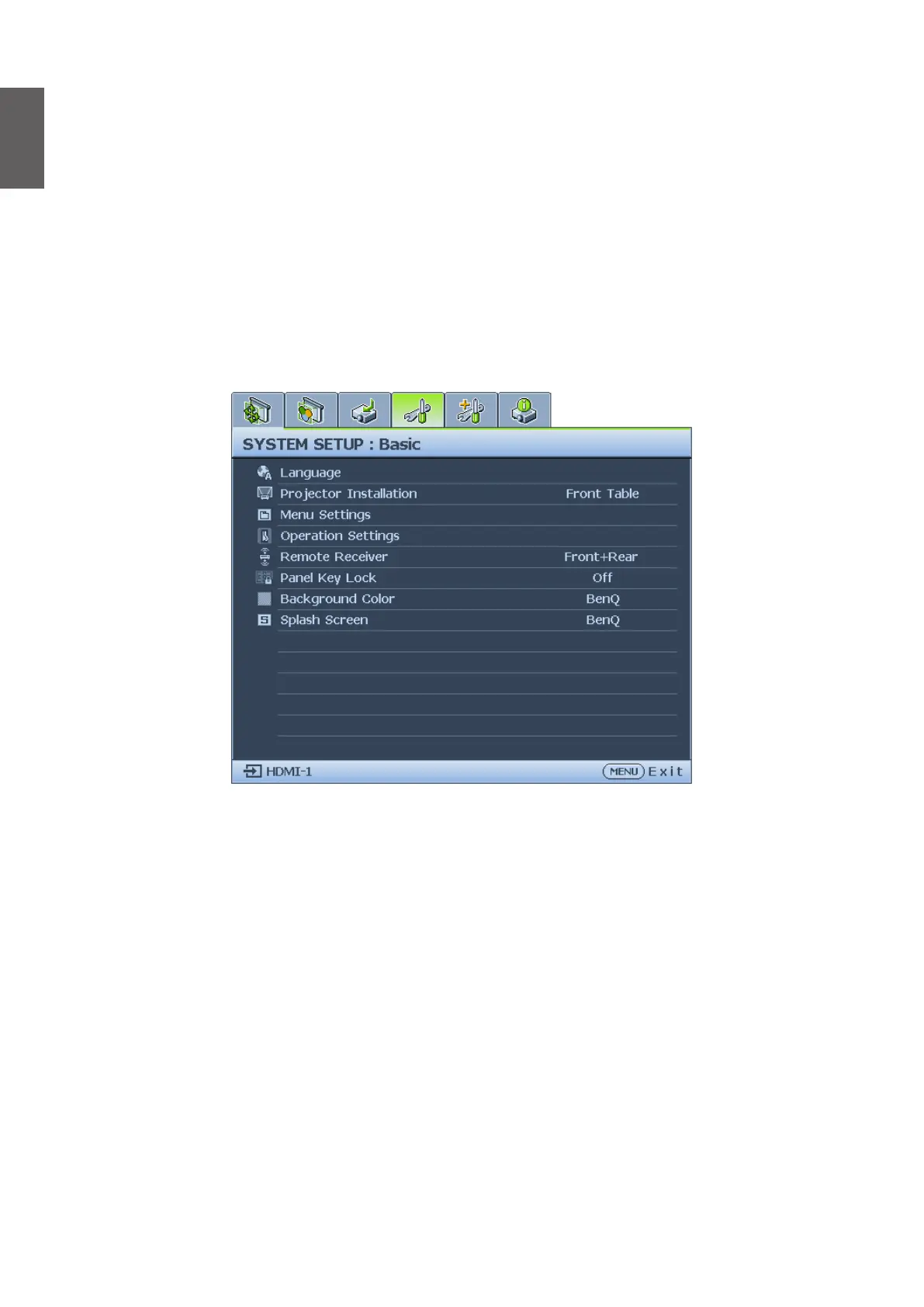
System Setup : Basic menu
• Language
Press ENTER to enter the Language menu. Press
▲
/
▼
/
◄
/
►
to select the language of OSD
menu.
• Projector Installation
Press
◄
/
►
to select the projector installation. The options are Front Table, Rear Table, Rear
Celling and Front Ceiling.
• Menu Settings
Press ENTER to enter the Menu Settings menu. See "Menu Settings menu" on page 51
for more details.
• Operation Settings
Press ENTER to enter the Operation Settings menu. See "Operation Settings menu" on
page 51 for more details.
• Remote Receiver
Press
◄
/
►
to select the remote receiver. The options are Front, Rear and Front+Rear.
• Panel Key Lock
Press
◄
/
►
to enable or disable all panel key functions except POWER on the projector.



 To Next Page